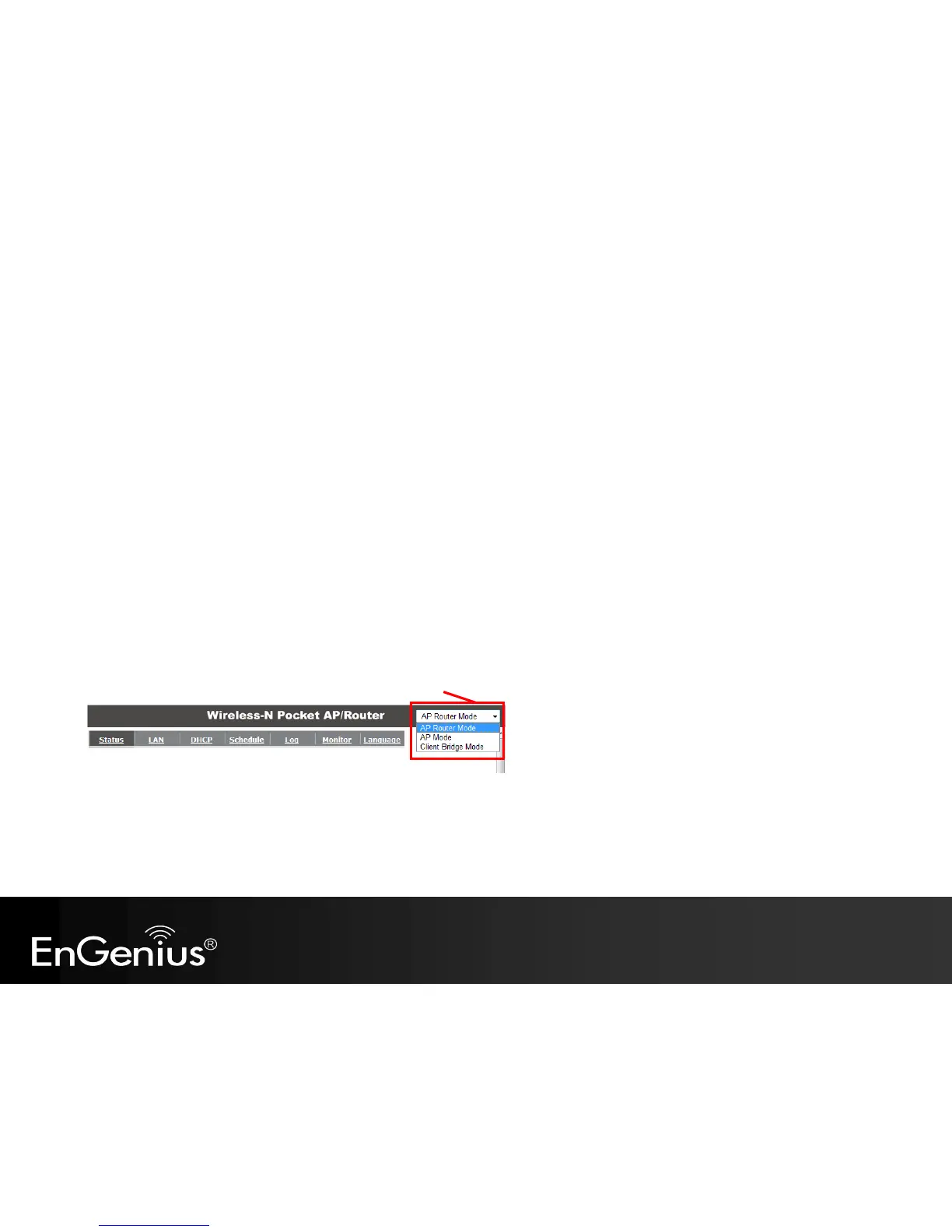
6.2 AP Router / AP / Client Bridge Modes
There are three main modes to select from which will influence the installation of the TRAVEL ROUTER. This section will help you
determine which mode works with your setup.
AP Router Mode
AP Router Mode allows you to share an Internet connection to multiple computers.
AP Mode
AP mode allows you to have a wired or wireless router.
Client Bridge Mode
Client Bridge Mode allows a wired network device to connect to your wireless network, or create a point-to-point bridge.
Change mode from the top right of the User Interface.
Please see Configuring the TRAVEL ROUTER for instructions to access the Web-Based User Interface.



 To Next Page