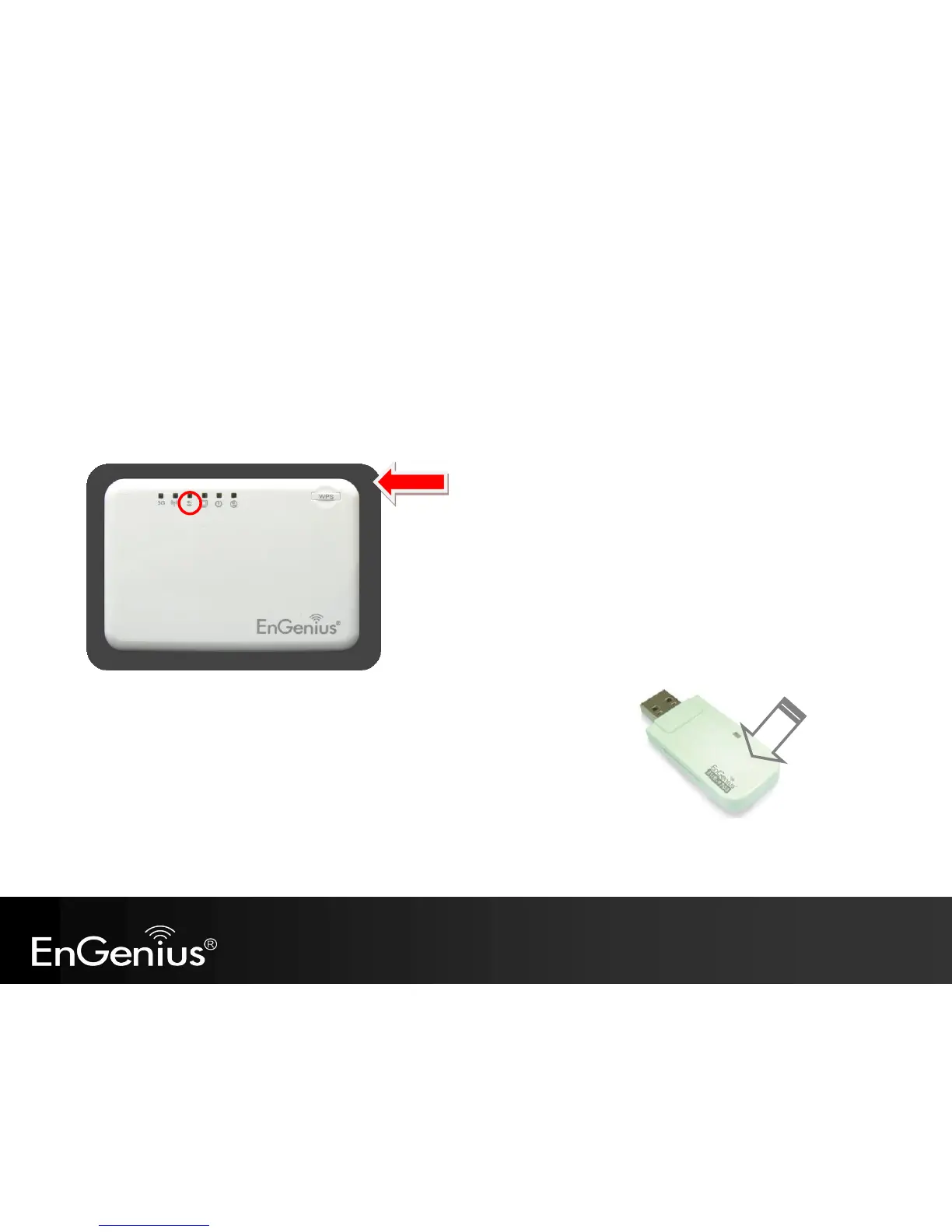
There are two methods to initialize the WPS feature. They are the Push Button and Pin code methods.
1. WPS Push Button Method
Push the WPS button on the TRAVEL ROUTER device. The WPS LED light will start to flash to indicate that the WPS process is ready.
While the WPS LED is flashing on the TRAVEL ROUTER, press the WPS button
on your wireless client. This could either be a physical hardware button,
or a software button in the utility.



 To Next Page