7.
STOP CHARGING
If the charging process is completed, the LED on the device turns BLUE,
and the connector can be removed from the electric vehicle as
explained in 7.1.
If the charging process is not completed, it must first be stopped.
The interruption can be done in two different ways:
⚫ Directly through electric vehicle dedicated control (see the vehicle
instruction manual for more details).
⚫
Using My
easyWallbox
app.
Once the process is stopped, refer to the next chapter.
7.1.
Charging process completion
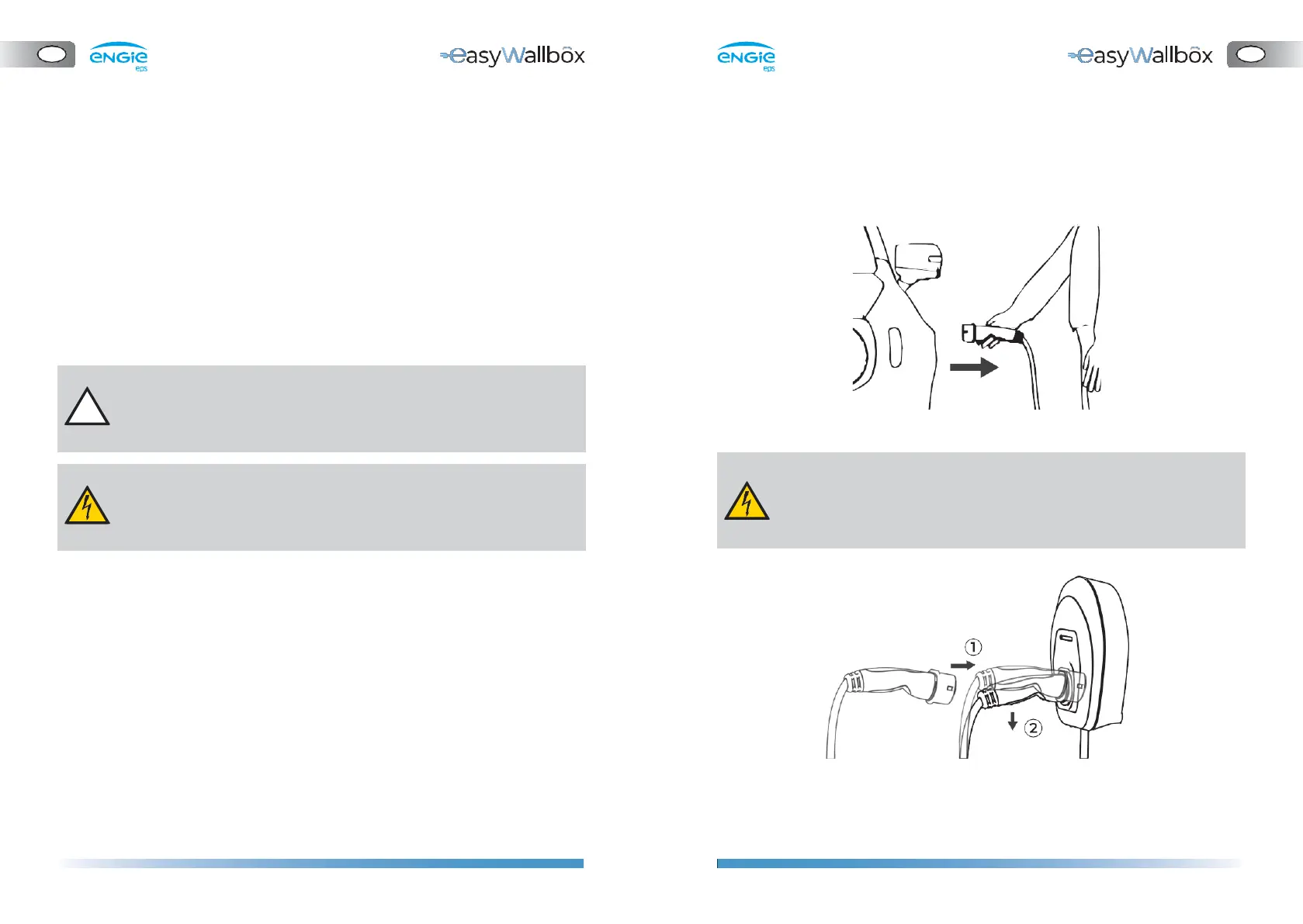
To complete the charging process, see the following instructions:
1.
Check if the LED on the device is BLUE
2.
Extract the connector from the vehicle inlet
3.
Insert the connector into
easyWallbox
Do not extract the connector from the vehicle when the charging
process is NOT completed and the LED on the device is GREEN.
Pulling the cable could damage it and lead to electrocution and
serious injuries.
Please note that, once the charging process is stopped, the
connector must be extracted from the vehicle before the
charging process can be restarted.


 To Next Page