1.
ABOUT THE INSTALLER MANUAL
Thank
y
ou
f
or
ch
oosin
g
e
as
yW
allbo
x
.
Ple
ase
spen
d
some
minut
es
reading the documentation to install and use it safely, discovering all its
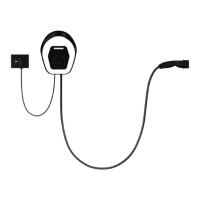
advantages. easyWallbox is a revolutionary, easy-to-use charging station
for electric vehicles that can be installed both in Charging Mode 2,
with connection to the power supply by plug and cable, and Charging
Mode 3, with permanent connection to the power supply.
The information in this
ANNEX -
Modo 2 Power Upgrade Manual
is
for
easyWallbox
installers and users and
concerns installation in
Mode 2 with Power Upgrade
, safe use, and basic maintenance of
the device.
1.1.
About installation in Mode 2 with Power Upgrade
Following this procedure, easyWallbox can be correctly installed in Mode 2
and be used up to 32 A, (7.4 kW) in compliance with IEC 61851-1:2017.
1.2.
Assistance
For information on assistance, please refer to chapter
11.
1.3.
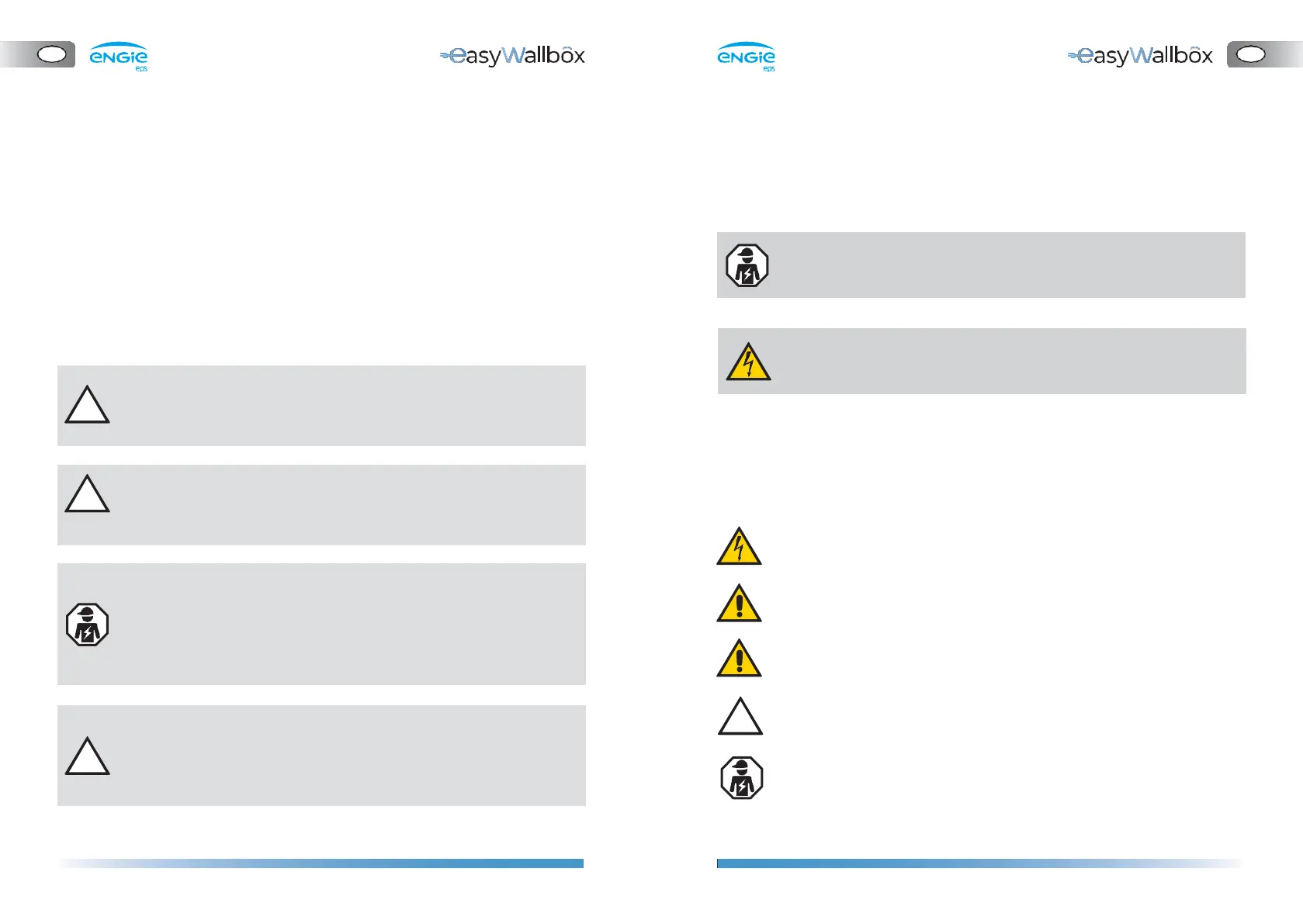
Symbols used
DANGER
WARNING
CAUTION
This symbol indicates imminent danger that
may cause death or serious injuries.
This symbol indicates a dangerous situation that
may cause death or serious injuries.
This symbol indicates a dangerous situation that
may cause slight injuries.
For installation in Mode 2, see the relative documentation in the User
Manual
.
ATTENTION
QUALIFIED
PERSONNEL
This symbol indicates a situation that may
cause
mat
erial
damage
to
e
as
yW
allbo
x
.
Work that must be carried out by a technician,
fr
om
this
point
‘Qualified
P
er
sonn
el’
,
qualified
to design, create a state-of-the-art domestic
electrical system and certify it in compliance
with local regulations and the energy supply
contract.
Before starting installation, qualified personnel who will make the
installation in Mode 2 with Power Upgrade should check they have
access to easyWallbox Up! with the credentials enabled for
access so that they can set-up the required parameters.
This Installation requires qualified personnel, qualified to design
and create a dedicated, state-of-the-art power supply and certify
the domestic electrical system in compliance with local regulations
and the energy supply contract.


 To Next Page
 Loading...
