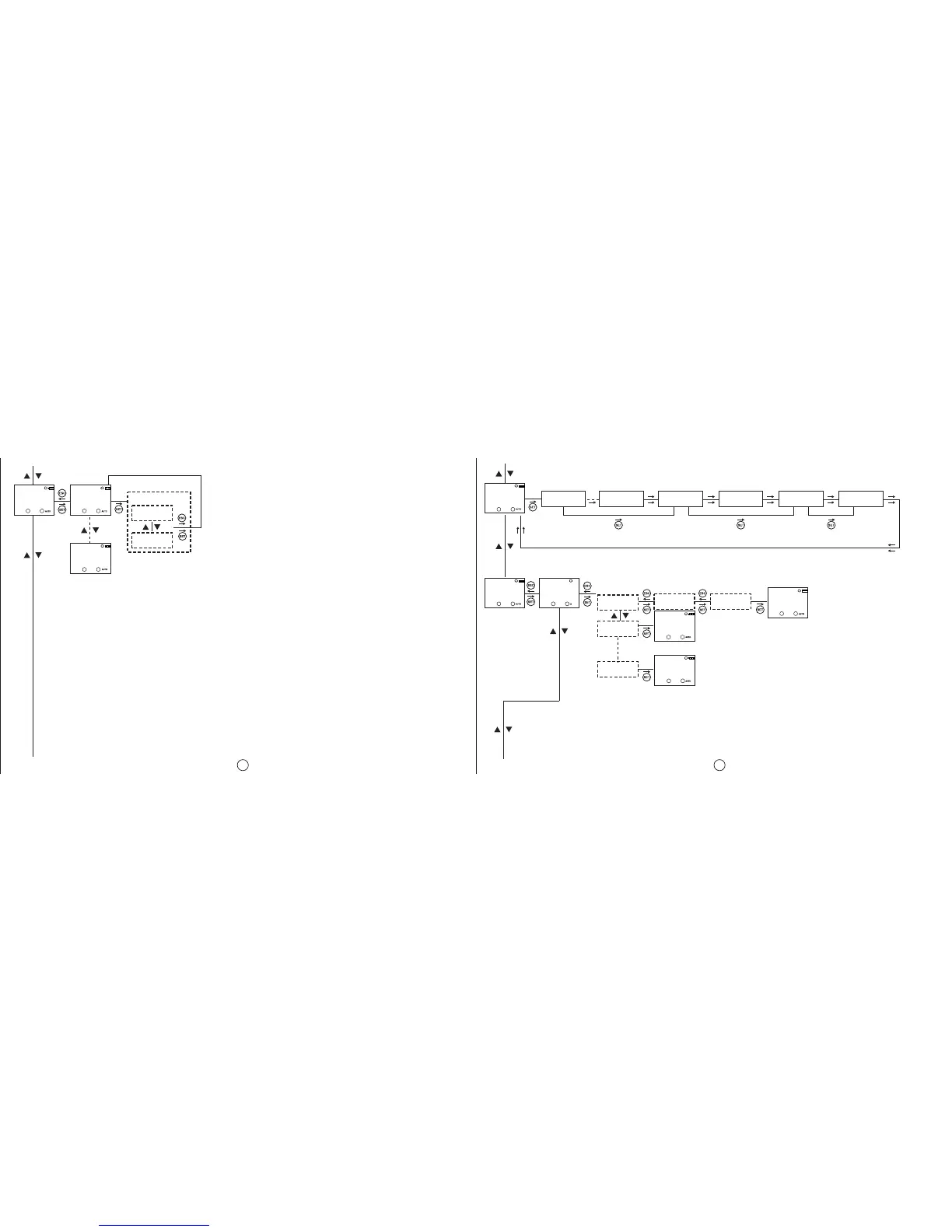
In the settings observation menu, the set
parameters of the sub-menus are shown. The
sub-menu titles are shown on the menu flow
diagram. These parameters are shown for 3
seconds. To prolong this time; ESC, UP or DOWN
buttons should be pressed. If the SET button is
pressed the shown parameter changes
immediately.
C1-SHOT
MO
DELETE
C1-TIME
MO
DELETE
HOUR
MO
COUNTR
NO
YES
CONFIRM
DEMO
MO
MODE
PO1-C1 P15-C1 TIMEZON DAYLIGH POSITIO
RECOVRY
REGIONL
MO
SETING
POSITIO
MO
MANUAL
POSITIO
MO
ACCAA
POSITIO
MO
VIENNA
POSITIO
MO
MANUAL
MANUaL
POSITIO
accaa
vienna
N 0000 E 000.00
LATITUDE
LONGITUDE
C1: C2:
C1: C2:
C1: C2:
C1: C2:
C1: C2: C1: C2:
C1: C2:
C1: C2:
C1: C2:
25
26


 To Next Page