17
Creating Application Folders
To organise your apps, drop one app icon over another on the home screen and the two icons will create a folder. You can
add many more apps into it. To removve one app from a folder, touch, hold, and drag it to ‘Remove’ (appearing on the top
of the screen). Taap on ‘Unnamed Folder’ to name it.
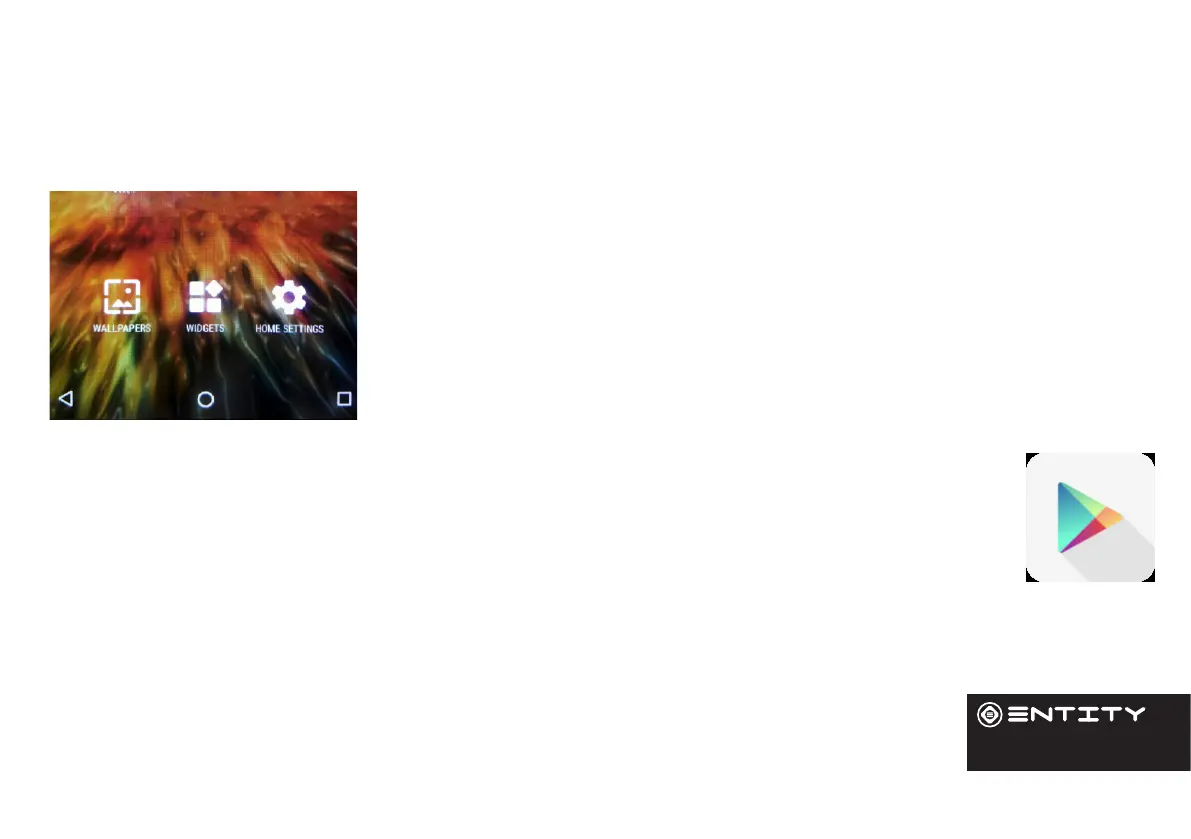
Changing your wallpaper and widgets
Hold your nger on the home screen in a space where there are no apps, then touch
‘Wallpapers’ or ‘Widgets’ and choose from the list.
To download new apps
For your tablet touch the Google Play Store icon. There you will nd over 1 million apps including many which
are free. Even if you only use free apps you will sll need to create a Google account but you dont need to
enter your credit card details to do this.


 To Next Page