09
About The Screen
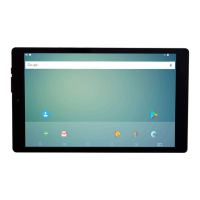
This tablet is equipped with an easy to use touch screen.
The mul-touchscreen tablet only requires gentle ngerp pressure on the screen to acvate the necessary feature.
Note: To avoid damage to the device touch screen, avoid using excessive force. Also this device does not support the use of
other control objects, e.g. a stylus.
Protecve Film:
A thin lm has been applied to the screen to protect it during shipping. This lm should be removed before the Tablet is
used. To remove, simply take a corner of the lm and peel away from the screen.
Note: Do not use any sharp object to remove lm as this could cause damage to the screen


 To Next Page