06
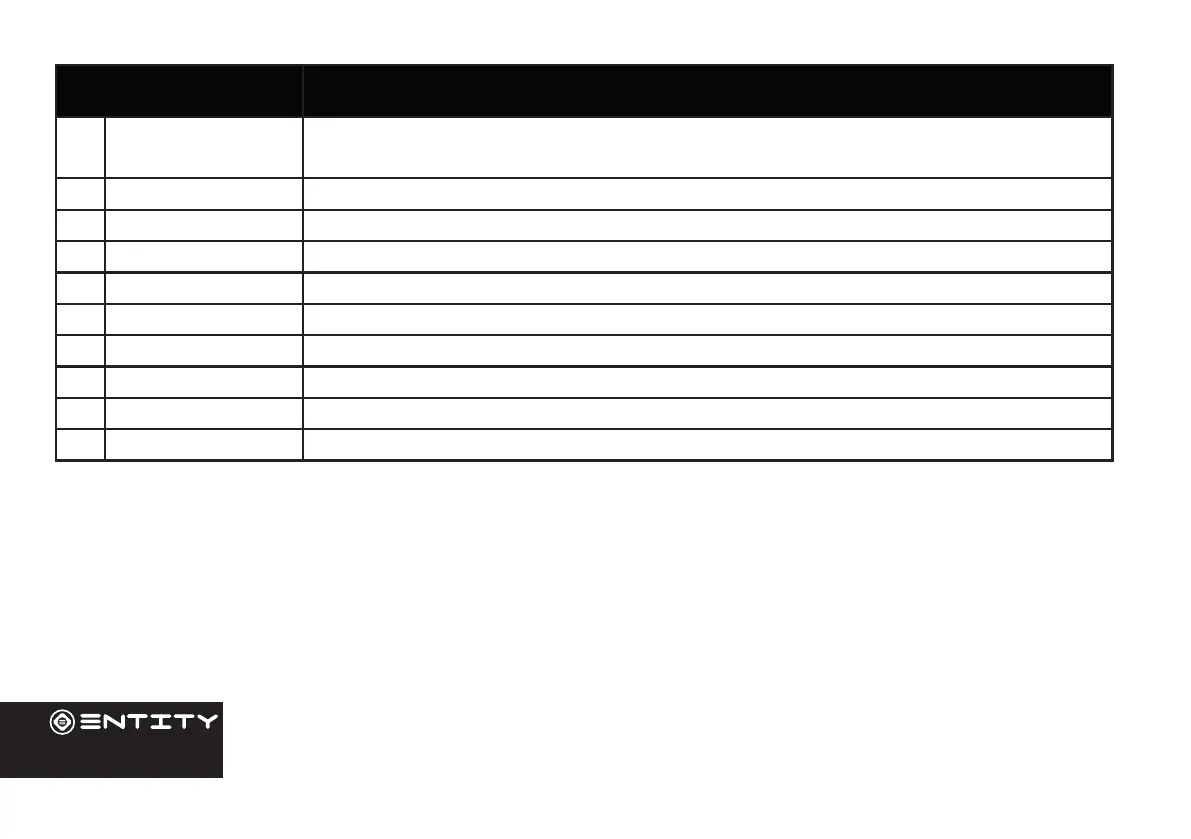
Name Descripon
1 Power Press to turn the unit on, or to turn the screen on or o. Press and hold to access the
Power O menu.
2 Volume +/- Control device output volume.
3 Mic Use internal MIC to record sound.
4 Micro USB Connect to a USB device.
5 Reset Reset device sengs
6 Aux Jack Audio output connecon for headphones.
7 SD port Insert micro SD card to expand Tablet storage.
8 Camera 0.3MP Front-Facing Camera.
9 Camera 2MP Rear-Facing Camera.
10 Speaker Rear Speaker for Audio output


 To Next Page