Copyright © 2008 Entone, Inc. All rights reserved
25
Chapter
8.1 Closed Captioning
The Amulet supports closed captioning. To inquire closed captioning support of TV programs, please refer
to your TV service provider.
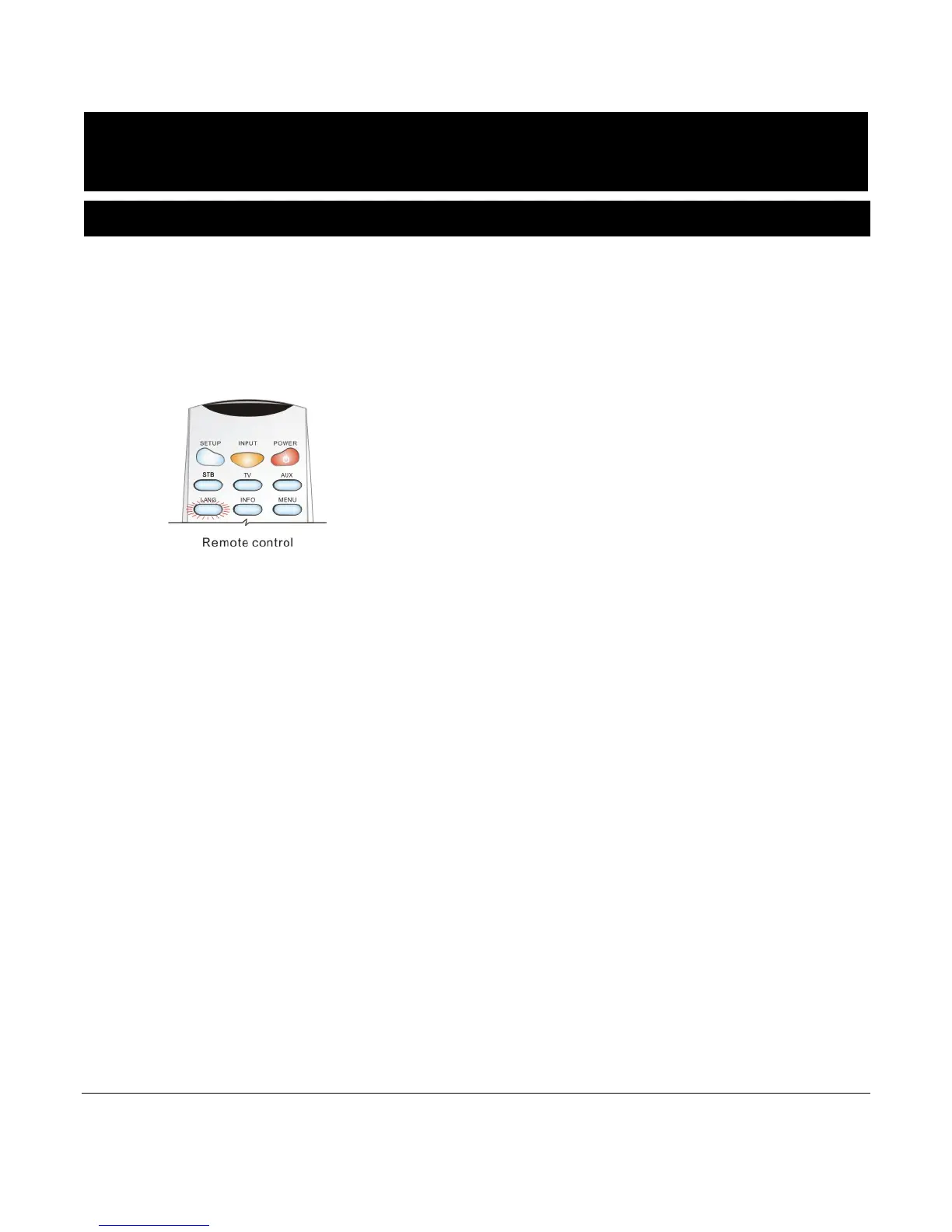
Closed captioning can be controlled by the Amulet. To turn on or off closed captioning, press the “LANG”
button on the remote control. The “LANG” button will toggle captioning on and off alternatively. If the
captioning is disabled in the Amulet, you can still enable the captioning through the television, please refer
to your TV’s owner manual for instructions on enabling the closed-captioning.
Figure 8-1Controlling Closed Captioning
NOTE: Captioning on “RF TV”, HDMI, Component, Composite outputs is toggled on or off at the same
time.
NOTE: Control of captioning may vary for different service providers. For detailed usage of captioning,
please refer to the service provider.



 To Next Page