Amulet High Definition Television Receiver User’s Guide
Copyright © 2008 Entone, Inc. All rights reserved
.
29
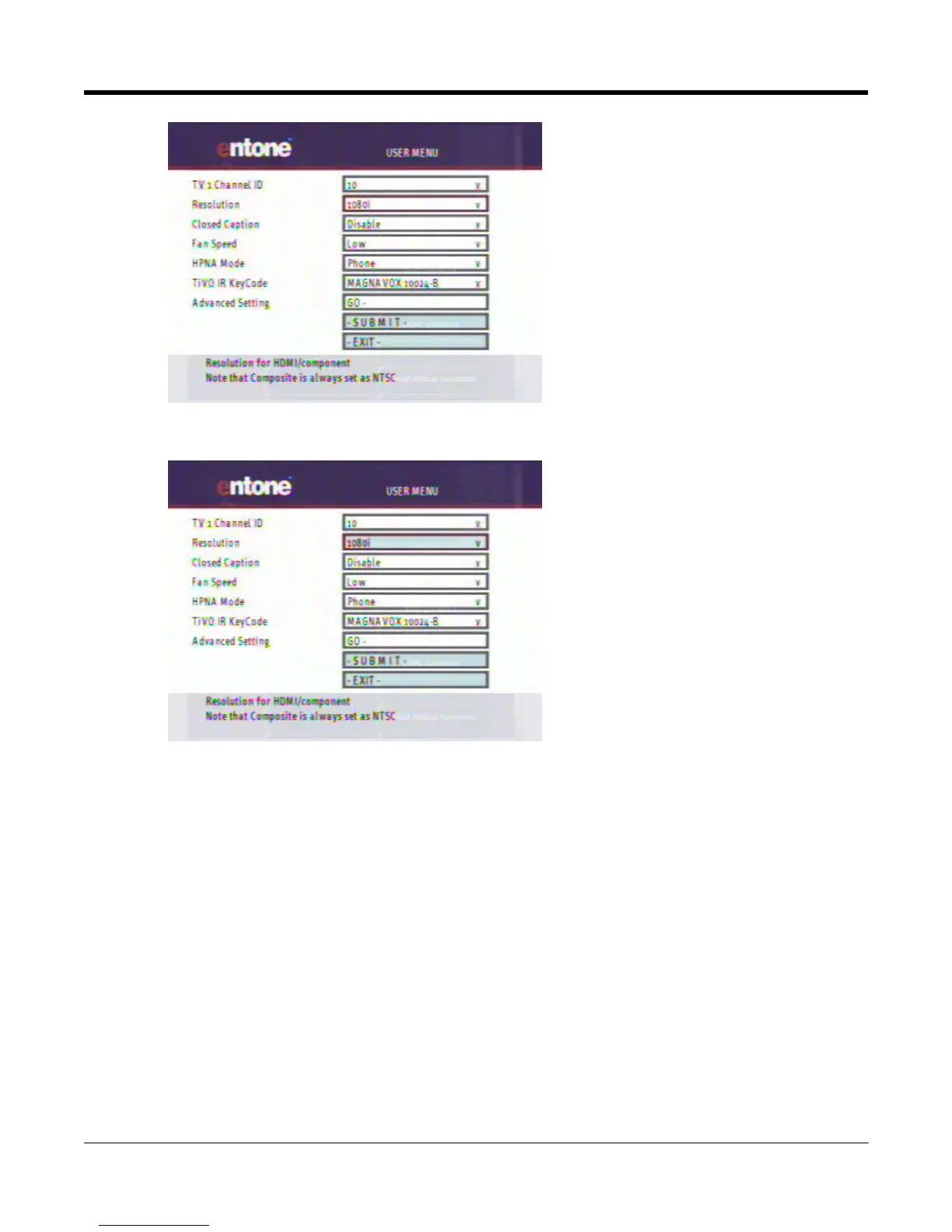
Figure 10-3 User Menu - Feature in Focus
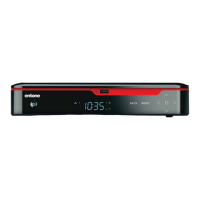
Figure 10-4 User Menu - Feature selected for choice selection
3. Use remote control “UP” and “DOWN” arrow to loop through available choices.
4. Press “OK’ again when your choice is selected.
5. If you have other features to set up, repeat the above procedures.



 To Next Page