Amulet High Definition Television Receiver User’s Guide
Copyright © 2008 Entone, Inc. All rights reserved
.
37
• Restart the Amulet by switching off and on
the power supply. Press and hold the Down
arrow key on the front panel for until the
diagnostic screen is shown and beep sound
is heard.
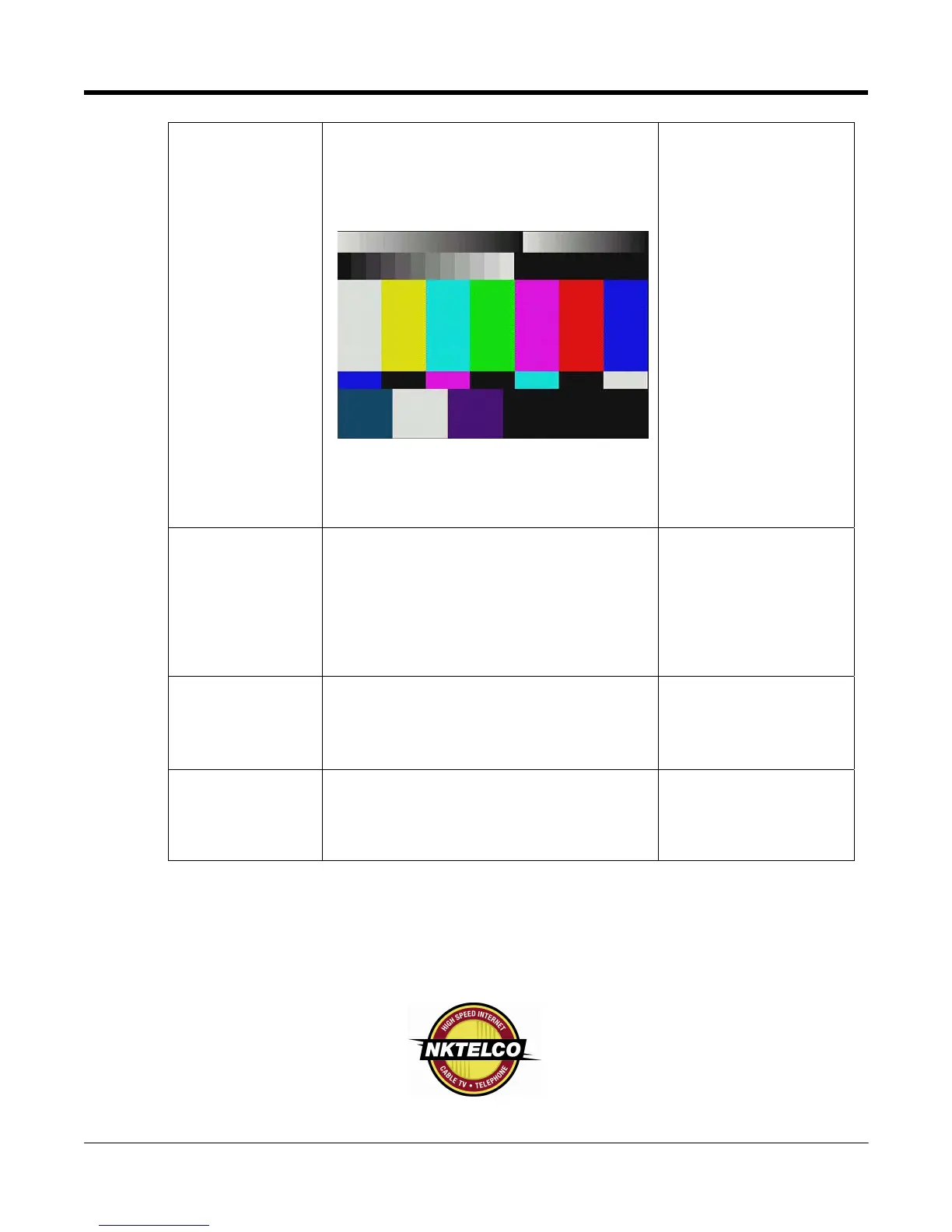
If the box is booting up properly and the
video/audio connection is fine, this color bar
screen and sound should be displayed and
heard on all outputs (RF/HDMI/RCA
Composite/Component)
No sound
• Check that the audio cable is connected to
the correct input in your device.
• Is the volume of the device turned down to
the minimum level?
• If HDMI or component is used. Try disabling
AC-3.
• If HDMI is used, check the resolution and try
to use the composite audio output.
Section 5 – Connecting
to Audio System
Multi-channel
sound not
working
• Check with service provider that programs
contain multi-channel AC-3 signal.
• Check that AC-3 is enabled in the Amulet.
• Check your TV or A/V equipment for AC-3
multi-channel setup.
Section 5 – Connecting
to Audio System
No sound, poor
sound or
popping noise
on HDMI
• HDMI is an evolving technology, so it is
possible that some TVs may not operate
properly with Amulet. In case of problem, use
component video output and composite audio
output to connect your primary TV.
Section 4 – Connecting
the TV



 To Previous Page