12
Startup and Shutdown
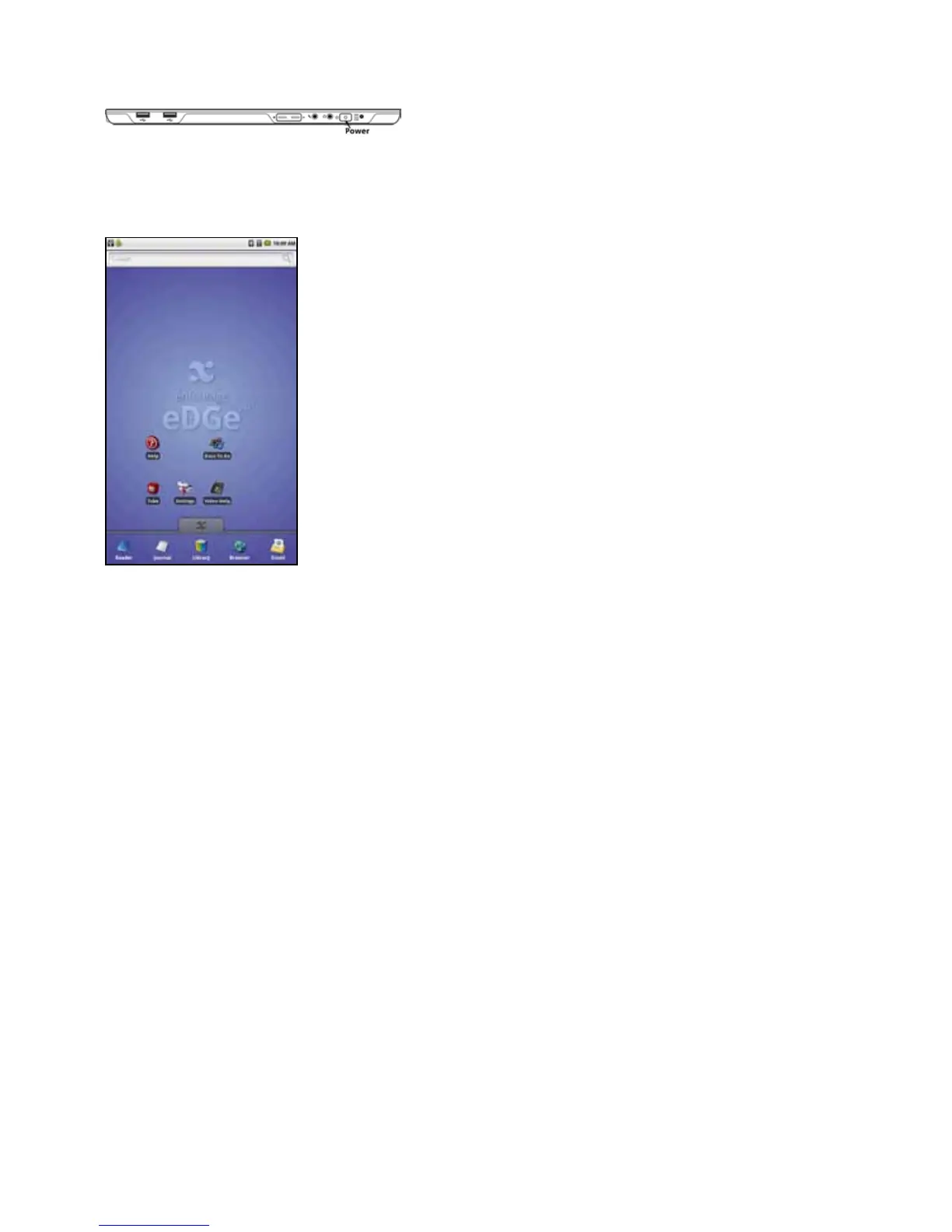
To Start the enTourage eDGe
Press the power switch. The enTourage eDGe will start up. Startup will take a few moments.
Two LEDs will indicate that the power is on: the Power LED in the middle of the power switch, and the LED in the middle of
thetrackball.ThescreenwillashandtheenTourageeDGelogowillappear.Thee-bookreaderscreenwilldisplaythestartup
message. You will know that the enTourage eDGe is ready to use when you see the home tablet.
To Shut Down the enTourage eDGe
Press and hold the power switch to turn off the enTourage eDGe.
To conserve battery power, set a tablet timeout.
Return to Contents



 To Next Page