53
Alarm Clock
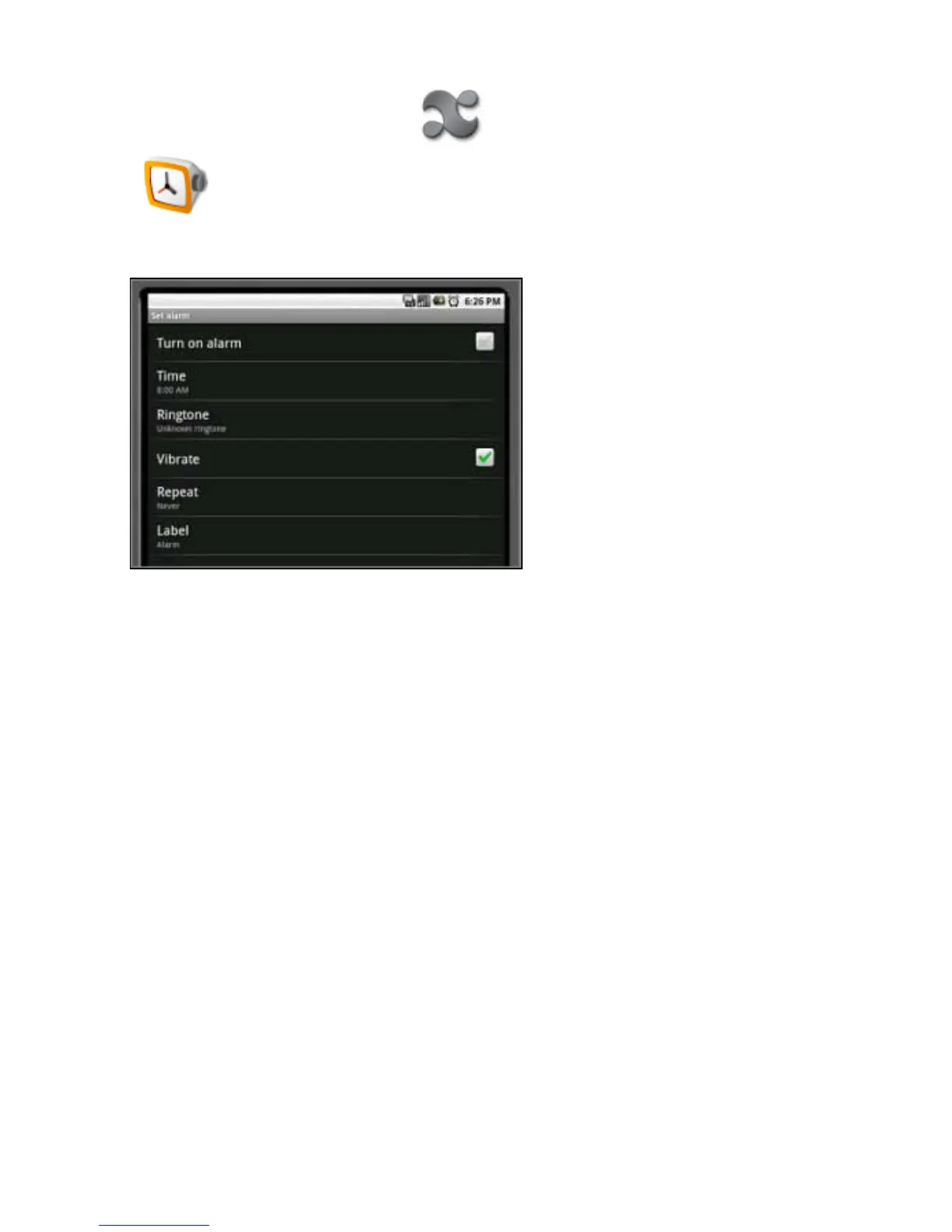
To use the Alarm Clock application:
1. Open the applications menu by pressing the applications icon and touch the Alarm Clock
icon.
2. Press the Menu button.
3. Press Add alarm. The alarm screen opens.
4. Touch Time to enter the time. Use the + and - buttons to set the alarm time.
5. Touch Ringtone to choose the alarm sound. Choose a sound from the list.
6. Touch Repeat to choose the days of the week for the alarm. Press Turn on alarm to activate it.
7. Press Label to name the alarm if you want to.
8. To return to the main menu, press the home button.
Return to Contents



 To Next Page