45
Using the Library
Tondthingsinyourlibrary:
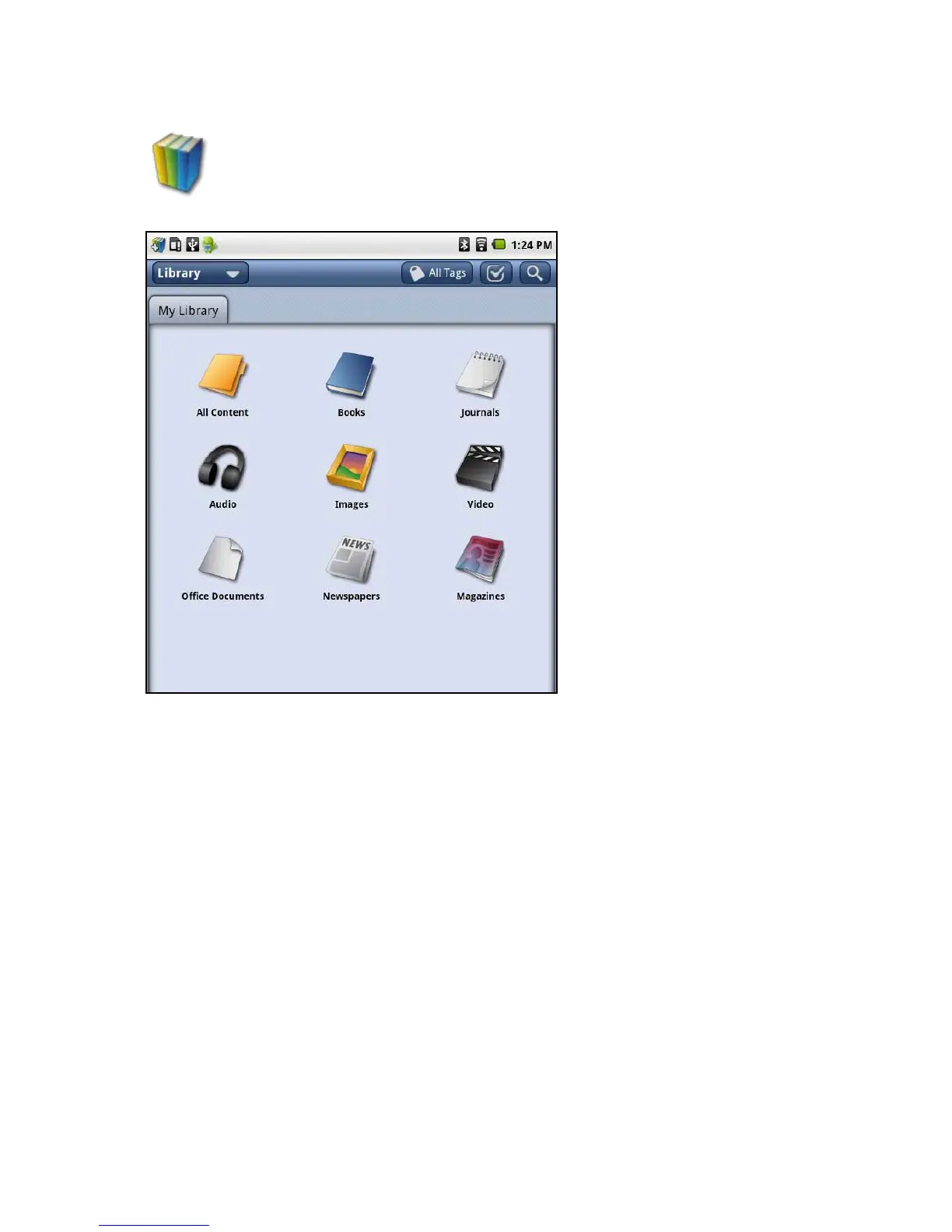
On the tablet, press the Library icon to view your books, music, or pictures.
The library opens showing the contents.
SelectafoldertoseeAllContent,Books,Journals,Audio,Images,Video,Ofce
Documents, Newspapers, or Magazines.
Return to Contents



 To Next Page