39
Adding or Deleting Icons on the Tablet
You can move an icon for an application to the tablet using two different methods.
First method:
1. At the home screen, press the menu button.
2. Select Add from the popup menu.
3.
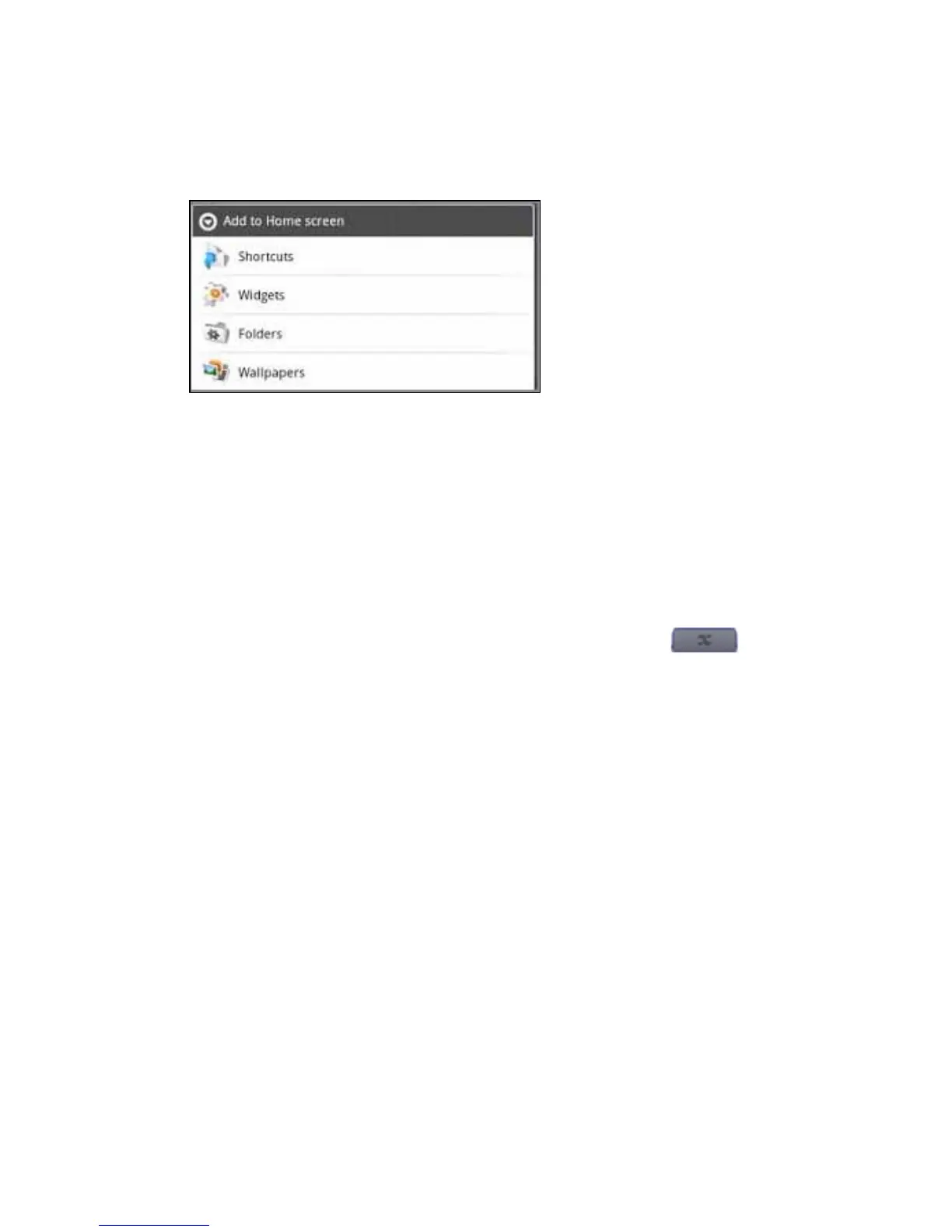
On the Add to Home screen menu press Shortcuts to add a shortcut to an application, book-
mark, or music playlist or on the Add to Home screen menu press Widgets to add a widget such as
an analog clock or calendar.
Second method:
1. Press and hold an open space on the tablet screen , which opens the Add to Home
screen menu.
2. Press Shortcuts to add an icon to your home screen, then press Applications. A list of appli-
cations opens.
3. Choose the application from the list. The icon is displayed on the home screen
To delete an icon:
1. Press and hold the icon on the tablet. The arrow at the bottom of the screen, or ap-
plication tab, becomes a trashcan.
2. Drag the icon to the trashcan. NOTE: The application is not removed from the enTourage
eDGe.
Return to Contents



 To Next Page