68
File Manager
YoucanmanagelesonyourdeviceusingtheFileManagerapplication.
1. Open the applications menu .
2. Select the ES File Manager:
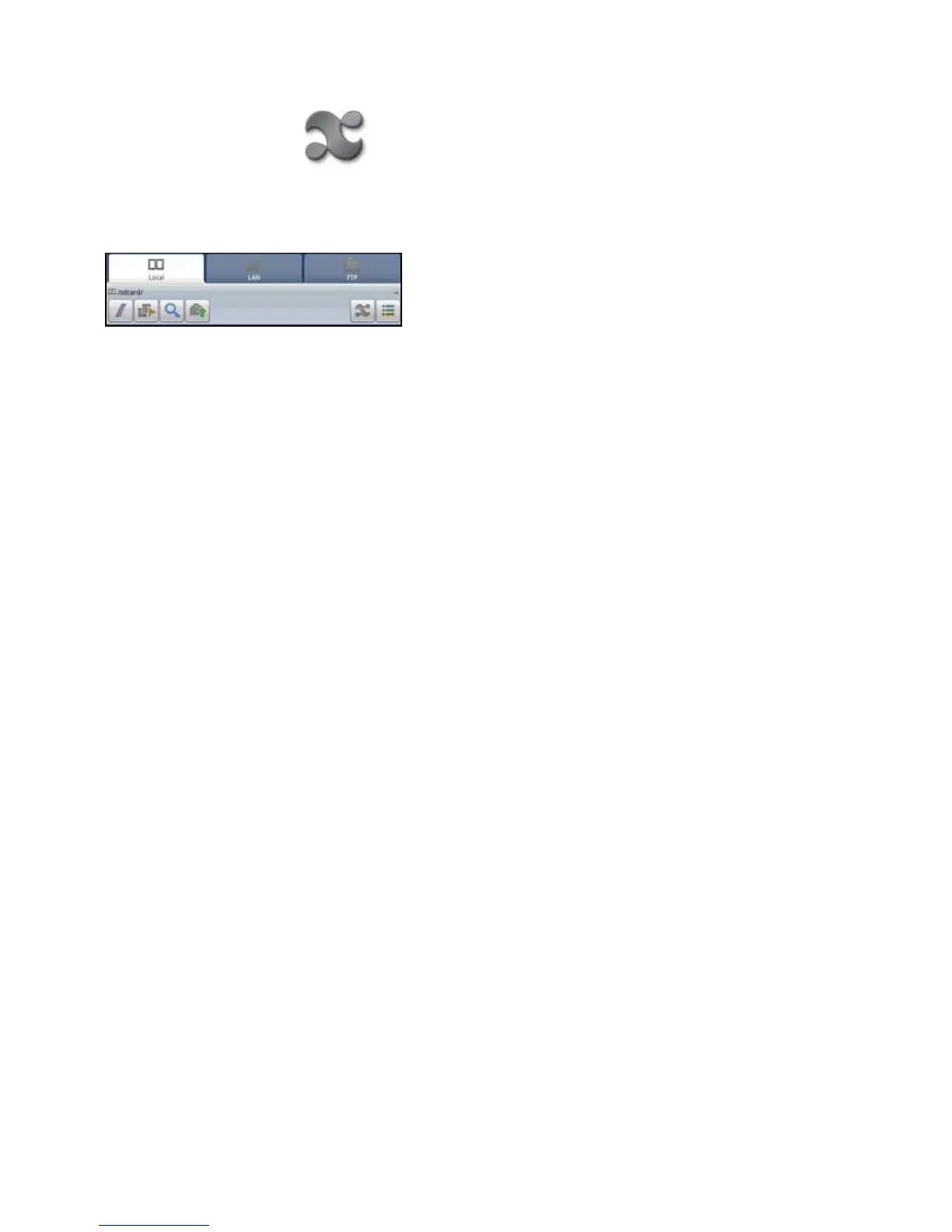
Thedevicelestructureisshown.Youcanselectafolderfromthelist.TherearetabsforLocal,LAN,orFTP.Youcanse-
lectLANorFTPtoaddotherlocationstothelemanager.
The toolbar includes buttons that let you:
• Move up to the root directory
• Turn on multi-select
• Search
• Move up one level
• View applications on the device
• Switch between list view or column view for folders
WARNING:Donotdeleteanylesthatbeginwithdot(.)Theyarevitaltotheoperationofthedevice.
Return to Contents



 To Next Page