52
Viewing the Gallery
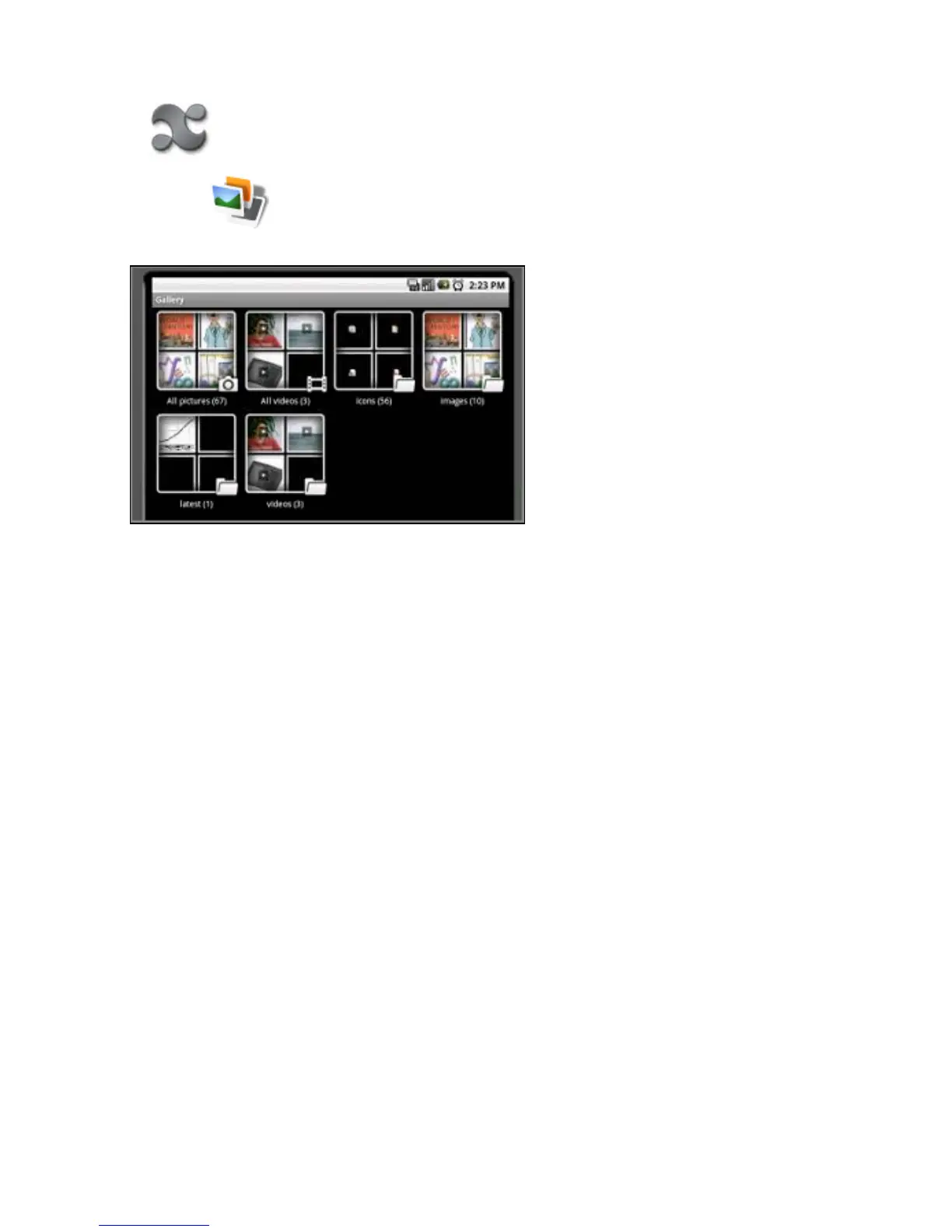
To see all content:
1. Select the applications icon to view the applications menu.
2. Select the Gallery icon.
TheGalleryscansyourfoldersanddrivesanddisplaysimage,music,orvideoles.
3. Select a folder to view the contents. Select an item to open it.
4. Use the back button to return to the main menu.
Return to Contents



 To Next Page