71
Using Contacts
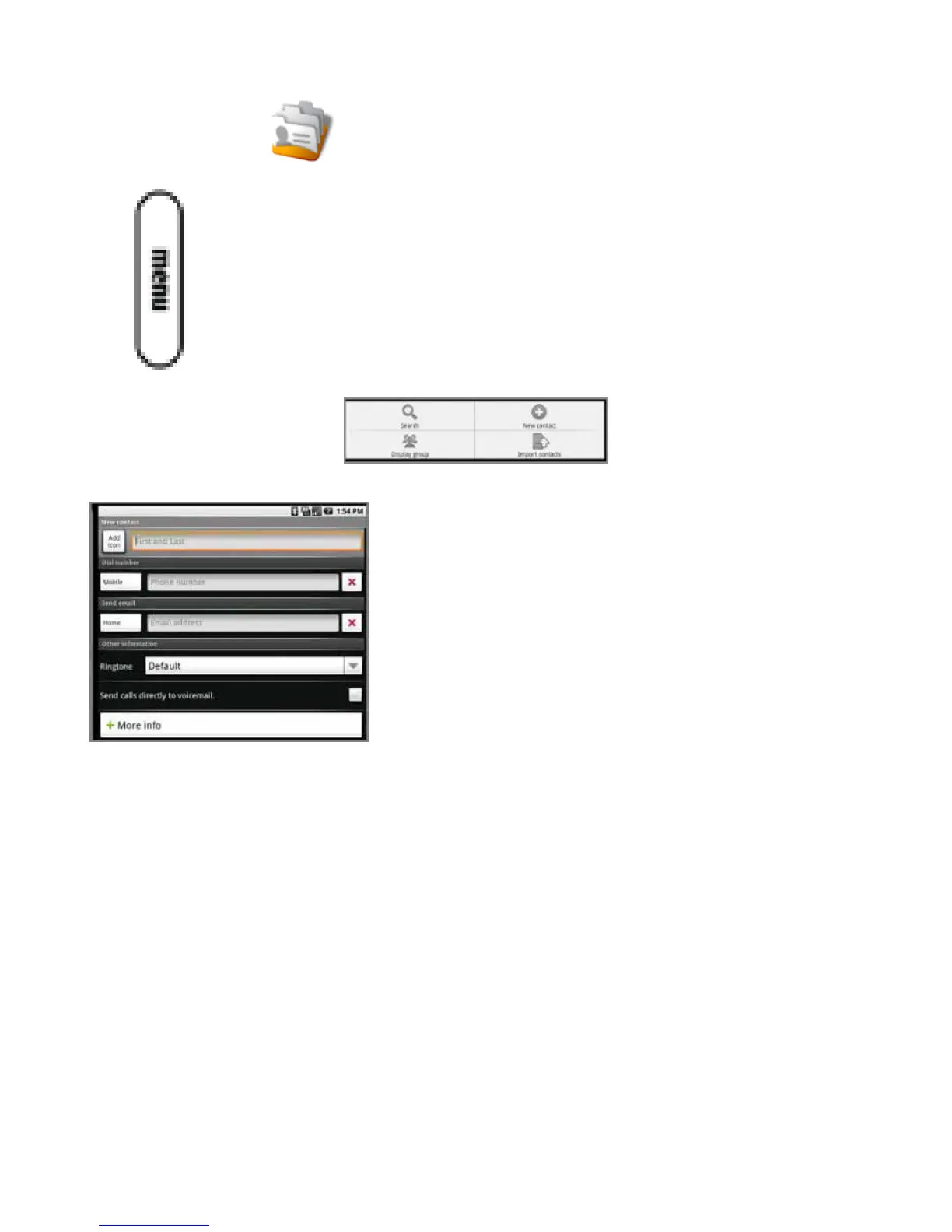
You can save your contacts on your device. To add a contact:
1. Press the Contacts icon.
2. Press Menu.
The contacts tools open.
3. To enter a new contact by typing, press New contact. The New contact screen opens.
4.Entertheinformationforthenewcontact.Presstheimagenexttotheeldforthecontactnameifyouwanttouseanim-
age from your pictures to represent this contact.
5. When you are done entering information, press Done.



 To Next Page