70
Using the Still Camera
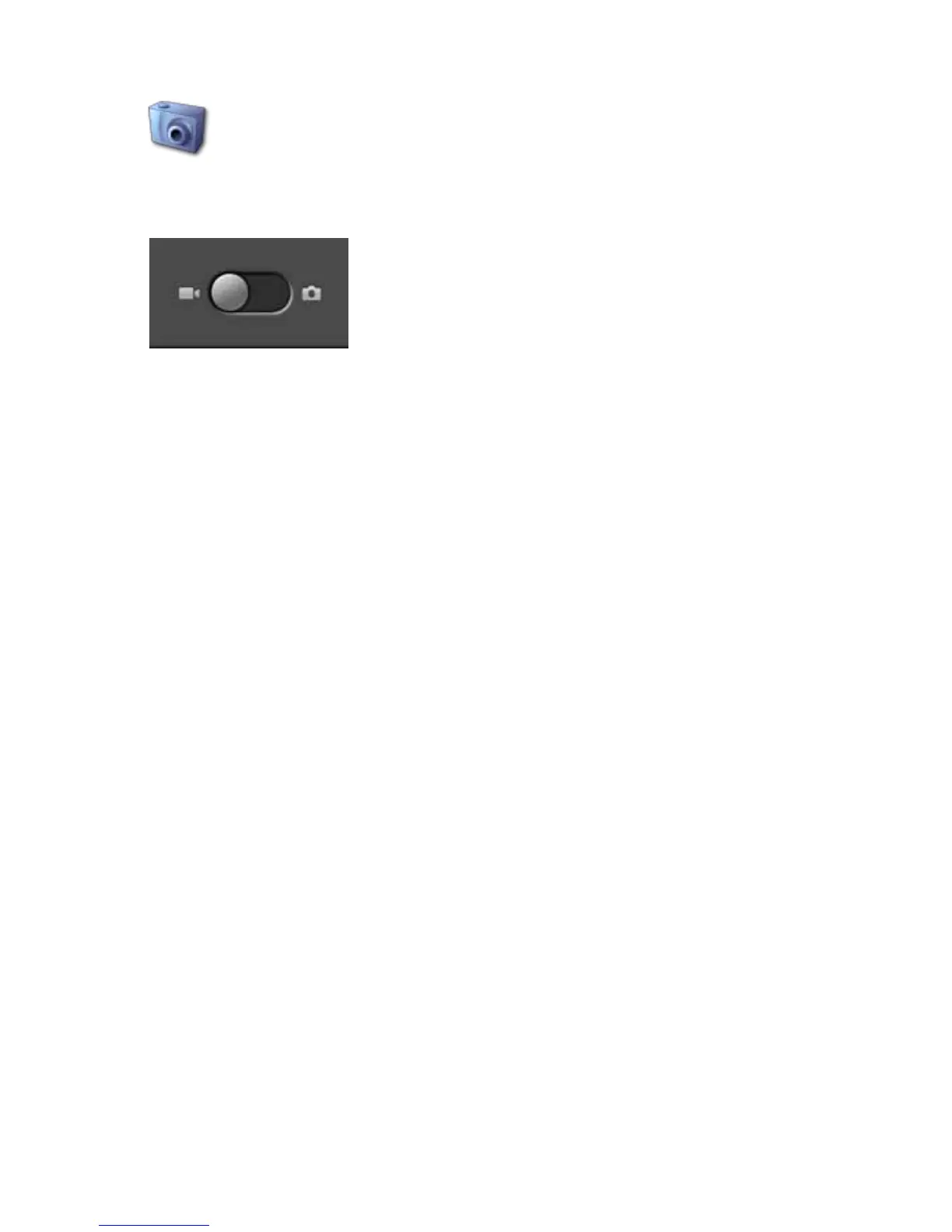
To capture a still image, select the still camera icon from the apps
menu.
Press the menu button, then select Settings to change the camera settings.
The default image size is 0.5 Megapixels.
On the screen that opens, slide the slider at the bottom of the screen to the right
toward still camera. You can also press the menu button and then select still
camera.
Press the shutter icon at the top right to take the picture. A thumbnail of the
image appears at the top of the tablet. Press the thumbnail to open the image
menu.
You can choose Delete, Share, Set As, Add to Library, or Done. Select Share
to email the image. Select Done to close the preview. To close the video camera
app, press the home or back button.
Return to Contents



 To Next Page