43
Tablet Home Menu
When you start the device, you will see the home screen.
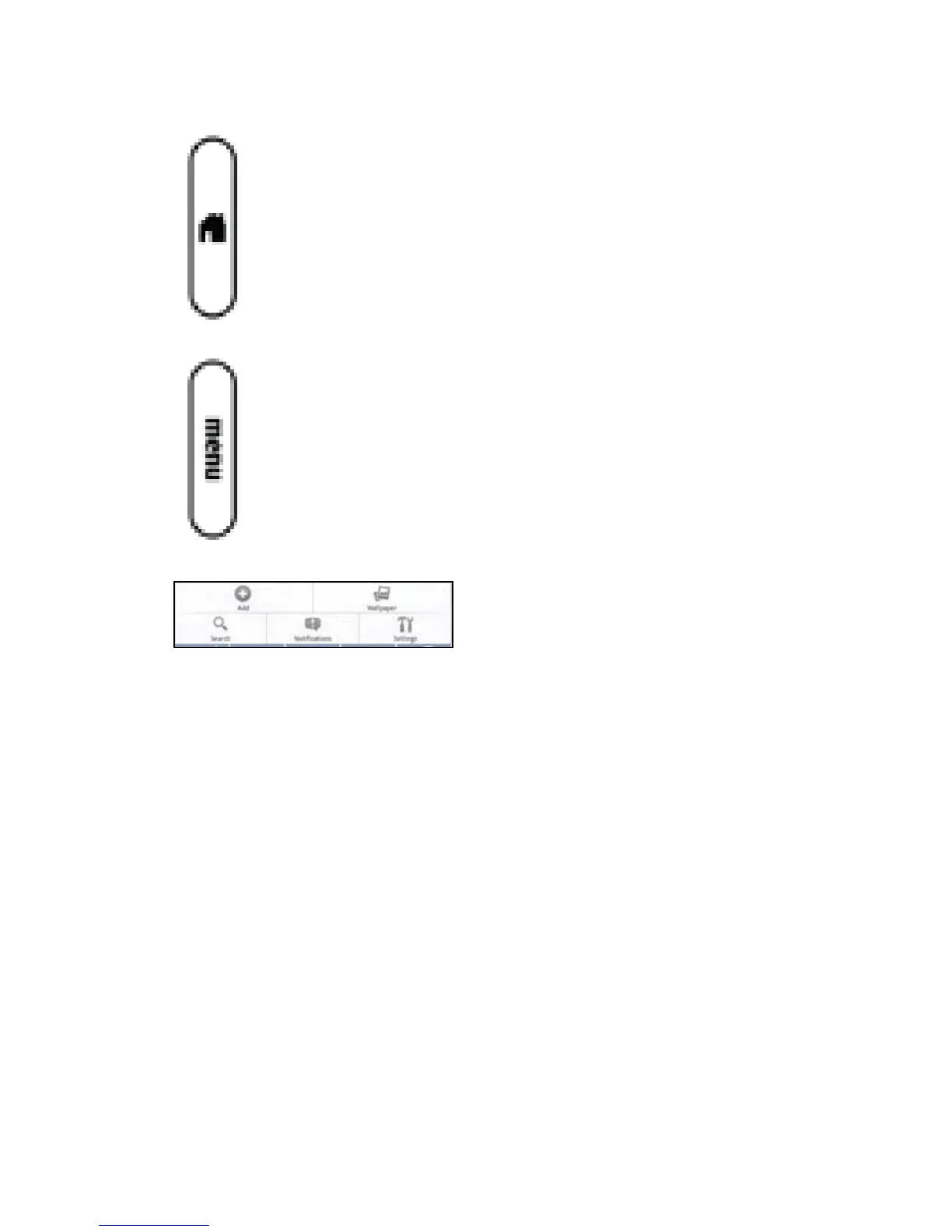
Anytime you want to return to the home screen just press the home button.
From the home screen, press the menu button next to the tablet to see the tablet home
menu.
Add — Lets you add Applications, Shortcuts, Widgets, and Wallpaper
Wallpaper — Lets you select wallpaper from your pictures or the wallpaper gallery
Search — Opens a Google search
Notications—Listsallthecurrentnotications
Settings — Lets you choose settings. See Settings for more information.
Return to Contents



 To Next Page