83
Connection Troubleshooting
WiFi Is Not Working
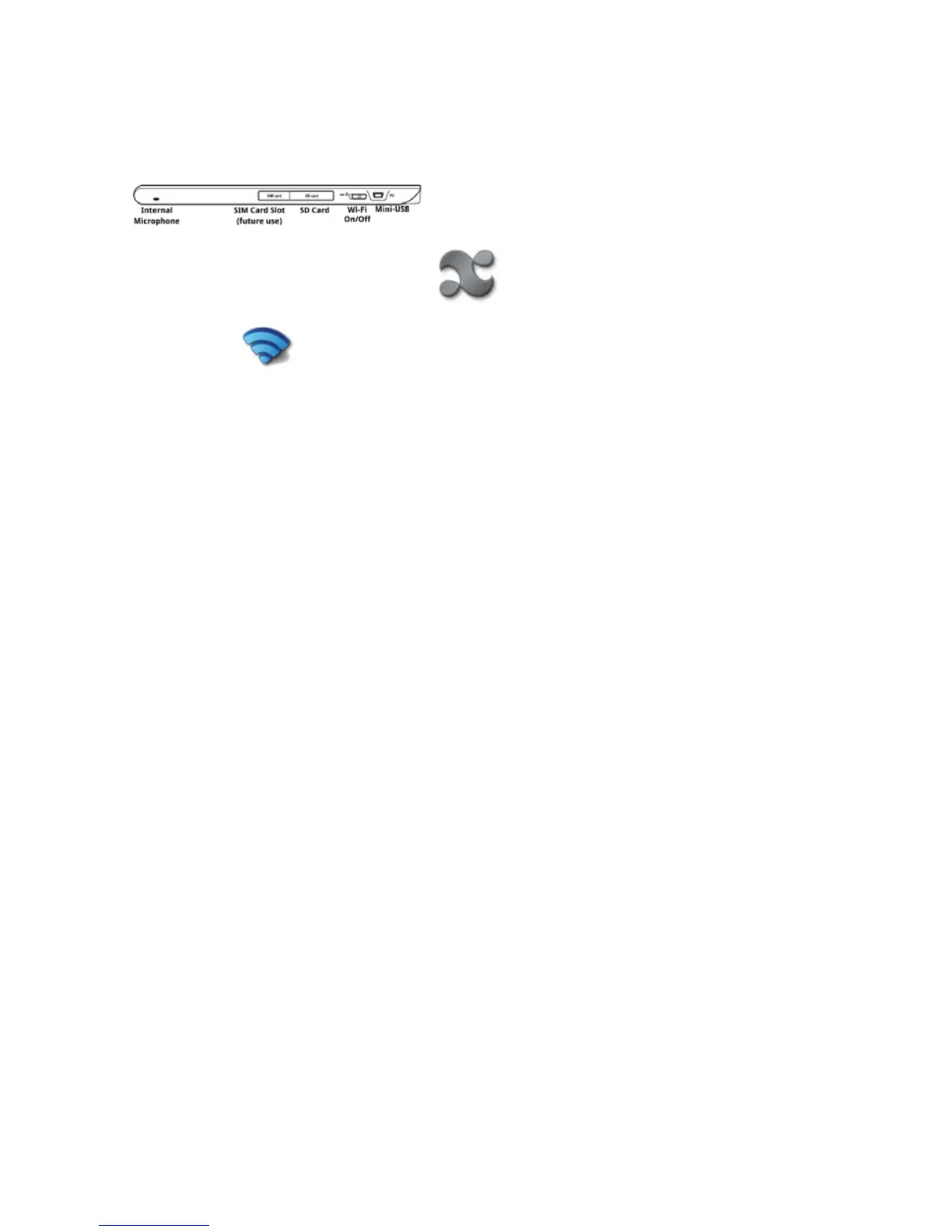
NOTE: You must have the wireless switch in the ON position for any wireless communications to work.
The units ship from the factory with the switch in the OFF position. The switch is located on the top of the
unit. Slide it toward the SIM card slot.
NOTE: The enTourage eDGe is an 802.11B/G device. If your wireless router is an 802.11N router, make
sureitisconguredtoworkwithaB/Gdevice.
.
On the home screen, select the applications icon.
Select Networking . On the Network controls menu, make sure Wi-Fi is checked.
If you cannot connect, try turning off the switch on the top of the device. Wait ten seconds. Turn the
switch back on.
For more Wireless connection troubleshooting tips, visit the enTourage eDGe support page.
Return to Contents



 To Next Page