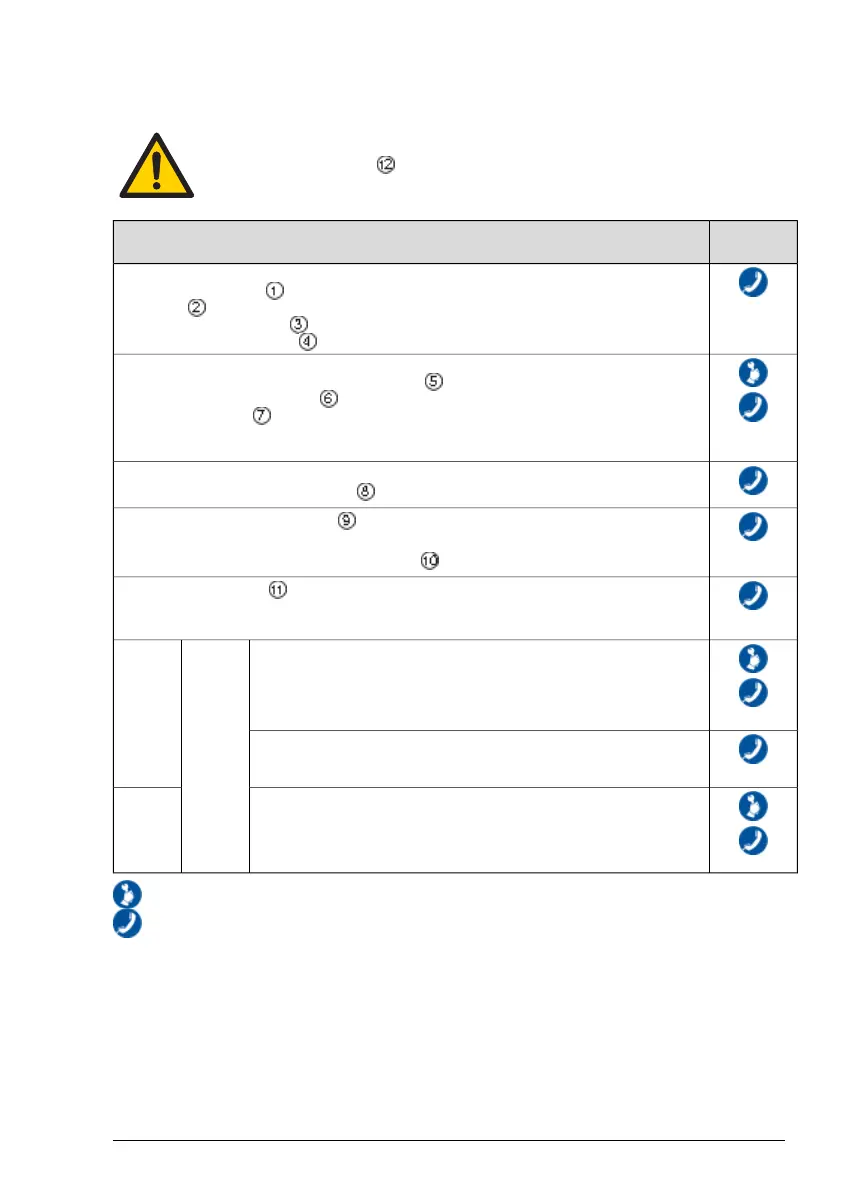
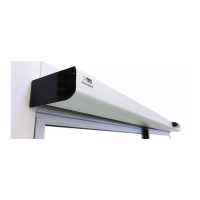
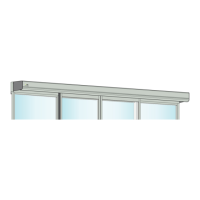
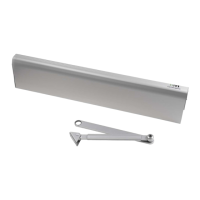
Regular safety checks
To help you fulfil the national/international requirements and to avoid malfunction and risk for in-
juries, we have provided the following checklist.
Do not use the operator if repair or adjustment is necessary.
Disconnect supply when cleaning or other maintenance is to be carried out.
If problem
occurs
Daily Action
Activate your operator and visually check, fastening of
•
operator and cover
•
cables
•
programme selector(s)
•
door and glass (stability)
Also inspect your operator and check visually for
•
condition of door seals and weather stripping
•
condition of glazing rubbers
•
finger protection
• proper operation; closes slowly and smoothly
• any ventilation being obstructed
Set the programme selector toOFF and check that the operator and electromechanical lock (if fitted)
work together. Also check that the lock really secures the door.
Activate the manual activation units , if any, and walk towards the door. Check that the door has
opened appropriately while you pass the entrance/exit.
Then proceed with the automatic activation units in the same way.
Check the safety sensors if any.
If you are unsure of which type of sensor you have, please contact your Entrematic Group repres-
entative.
If the operator is equipped with break-out system, set the mode selector to
AUTO mode.Push the door manually while in the escapedirection to ensure
that nothing prevents the door from being open. Also ensure that the escape
route is free for use. After the test, restore the door(s) to their normal mode
of operation.
By law, these tests must be performed
regularly by trained personnel.
Escape
doors
If the operator is equipped with automatic opening system, shut off the
power and the door should open and remain open. Restore power and the
door should close.
Let the door close after an impulse ensuring nothing prevents the door from
closing and locking (if regulations require it).
Fire
doors
Take appropriate measures.=
Contact your Entrematic Group representative. For contact information, see last page.=
13Issue 2019-06-281005274-EMen-9.0



 To Next Page