Troubleshooting
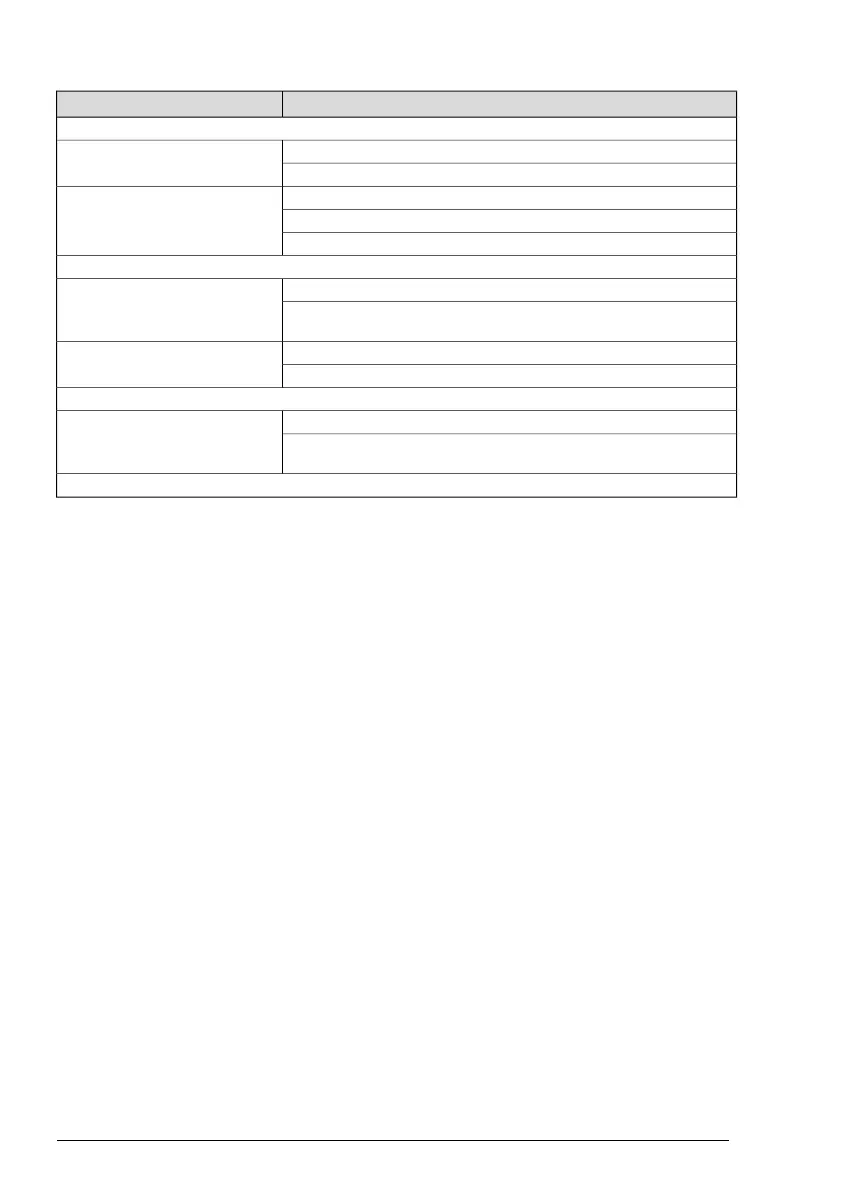
RemediesWhat´s wrong?
The door does not open
Change the setting of the mode selector.The motor does not start
Check the mains switch and fuse in the building.
Unlock the mechanical locks.The motor starts but stops during
opening
Clean the floor guide.
Check for objects jammed under the door.
The door does not close
Change the setting of the mode selector.The motor does not start
If a presence sensor is installed, check for and remove objects placed in the
presence zone.
Clean the floor guide.The motor starts but stops during
opening
Check for objects jammed under the door.
The door moves slowly
Prevent traffic from using the door and allow it to close completely.
Reset the operator by setting the programme selector to AUTO and pushing
a narrow object in the small hole on the programme selector.
If the problem continues, please contact your Entrematic Group representative.
1005274-EMen-9.0Issue 2019-06-2818



 To Next Page