2.Audio
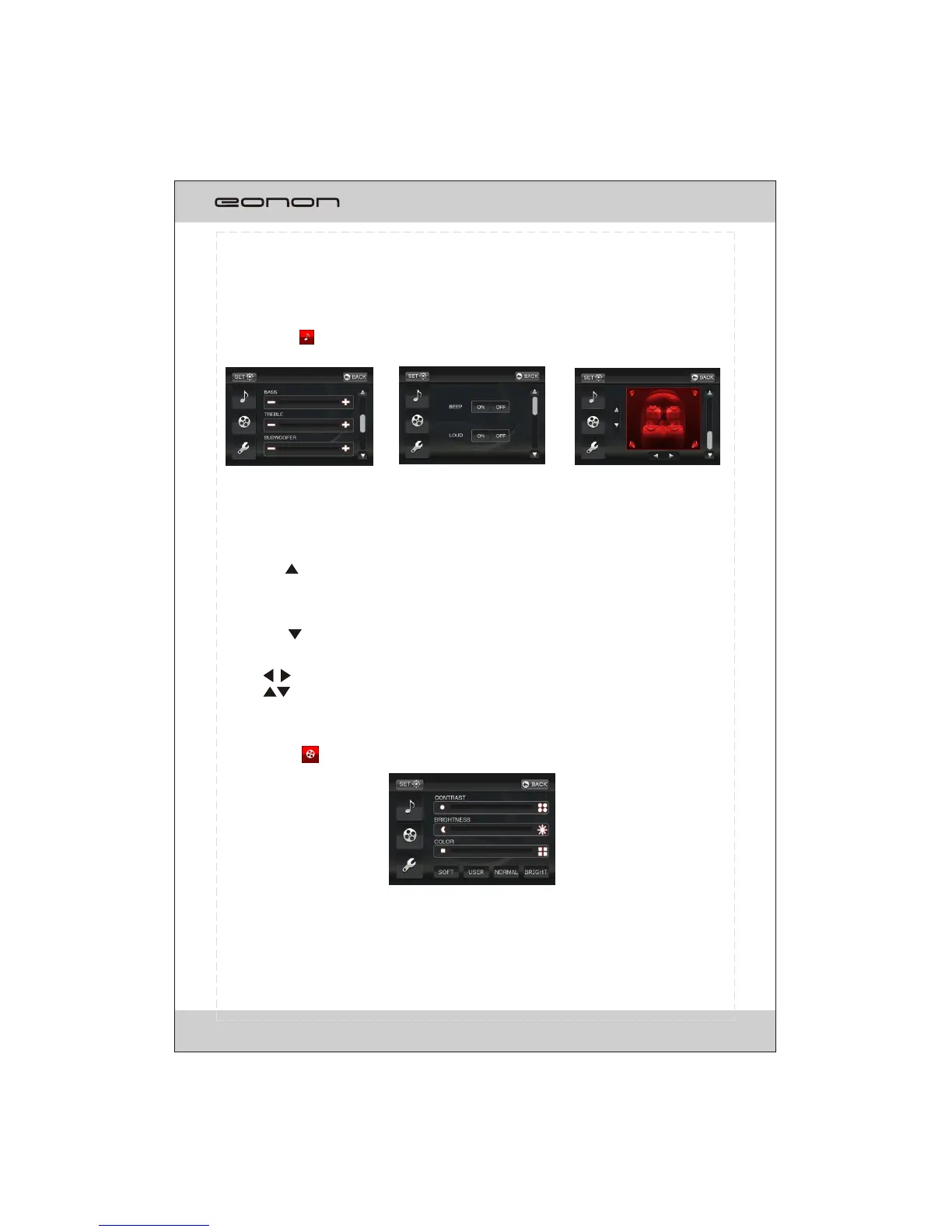
Touch on the AUDIO button and the screen will display as following:
In FIG.1, the user can adjust the value of BASS, TREBLE and SUB WOOFER by
tapping on + / - on the touch screen.
12
3.Video
Press on the VIDEO button and the screen will display as following:
Fig.1 Fig.2 Fig.3
Tapping on button to turn to previous page shown as fig.2.
In FIG.2, the user can turn on/off the BEEP and LOUD function by tapping ON or
OFF button.
Tapping on button to turn to next page shown as fig.3.
In FIG.3, the user can adjust the sound output effect leftwards or rightwards by
tapping button; the sound output effect frontwards or rearwards by
tapping button.
In this setting, the user can adjust the value of CONTRAST, BRIGHTNESS and COLOR
by tapping on the items at the left/right end of each value bar.
According to the specific condition, the user can adjust the light effect on screen by
tapping SOFT, USER, NORMAL and BRIGHT modes.



 To Next Page