11
SW CONTROL INSTALLATION
Before installing the SW control, please make sure all the wires are in good condition.
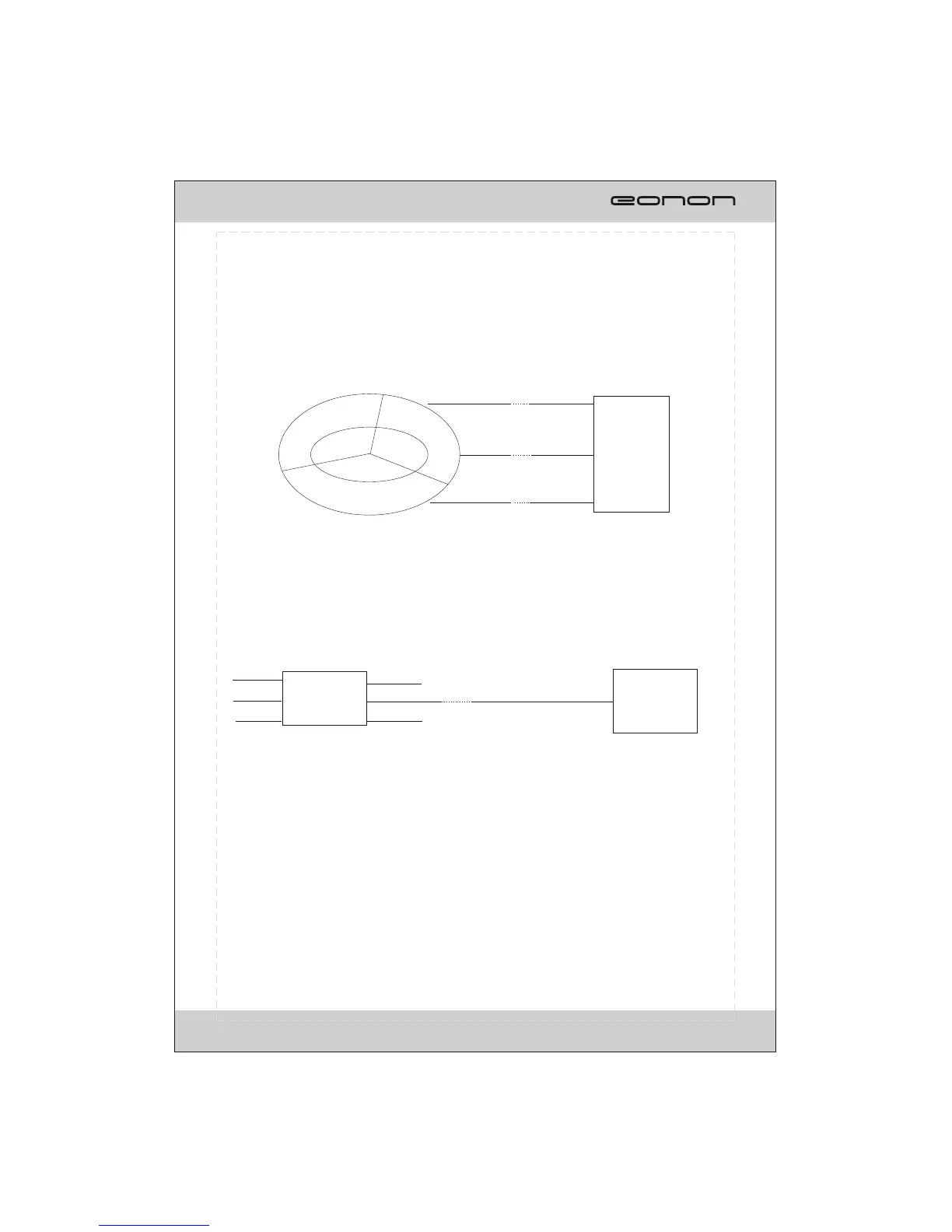
For installation, please refer to the illustrations below:
Key1
Key2
GND
CAR AUDIO
SWC1, orange
SWC2, brown
GND, black
SWC
Please consult the professional technicians for advice if the unit cannot work as expected.
In case of connecting to the SWC (steering wheel control):
in case of connecting to the SW remote control:
X XX
SW remote control
CAR AUDIO
SWC(IR), Blue/yellow
B+
GND
Key1
GND
Key2
IR
X
X XX



 To Next Page