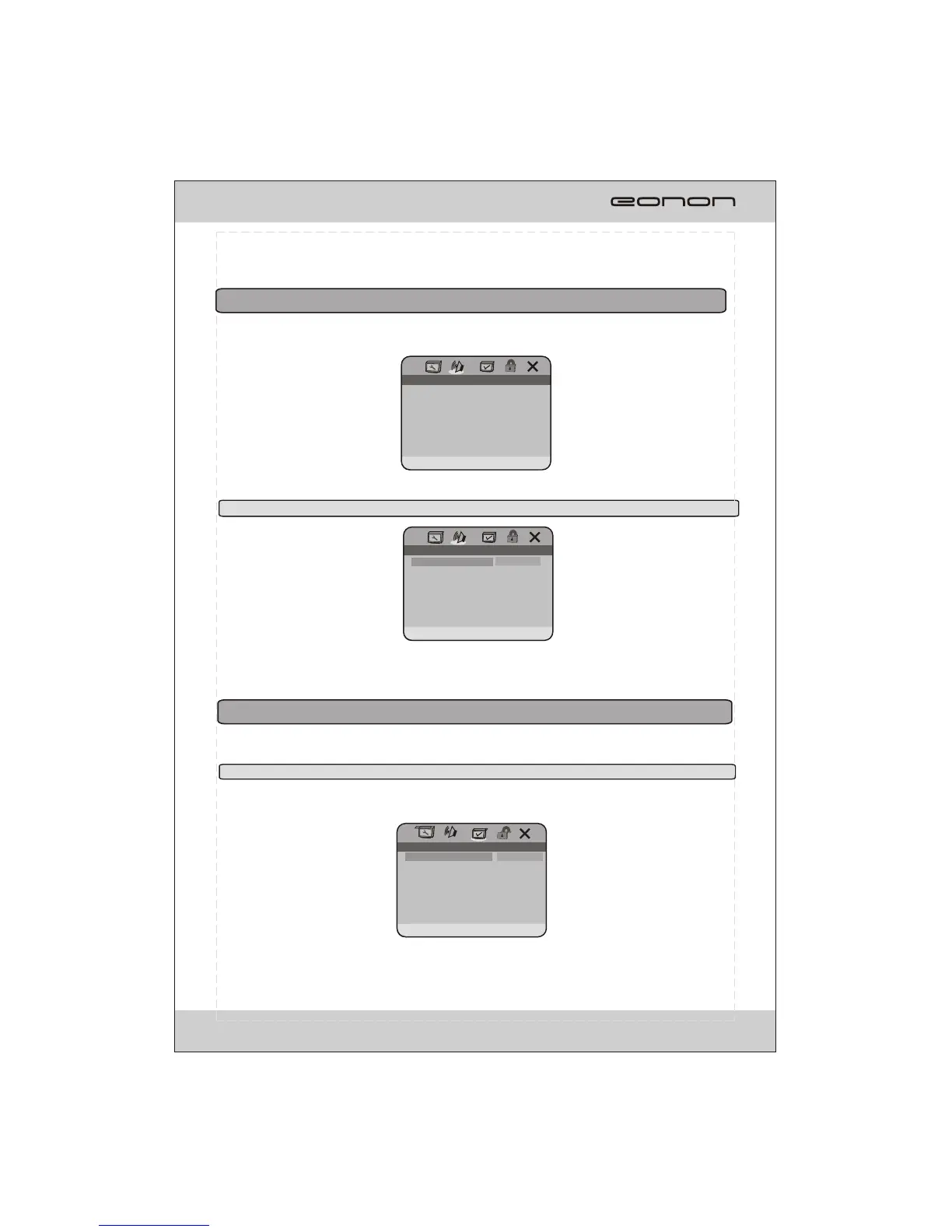
PREFERENCE PAGE
ENGLISH
FRENCH
SPANISH
PORTUGUES
JAPANESE
KOREAN
RUSSIAN
THAI
PREFERRED AUDIO LANGUAGE
AUDIO
SUBTITLE
DISC MENU
PARENTAL
DEFAULT
ENG
ENG
ENG
AUDIO SETUP PAGE
DOLBY DIGITAL SETUP
User can select digital audio setup or dolby digital setup.
2.1 DOLBY DIGITAL SETUP
DOLBY DIGITAL SETUP PAGE
STR
STEREO
L-MONO
R-MONO
MIX-MONO
DUAL MONO(1+1) SETUP
DUAL MONO
DYNAMIC
DUAL MONO:User can switch the binaural mode.
DYNAMIC:Select the provided option to change the Dynamic range setting.
The preference setting is active only when disc has been stopped completely, and the setting is
effective on next time power on till exchanging the saved setting.
3. PREFERENCE SETUP PAGE
3.1 AUDIO
AUDIO: Sets the preferred audio language as the default when playing DVD. (If DVD support these
languages).
29
2. AUDIO SETUP PAGE



 To Next Page