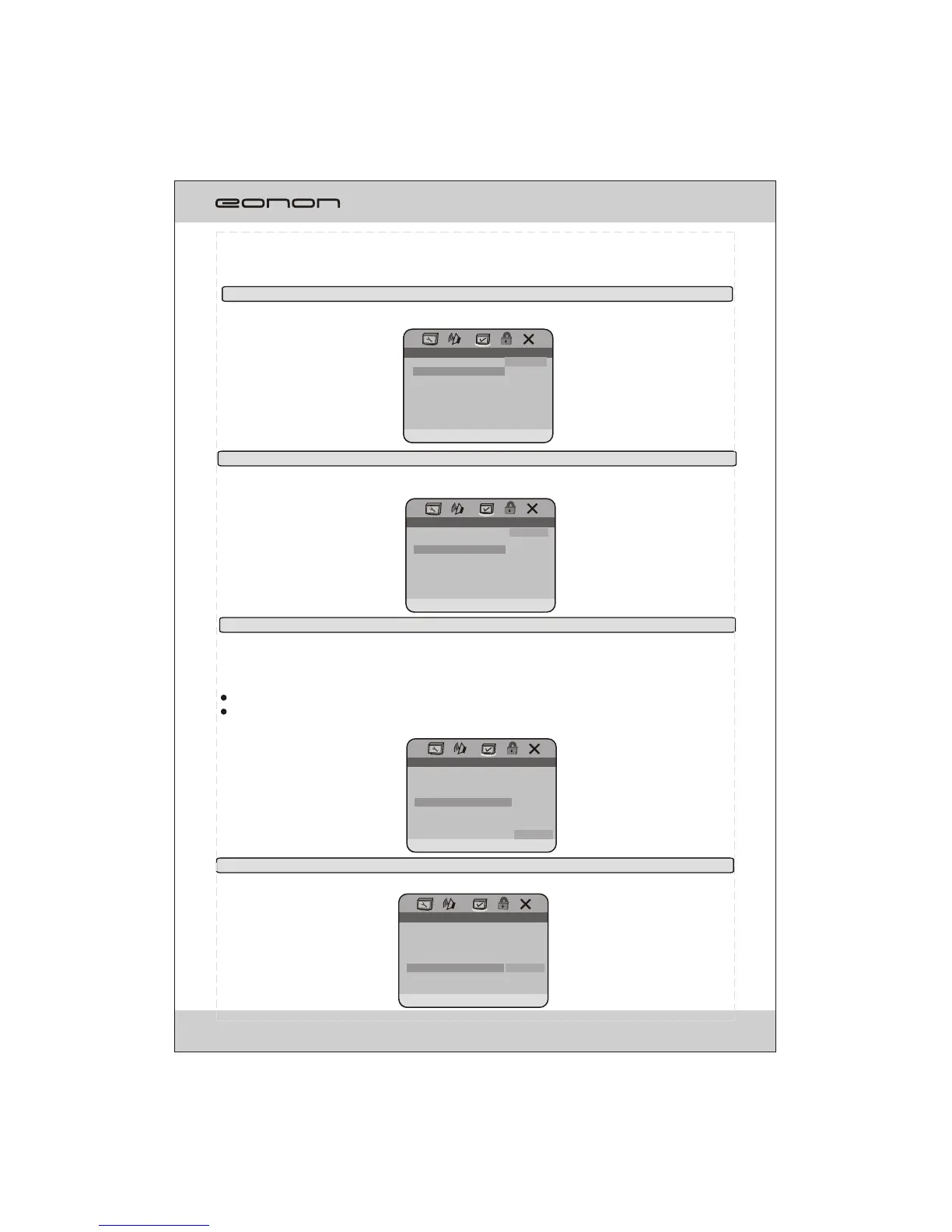
3.2 SUBTITLE
SUBTITLE: Sets the preferred subtitle language as the default when playing DVD.(if DVD support
these languages).
3.3 DISC MENU
DISC MENU: Sets the preferred menu language as the default when playing DVD.(if DVD support
these languages).
3.4 PARENTAL
PARENTAL: The parental control function works in conjunction with the different censorship classes
assigned to DVDs. These classes help to control the types of DVDs that the family watches, there
are up to 8 censorship classes for DVDs.
Note:
The PARENTAL is changeable when 4.1 PASSWORD MODE set to OFF.
After setting the level of parental control. Please set the password as ON to perform the lock of changing.
PREFERENCE PAGE
1.KID SAF
2.G
3.PG
4.PG 13
5.PG R
6.R
7.NC 17
8.ADULT
SET PARENTAL CONTROL
AUDIO
SUBTITLE
DISC MENU
PARENTAL
DEFAULT
ENG
ENG
ENG
PREFERENCE PAGE
PREFERRED SUBTITLE LANGUAGE
AUDIO
SUBTITLE
DISC MENU
PARENTAL
DEFAULT
ENG
ENG
ENG
ENGLISH
FRENCH
SPANISH
PORTUGUES
JAPANESE
KOREAN
RUSSIAN
THAI
PREFERENCE PAGE
PREFERRED MENU LANGUAGE
AUDIO
SUBTITLE
DISC MENU
PARENTAL
DEFAULT
ENG
ENG
ENG
ENGLISH
FRENCH
SPANISH
PORTUGUES
JAPANESE
KOREAN
RUSSIAN
THAI
3.5 DEFAULT
DEFAULT: Resets to the initial factory setups.Press ENTER button to confirm.
30
PREFERENCE PAGE
RESET
LOAD FACTORY SETTING
AUDIO
SUBTITLE
DISC MENU
PARENTAL
DEFAULT
ENG
ENG
ENG



 To Next Page