12 | RT Series True Online UPS
Display Function
Icon Display
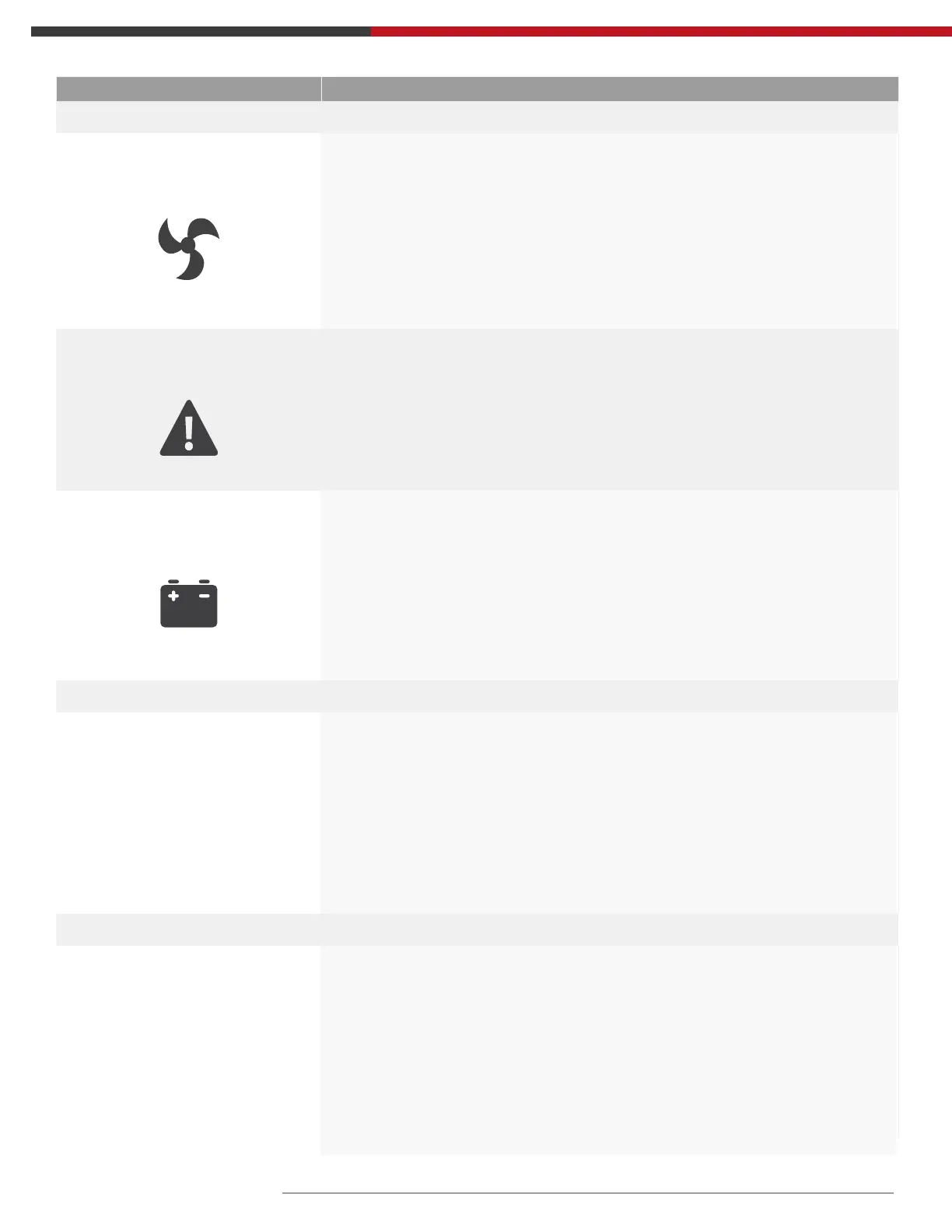
Fan Icon
Indicates fan working status. When the fan normally runs, the icon
displays rotation; if the fan is not connected or faulty, the icon will ash.
Fault Icon
Fault icon: Indicates UPS is in fault mode.
Battery Status Icon
Battery status icon: Indicates the battery capacity of 0-25%, 26-50%,
51-75%, and 76-100%. When the capacity of battery get low or battery
disconnected, the battery status icon will ash.
UPS Status Information
Digital Display Area
• In non-setting mode, it displays UPS output information when UPS
normally runs; Fault code will be told in fault mode.
• In setting mode, users could adjust different output voltage, activate
ECO mode, activate CUCF mode, select an ID number and so on by
operating function setting keys and inquiring key.
Operation Mode
Working Mode
Display Area
Indicates the power capacity of UPS within 20 seconds after startingup.
Indicates UPS operation mode in 20 seconds, such as STDBY (standby
mode), BYPASS (Bypass mode), LINE (AC mode), BAT (Battery mode), BATT
(Battery Self Test mode), ECO (Economic mode), SHUTDN (Shutdown
mode), CUCF (Constant Voltage and Constant Frequency mode).



 To Next Page