18 | RT Series True Online UPS
LCD Display Description
24
.
0
100
25% 50% 75% 100%
25% 50% 75% 100%
VDC
%
LINE
220
s0
.
0
25% 50% 75% 100%
25% 50% 75% 100%
VAC
Hz
LINE
25% 50% 75% 100%
25% 50% 75% 100%
w
KVA
LINE
900
1
0
25% 50% 75% 100%
25% 50% 75% 100%
LINE
C
40
25% 50% 75%100%
25% 50% 75% 100%
VAC
Hz
LINE
220
50
0
25% 50% 75% 100%
25% 50% 75% 100%
V
STDBY
10
25% 50% 75% 100%
25% 50% 75% 100%
STDBY
220
25% 50% 75% 100%
25%50% 75% 100%
V
STDBY
600
25% 50% 75% 100%
25% 50% 75% 100%
STDBY
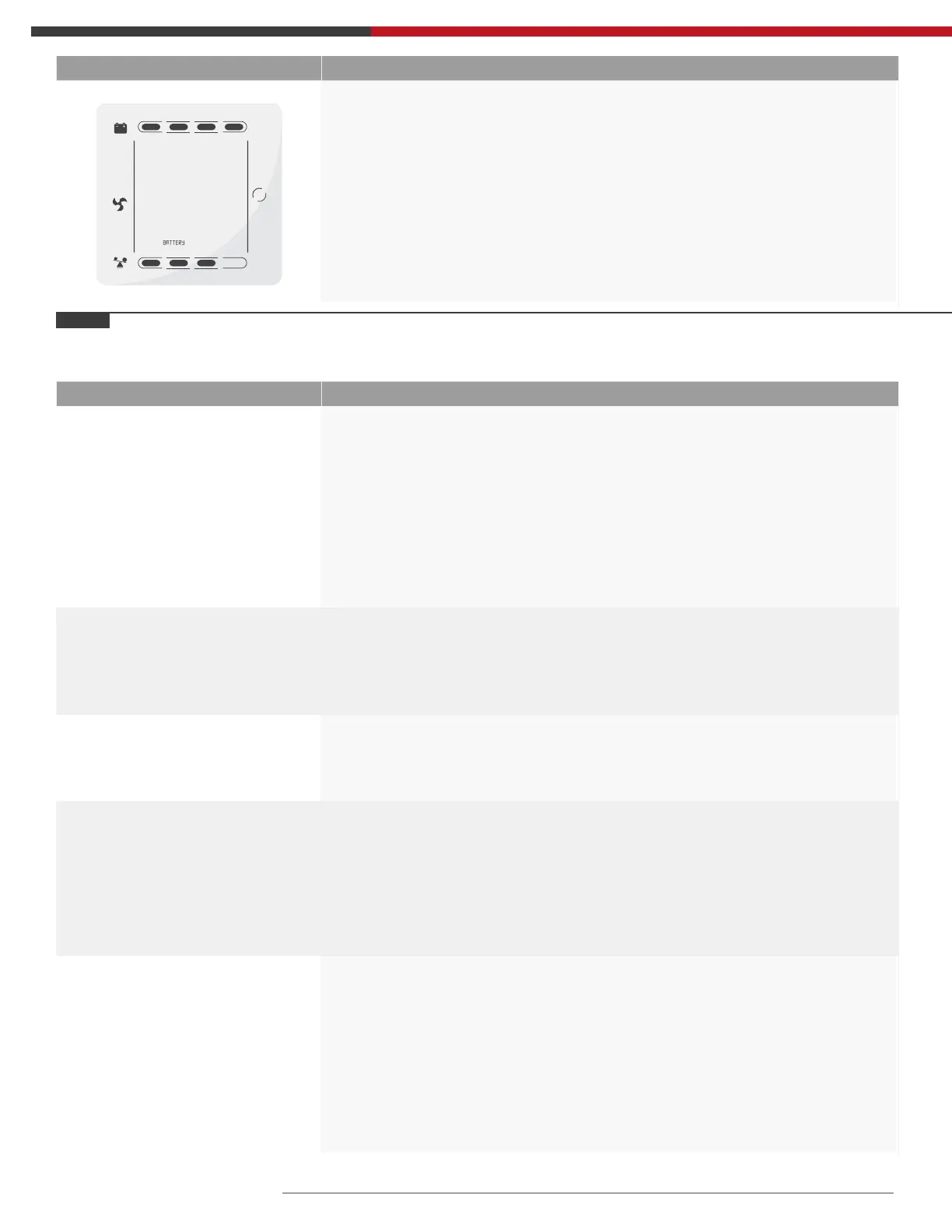
Battery: Display the voltage and capacity of the battery.
As the following graphics shows, the battery voltage is 24V,
the capacity of battery is 100% (the capacity of battery is
approximately reckoned according to the battery voltage).
Operation Mode and LCD Display Description
Bypass Mode
Turn to bypass mode under the following three
conditions:
• Connect mains power and the bypass setup is ON.
• Turn off the UPS in line mode and the bypass setup is ON.
• Overload in line mode.
Note: When UPS is working in bypass mode, it has no back up
function.
Line Mode
Being in line mode are as following: When input mains
corresponding to the working conditions, UPS will work
in line mode, LCD displays ‘Line’ .
Stdby Mode
UPS is powered off and no output supply power,
but still can charge batteries.
Battery Mode
Being in battery mode are as following: the buzzer
beeps once every 4 seconds.
When the mains power is low or unstable, UPS will turn
to battery mode at once, and LCD displays ‘batt’.
Ecco Mode
Being in ECO mode are as following: When the input
mains meet the input range of the ECO mode and the
ECO function is on, the UPS works in ECO mode. If
input mains exceed the range of ECO several times
within one minute but stays in inverter input range,
UPS will work in inverting mode automatically. LCD
displays ‘ECO’ .
5.6 Operation mode



 To Next Page