5 Operation Instructions
5.1 Self-test function
1. Power-on self-test:
①
Connect the electricity AC 110V power supply.
② Turn the power switch to the ON position.
③
Can hear the relay beat sound when connect the electricity.
④
Panel indicator will show the current system status.
2. Manual self-test:
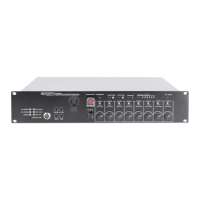
① Press INDICATION TEST on the front panel.
②
There are three colors on the panel----- green, red and yellow light in turn, other lights are turn
on, monitor is turn on, the relay beats in turn to finish the system self-test.
5.2 Emergency function
1. Emergency voice function
1) Manually press the EMERGENCY button, red light flashes;
2) Press alert msg button on host panel to play alert voice language information, the response is
decided by the PC configuration. Turn on the zone need alert message and turn off the zone
do not need alert message.It will remember the previous setting for next trigger.
3) Press the EVAC msg button on host panel to play EVAC Msg voice language information,
the response is decided by the PC configuration. Turn on the zone need alert message and
turn off the zone do not need alert message.It will remember the previous setting for next
trigger.
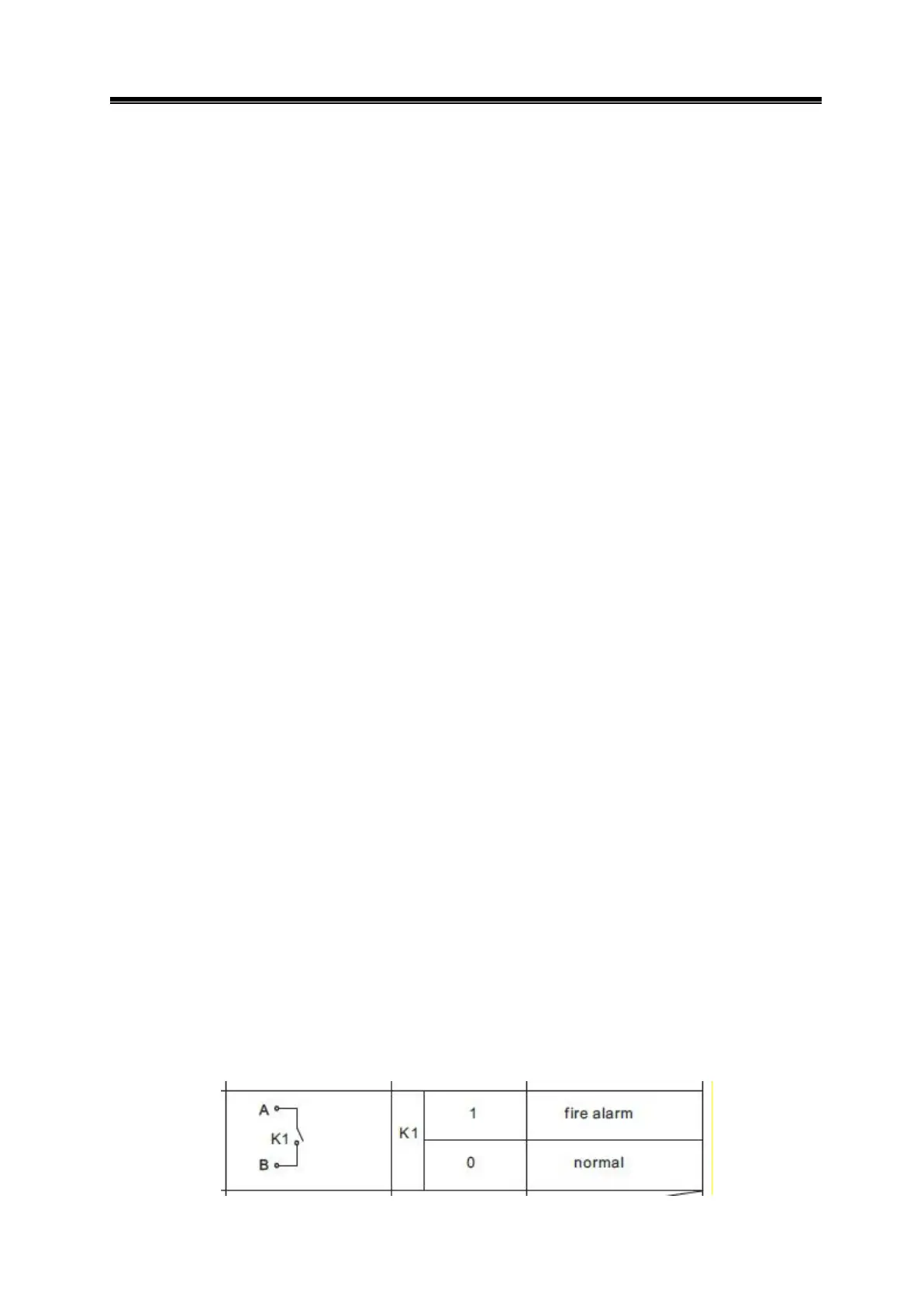
2. Trigger emergency function
1) Wiring diagram of short circuit mode:


 To Next Page