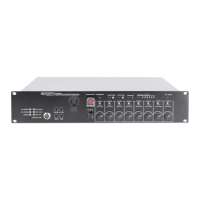
MSG, then press ENERGENCY button,to close the broadcast.
ACK/RESET: machine fault alarm reset button.
ALERT MSG: Play emergency evacuation voice.
EVAC MSG: Play fire alarm alert voice.
MONITOR :buttons to switch on and off monitor.
MIC / LINE INPUTS: button to select or switch the source.
ALL ZONE: button to select open or close all zone.
Indicator: Indicates current zone status
1. Orange: fault
2. Green: normal
Zone switch button: switch on or off the zone .
Volume adjustment button: 6 grades volume adjustment knob.
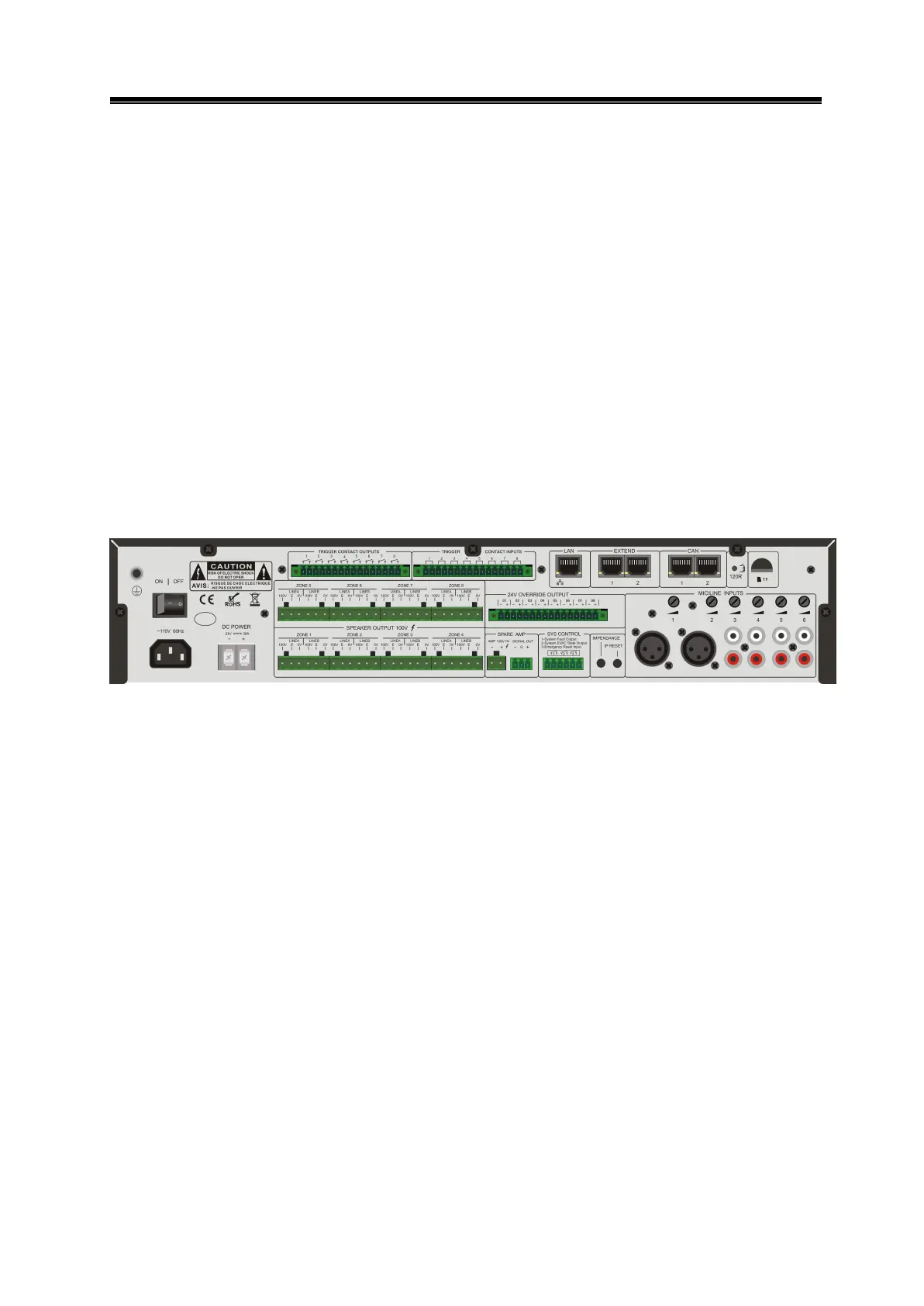
4.2 Rear panel function description
Figure 4- 2 SF6200MArear panel design sketch
ON for power on, OFF for power off.
DC POWER: 24V DC input interface, pay attention to positive and negative, Do
not reverse!
100V output interface, 24V relay control interface.
SPERKER OUTPUT 100V.
ZONE1 ~ 8
LINEA:zone A.
LINE B:zone B.
100V: loudspeaker positive.
E: relay interface.
0V: speaker negative.
TRIGGER CONTACT OUTPUTS: Short circuit signal output when fire alarm is triggered.
TRIGGER CONTACT ITPUTS: fire trigger input interface.
24V OVERRIDE OUTPUT: DC24V output interface for 4-wired volumn control.
AMP 100V IN: standby power amplifier 100V input interface (note positive and
negative);


 To Next Page