19
GBU-ECO-MF-V01
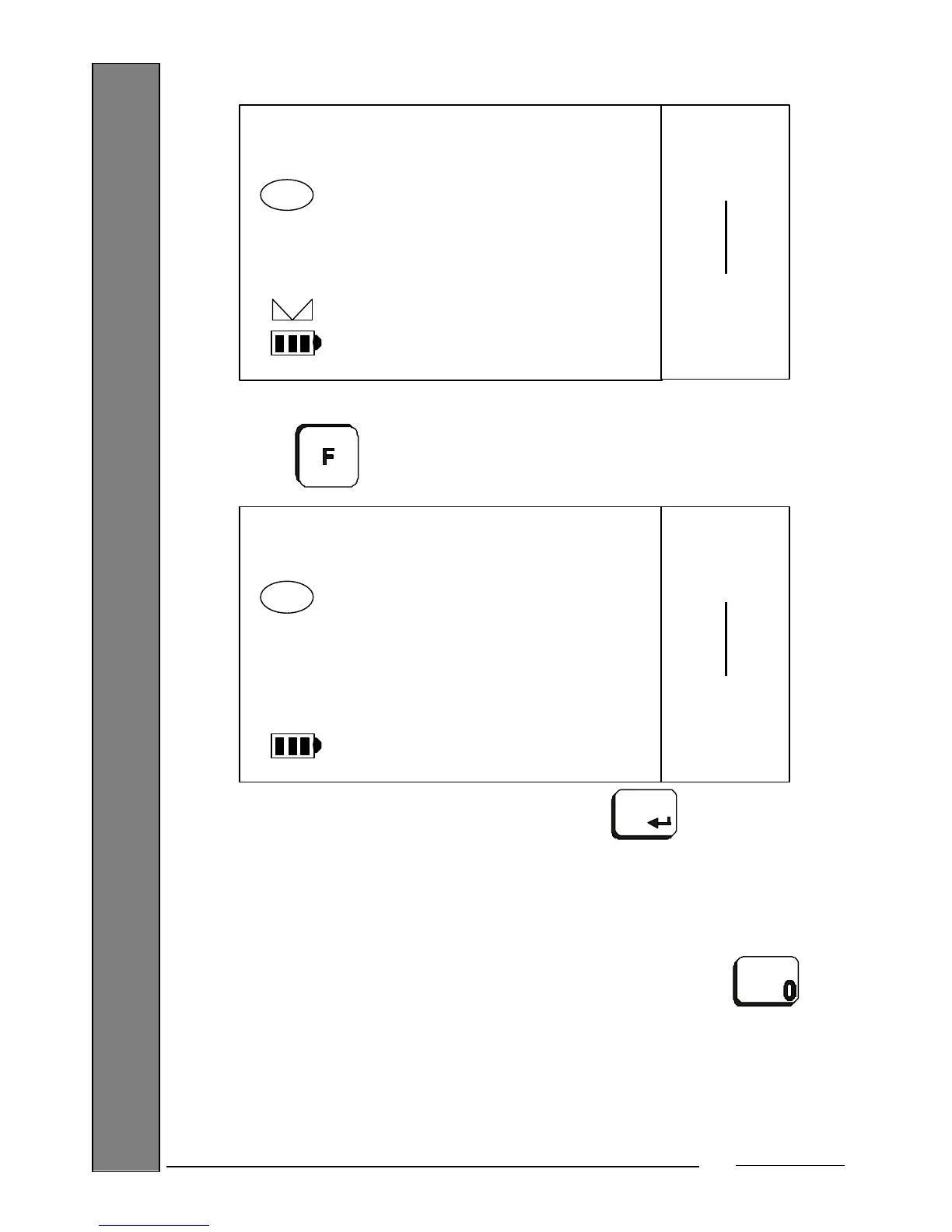
Enter the number of parts in the sample placed previously (e.g. 1000) using the numeric keys:
Press the key to enter a special mode where you will see and assign the unit weight
calculated to a code:
Enter the code number and confirm with the key. You will now return to the normal "Part
counting" operating mode.
7.4. DISPLAYING THE UNIT WEIGHT
When operating with memorized unit weights or entering an unit weight, you have the possibility of
seeing at any time the active unit weight, for approximately 2 seconds, by pressing the key:
1000
QTY
PARTS
Max 15 kg
Min 100 g
e= 5 g


 To Next Page