22
GBU-ECO-MF-V01
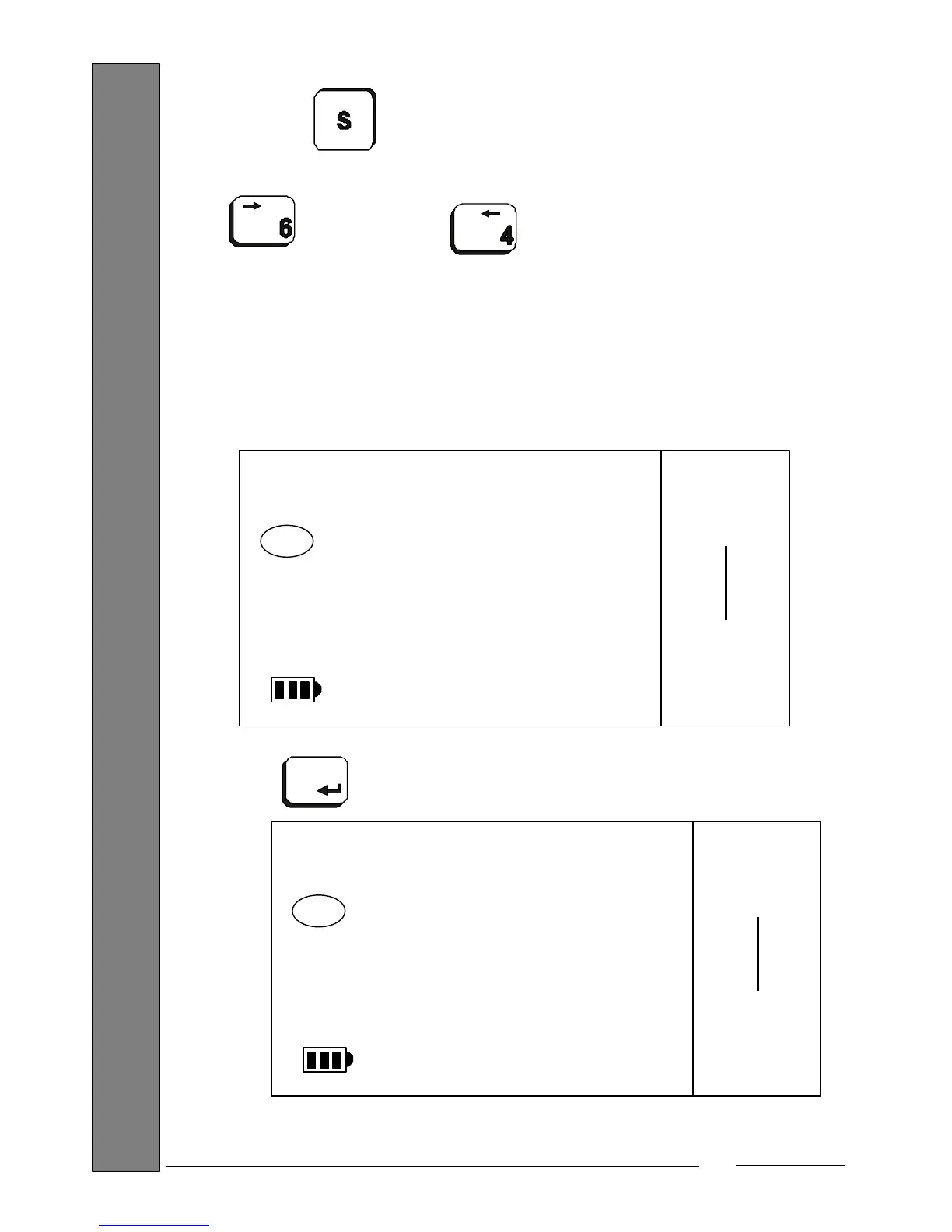
You can also abort the menu entry operation, returning to the basic work
mode, by pressing the key.
At this point, you are now in the 1
st
level menu. To access the parameters,
press the (cursor forward) and (cursor back) keys.
Scrolling through the menu, the first parameter you will find will be to choose the basic work
mode:
9.1.1. Basic Work Mode
You can choose between 3 basic work modes: Weight-Tare, Levels and Part Counting. By
default, you will be in the Weight-Tare mode:
Press the key to enter the option. The scale will display the current work mode:
PROGRAM
MODE
WORK
Max 15 kg
Min 100 g
e= 5 g


 To Next Page