33
GBU-ECO-MF-V01
9.1.9. Special options
This will take you to the 2
nd
level Menu, which will allow you to modify the Installation Menu's
non-metrological parameters. While you are in the option:
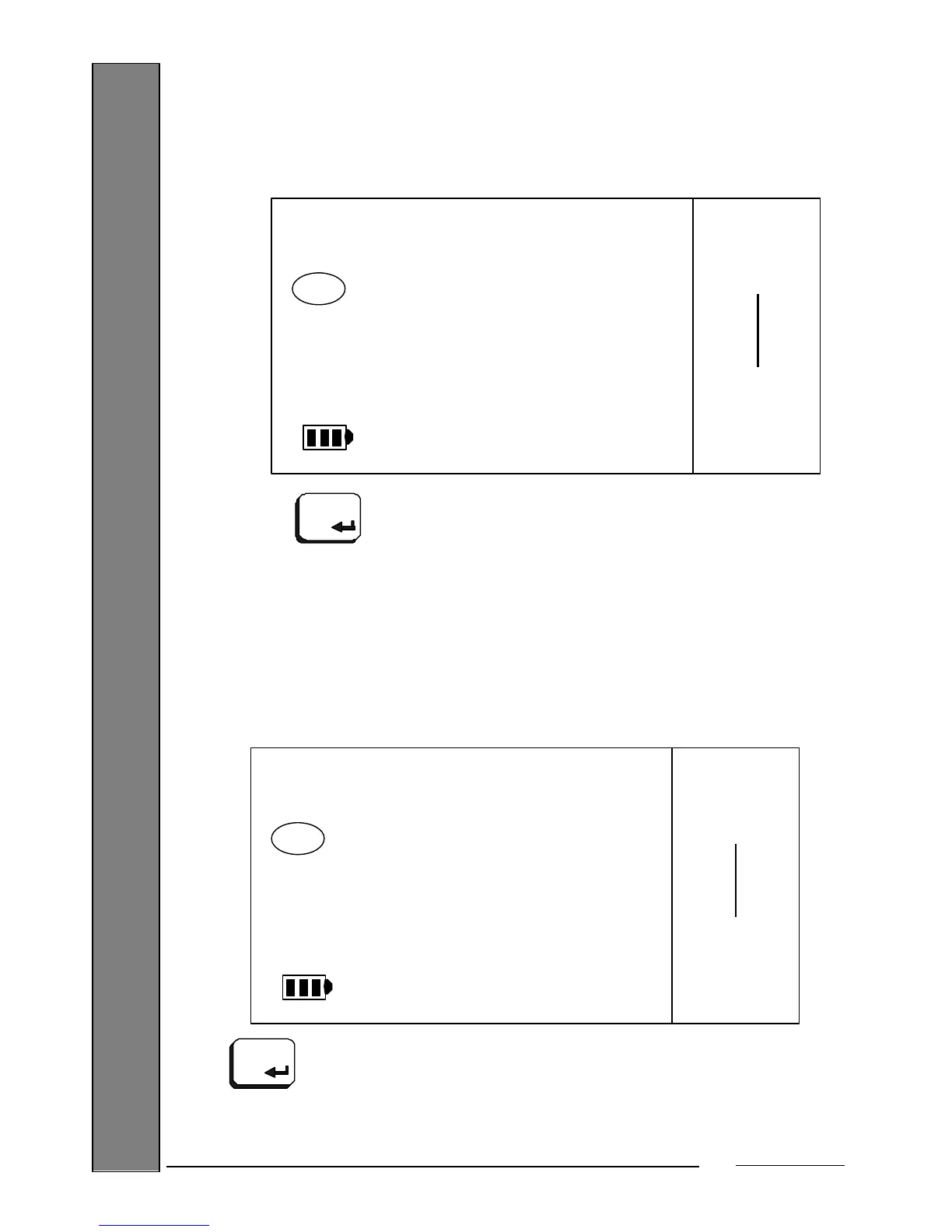
Press the key and you will go directly to the 2
nd
level Menu, which is described in
a later section.
9.1.10. Programming the 1
st
Level password
This option allows you to program the password for access to the 1
st
Level Menu.
While you are in the option:
Press the key to enter the option. You will see the password that has been programmed, if
any, at that moment (by default, '111111'):
PROGRAM
OPTIO
SPECI
Max 15 kg
Min 100 g
e= 5 g


 To Next Page