21
GBU-ECO-MF-V01
9 MENUS
NOTE: The number appearing on the Tare display when you are prompted for the password to
either of the two menus is the encrypted code whose purpose is explained in a later section.
9.1 1
st
LEVEL MENU
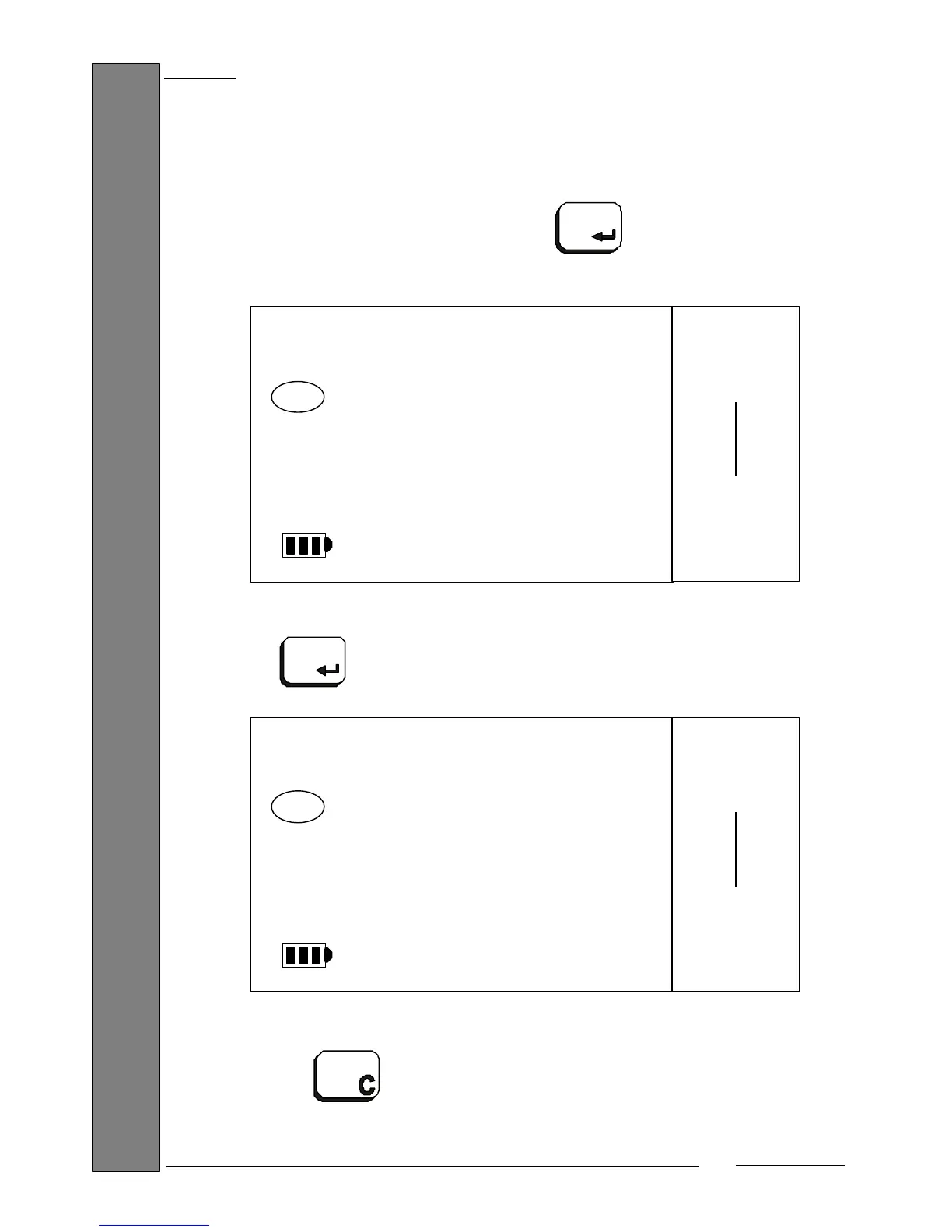
To enter the programming menu, you must press the key from any basic work mode.
You will be prompted for the password, if it is enabled:
Enter the 6-digit password programmed using the numeric keys and then
confirm with the key. You will enter the 1
st
level menu:
If you enter an incorrect value, you can erase it to re-enter the correct
value by pressing the key.
o o o o o o
432109
PASW1
Max 15 kg
Min 100 g
e= 5 g


 To Next Page