39
GBU-ECO-MF-V01
9.2.1 Programming the 2
nd
level password
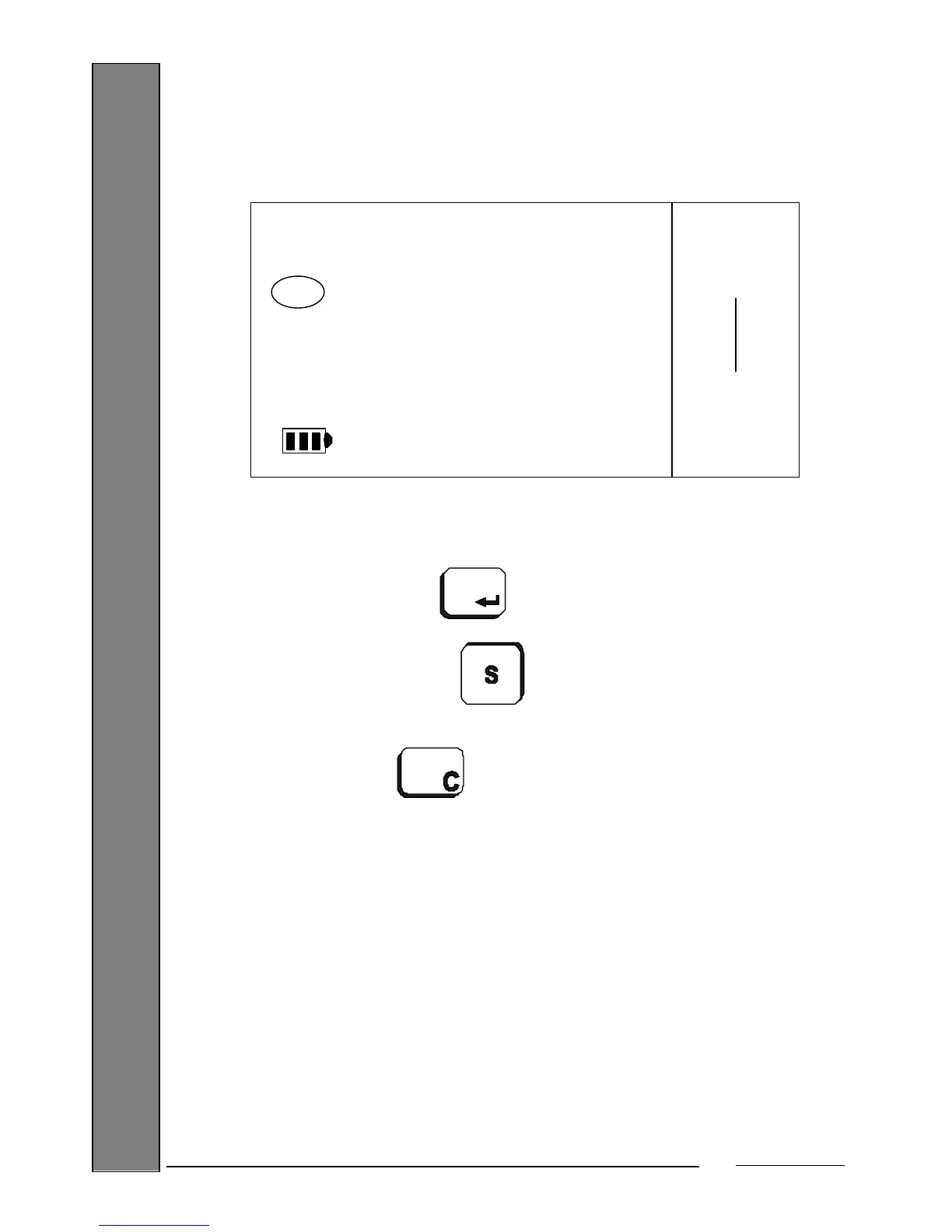
While displaying the password programmed, if any, at that time (by default, '111111'):
Enter the password using the numeric keys (6 digits).
After entering the desired password, confirm and go to the Menu's next
programmable parameter by pressing the key.
You can exit the option at any time without confirming the data item and
return to the Menu by pressing the key. You can also erase the data item
entered to rectify it by pressing the key .
9.2.2 Enabling the 2
nd
level password
This option enables or disables the password giving access to the 2
nd
Level Menu. While you
are in the option:
111111
PROGR
PASW2
Max 15 kg
Min 100 g
e= 5 g


 To Next Page