EasyManua.ls Logo

Epever MT50 - Device password

Epever MT50
40 pages
Print Icon
To Next Page IconTo Next Page
To Previous Page IconTo Previous Page
Loading...
28
Type
Notes
Ver
It indicates the Solar controller's software
and
hardware version numbers.
ID
It indicates the Solar controller's
communication
ID numbers.
Bklight
It indicates the Solar controller's LCD
backlight
time.
Month-Day-Year H: M: S
It indicates the Solar controller's internal
clock.
4.9 Device password
The solar controller's password could be modified via the device password page. The
device password is a 6-digit figure which is required before entering the modification
mode of "Control parameter," "Load setting," "Device parameter," "Device password,"
"Factory reset" pages. The page of
the
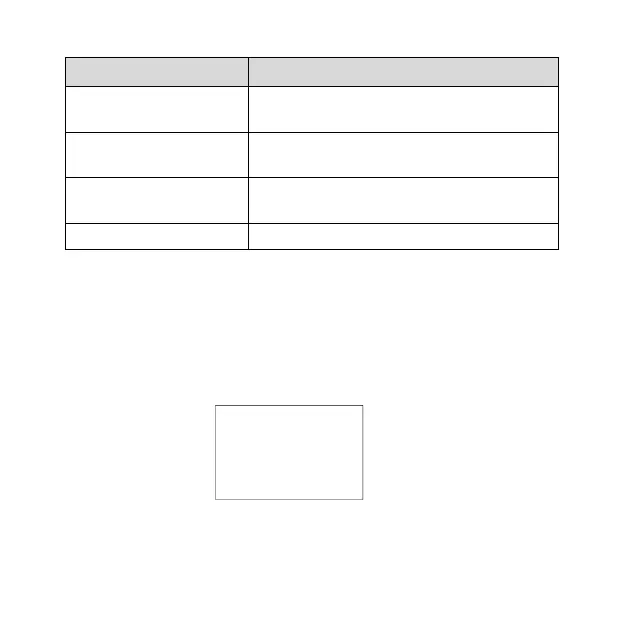
device password in the diagram shows as below:
Note: The default password of the solar charge controller is" 000000".

Device PSW
OriPsw:xxxxxx
NewPsw:xxxxxx

Related product manuals