6
5. Installation Instructions
Before Installation
1. Check whether the solar controller's ID is 1; if not, set it to 1.
2. Check whether the ID of the inverter is 3; if not, please set it to 3.
3. Wall installation or surface mounting installation is optional.
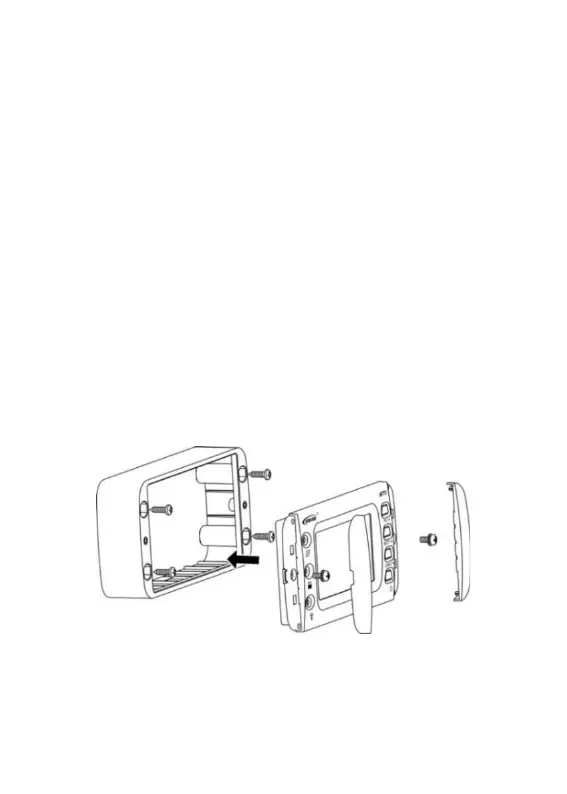
Wall Installation
Step 1: Locate and drill screw holes based on the frame mounting
dimension (175x50mm), and erect the plastic expansion bolts.
Step 2: Use four M5 self-tapping screws to fix the frame.
Step 3: Remove the decorative shell.
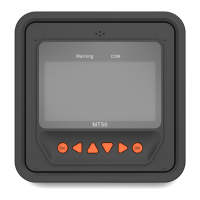
Step 4: Use two M4 pan head screws to mount the MT75 surface on
the base.
Step 5: Install the decorative shell.
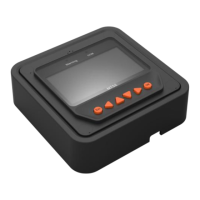
Surface Mounting Installation
Step 1: Locate based on the installation size (176mm) and drill screw
holes (no smaller than 158.2x85.2mm).



 To Next Page