Windows 8/10: USB Installation
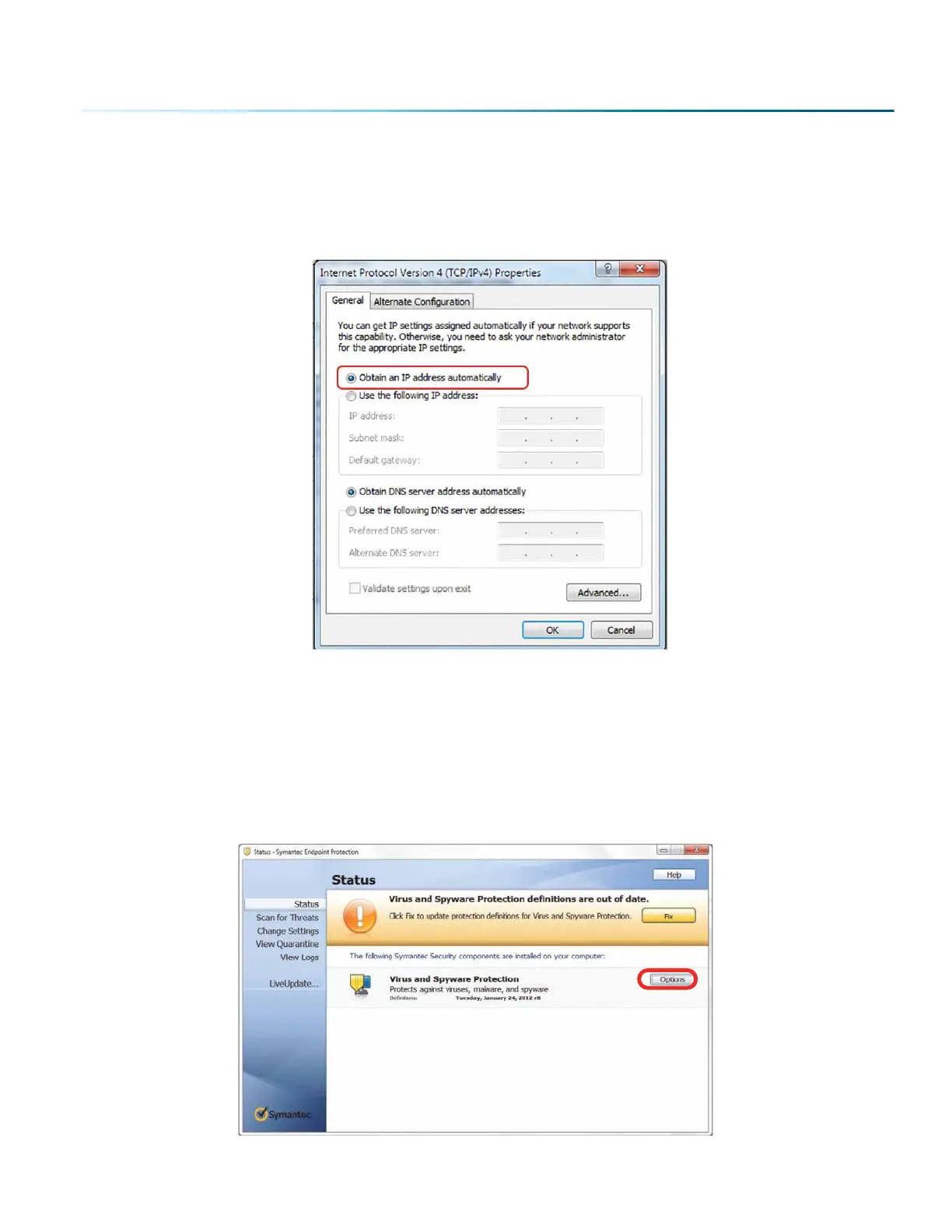
To prepare your computer for USB installation, the IP Address under your Internet Protocol properties
should be set to “Obtain an IP address automatically.”
The IP Address on your machine should also match the IP Address on the Job Manager. For more
information, see “USB Connection” on page 19.
Troubleshooting the Job Manager
If you were unable to install the Job Manager, it’s possible that your Anti-Virus soware is blocking
installation. To disable Symantec Anti-Virus soware, choose Options. Other anti-virus packages should
have something similar to Symantec.
- 33 -
SECTION 3: SOFTWARE INSTALLATION



 To Next Page
 Loading...








