EasyManua.ls Logo

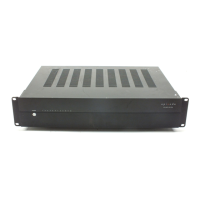
Episode EA-DYN-8D-100 - User Manual

Default Icon
12 pages
Print Icon
To Next Page IconTo Next Page
Loading...
POWER
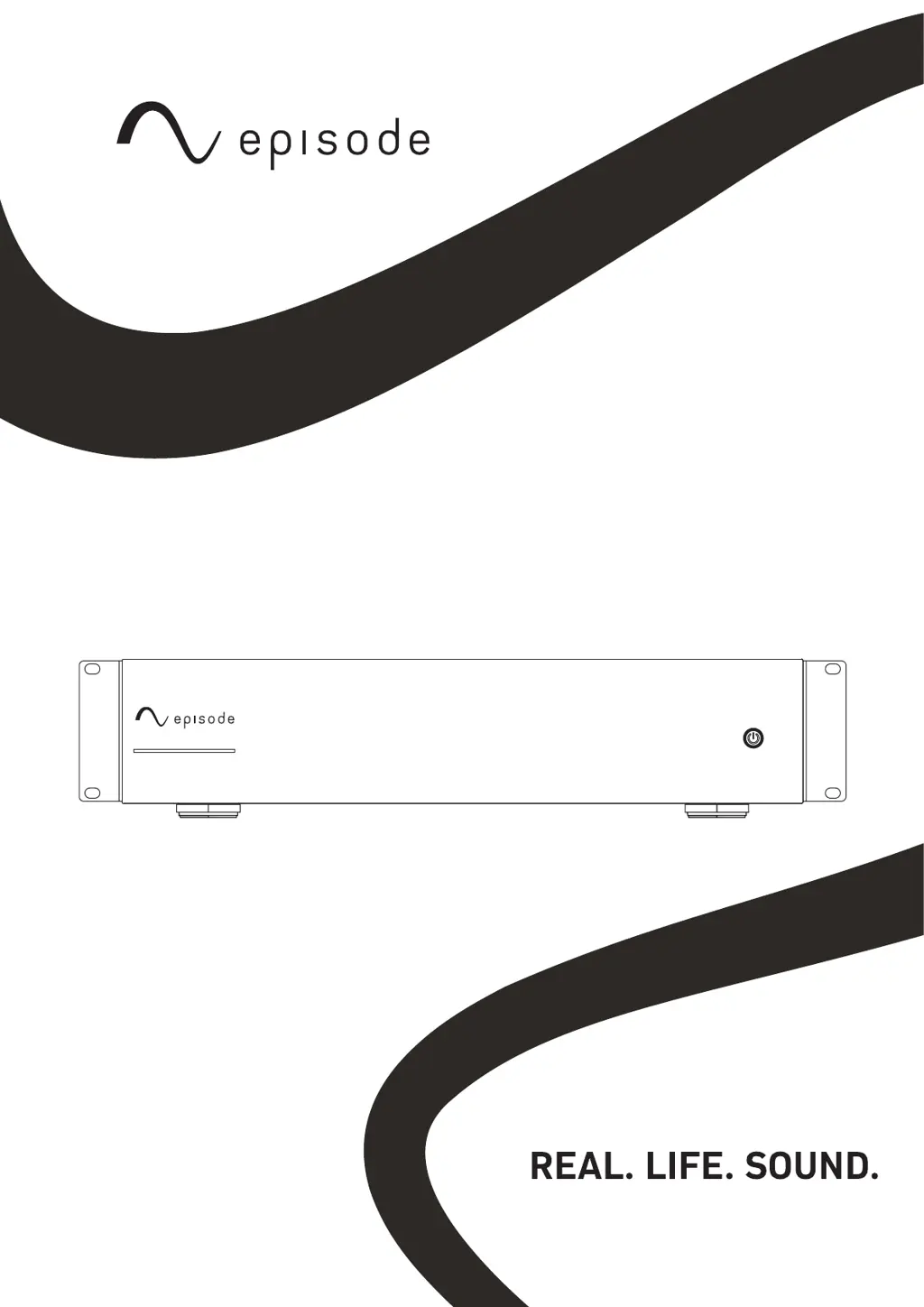
EA-DYN-16D-100
INSTALLATION MANUAL
DYNAMIC SERIES AMPS
EA-DYN-2D-200
EA-DYN-8D-100
EA-DYN-12D-100
EA-DYN-16D-100

Questions and Answers

  • J
    Jake RiosAug 9, 2025
    What to do if my Episode EA-DYN-8D-100 Amplifier will not turn on?
    • J
      Janet GarciaAug 9, 2025
      If your Episode Amplifier isn't turning on, first, ensure it's plugged into a working outlet. Then, check that the main power switch on the back is in the 'on' position (up). Also, verify the power light bar on the front panel is lit (blue LED). Finally, if you're using the trigger input, confirm that 12V is present.
  • B
    Brittany EatonAug 15, 2025
    Why is there a hum or buzzing sound coming from my Episode EA-DYN-8D-100 Amplifier?
    • B
      Barbara SellersAug 15, 2025
      If you're experiencing a hum or buzzing sound with your Episode Amplifier, the issue likely stems from a connection or cable. To troubleshoot, power down the amplifier before disconnecting the RCA input cables one at a time to see if a specific connection or cable is causing the noise.
  • K
    katelynmoodyAug 20, 2025
    How to troubleshoot no audio output from my Episode EA-DYN-8D-100?
    • E
      Emily MorganAug 21, 2025
      If you are not getting any audio output from any channel on your Episode Amplifier, it could be due to several reasons. First, check that the power cable is correctly connected and plugged into a functioning outlet. Next, ensure the audio cable to the source component is properly connected to the correct BUS input, and that the cable isn't defective. If these are fine, refer to the instructions to ensure the Input Selection switches are set correctly.
  • B
    brownevelynAug 27, 2025
    What to do if I have no audio output from one or more channels on my Episode EA-DYN-8D-100?
    • T
      tapiastacyAug 27, 2025
      If you're not getting audio output from one or more channels on your Episode Amplifier, start by checking the audio cable connection to the source component to ensure it is properly connected and not defective. Refer to the instructions to verify the correct setting of the Input Selection switch and the Bridging switch. Also, check the speaker wire connections at both the speaker and the amplifier to ensure they are secure.
  • K
    Katherine JonesSep 1, 2025
    How to fix an inoperative front power button on Episode EA-DYN-8D-100 Amplifier?
    • J
      Jessica JohnsonSep 1, 2025
      If the front power button on your Episode Amplifier is inoperative, ensure that the Power Mode switch is set to ON.

Summary

Important Safety Instructions

Safety Warnings and Precautions

Essential safety guidelines to reduce the risk of fire or electric shock during operation and installation.

Introduction to Episode Amplifiers

Key Product Features

Overview of durable design, protection stages, input options, connections, bridging, sub out, and rack-mounting capabilities.

EA-DYN-2 D-200 Amplifier Details

Power Mode Settings

Explanation of how to toggle power state using front button, 12V input, or audio sensing.

EA-DYN-2 D-200 Port Identification

Detailed description of all input/output ports and controls on the EA-DYN-2D-200 model.

EA-DYN-8 D;12 D;16 D-100 Amplifier Details

Model Port Identification

Detailed description of all input/output ports and controls on the EA-DYN-8D/12D/16D-100 models.

Amplifier Installation and Setup

Optimal Amplifier Placement

Guidelines for positioning the amplifier for best performance and longevity, including ventilation.

Connection Procedures

Instructions for connecting inputs, speaker outputs, and bridging speaker connections.

Advanced Output Configurations

Bridged Output Modes

Explanations and diagrams for stereo bridged outputs from local and global sources.

Sub Out Functionality

How to use the Sub Out for subwoofer integration and adjust crossover settings.

Troubleshooting and Phase Verification

Verifying Speaker Phase

A practical test to ensure correct speaker polarity and phase alignment for optimal sound.

Common Issue Resolution

Solutions for typical problems such as no audio, hum, or power issues with the amplifier.

Specifications, Warranty, and Support

Technical Specifications

Detailed specifications for all amplifier models including power, dimensions, and frequency response.

Warranty and Contact Details

Information on the 2-year limited warranty and how to contact technical support for assistance.

Episode EA-DYN-8D-100 Specifications

General IconGeneral
BrandEpisode
ModelEA-DYN-8D-100
CategoryAmplifier
LanguageEnglish

Related product manuals