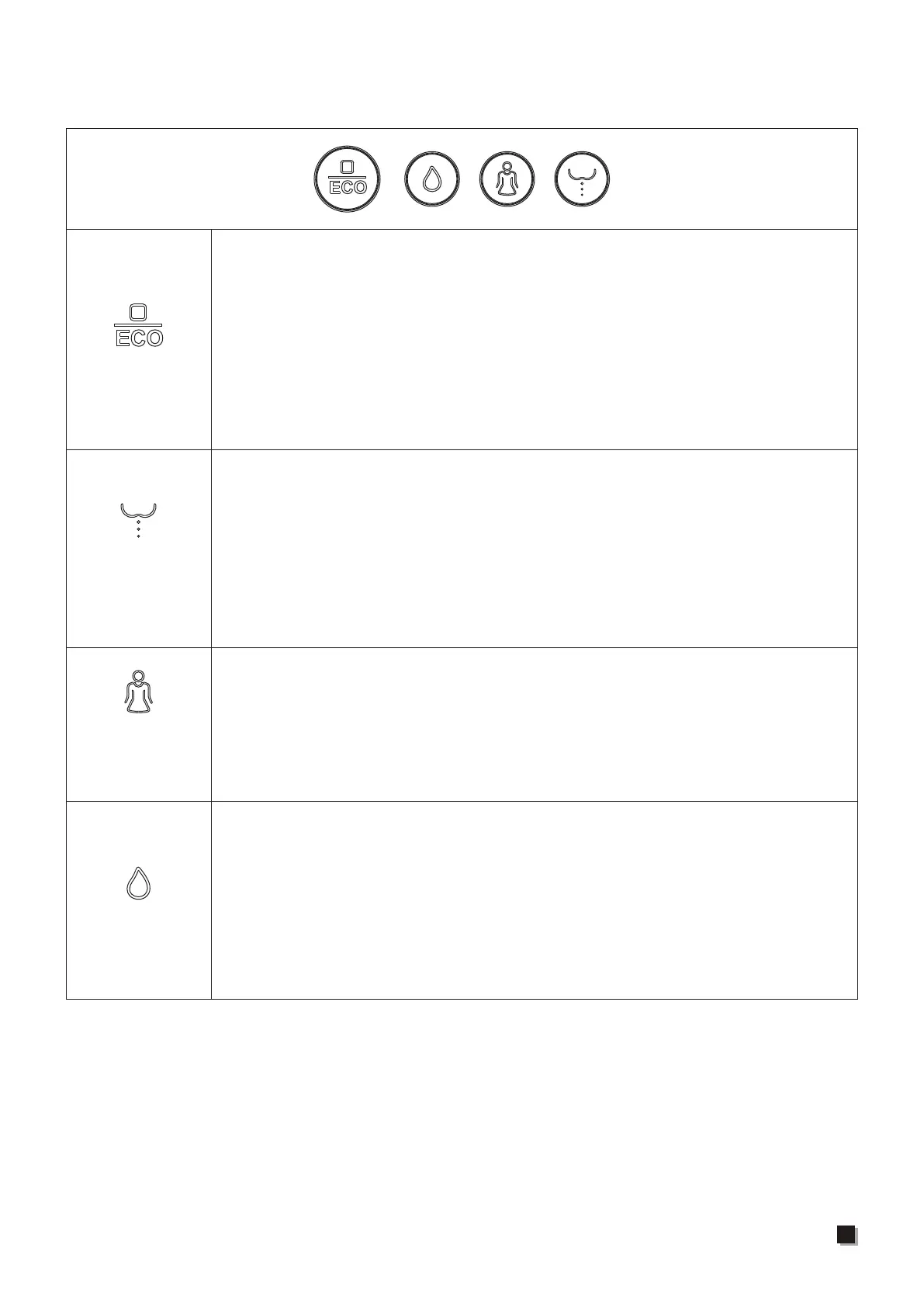
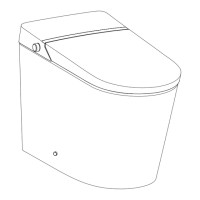
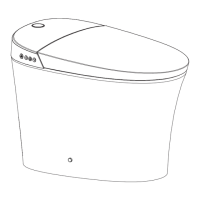
Description of the button function
Rear washing/
Oscillating
washing
Note:
1. When the main unit is initializing, the “stop” button lights up, after about 1.5s, the blue
light (ECO light) will switch to red light (power light).
2. Under ECO mode, the “stop” button lights up in blue (ECO light). Under working mode,
the “stop” button lights up in red (power light). Under power-off mode, the “stop” button
on the main unit lights off.
3. Default settings for all functions are intermediate when powering on. Use remote control
to switch to the function level set before.
Stop
Front washing/
Oscillating
washing
Flushing
1. When no one is seated, press and hold Stop Button (about 3 seconds)
to enter shutdown mode (red light off), press Stop Button again to
return to functional mode (red light on). In shutdown mode, all
functions and buttons (with the exception of the Stop Button) will not
operate.
2. When seated, short press Stop Button to stop front washing, rear
washing or drying functions; When no one is seated, repeatedly
press Stop Button, the main unit will switch between functional mode
(red light) and energy saving mode (blue light).
1. When seated, press Rear Washing Button to start rear washing
function and press again to shift to oscillating washing. Press Stop
Button to stop rear washing immediately. After one cycle washing,
drying function will be automatically turned on if the human body
remains seated and stop after one cycle.
2. When no one is seated, press Rear Washing Button, the nozzle will
stretch out to allow access for cleaning; Press Stop Button, the
nozzle will retract.
1. When seated, long press Flushing Button (about 3 seconds) to start
drying function. The drying will stop automatically after on cycle,
while it will stop immediately if the user presses Stop Button.
2. In non-off mode, short press Flushing Button to start flushing
function. During rear washing or front washing, flushing function will
not operate. During nozzle cleaning, only when spray wand is fully
extended or retracted can flushing function be activated.
When seated, press Front Washing Button to start front washing
function and press again to shift to oscillating washing. Press Stop
Button to stop front washing immediately. After one cycle washing,
drying function will be automatically turned on if the human body
remains seated and stop after one cycle.
17


 To Next Page