8
4 Technical description
Cursor keys
The cursor appears in the display as a dark field.
– If a menu should be selected, the cursor must be moved to that menu and the selection
should then be confirmed by pressing .
– The cursor is also used to move into, or to change between, input fields. Entries do not
have to be confirmed by pressing ; they are stored immediately.
Control keys
– To exit a menu or to return to the next-highest menu level.
– After a program has been started, the display of the program can be exited, e.g. in
order to work in the programming level.
– To call up a menu which has been selected using the cursor.
– To confirm an entry.
– To quick-start a program from the processing level ("FILES/Edit" menu). If another
program needs to be started, the "Start" menu must be used.
– To cancel or to interrupt a program.
4.3 Display
Press the main power switch on the rear of the device (Sec. 4.1, Fig. 3.2). The device name and the software
version installed appear briefly in the display.
The main menu then appears in the display:
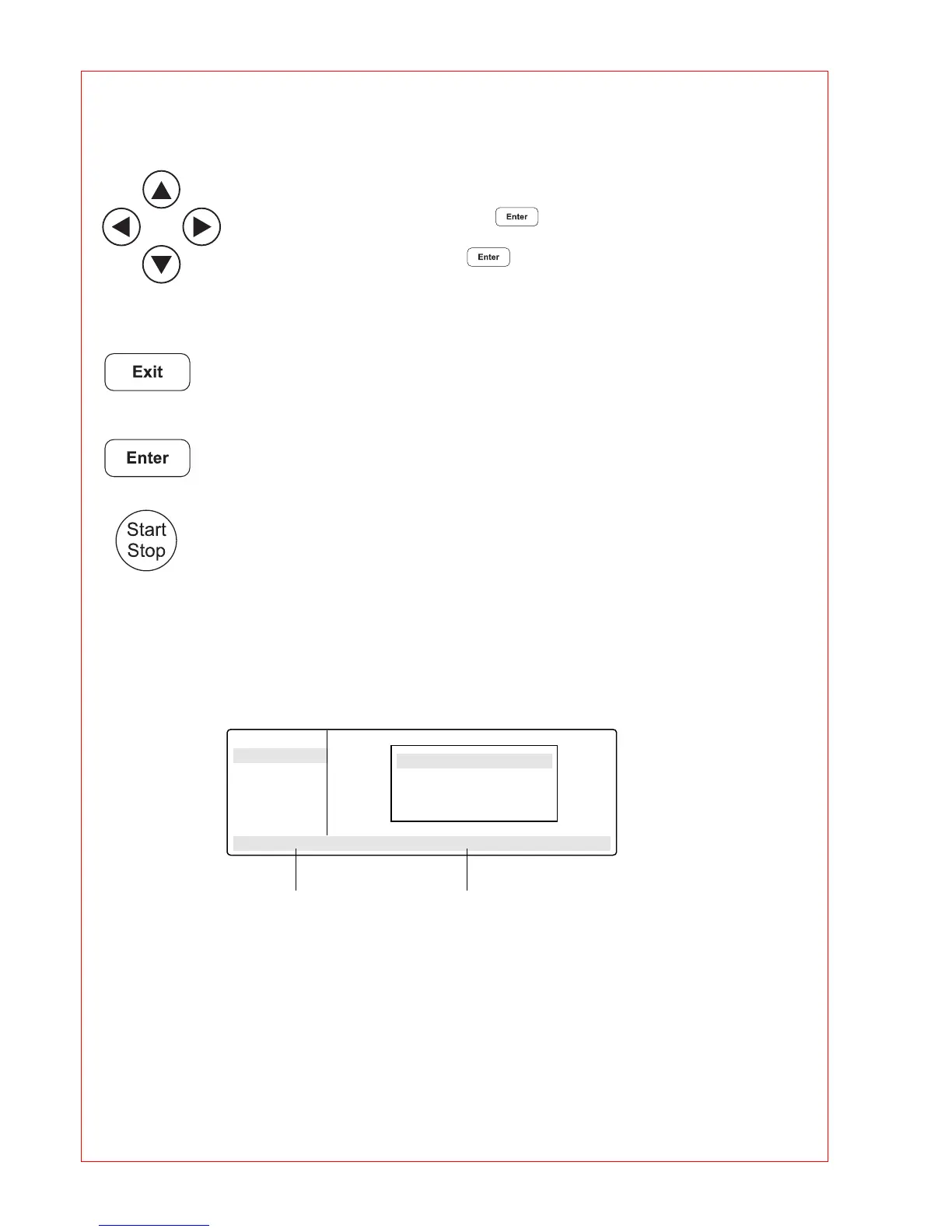
The eight-line display is divided into two areas. The menu field on the left-hand side contains a list of the
selectable programs. The programming field is used for programming and for setting the device parameters.
Main-Menu
Start
FILES . .
OPTIONS . .
Lid
Incubate
STANDARD
– –/25.0° Lid:105° 10:22:06
Menu field Programming field
❋❋❋ MASTERCYCLER ❋❋❋
gradient 5331
eppendorf
Version ❋.❋❋.❋❋



 To Next Page