9
5 Description of menus
5.1 Main menu
A menu or a sub-menu can be called up in three different ways:
1. Select using the keys and confirm by pressing .
2. Select using the key and confirm by pressing .
3. Select the menu using the internal position number (shown in brackets in the text) and confirm by
pressing .
The program in the processing level can be started immediately by pressing the key. Menus are exited by
pressing the
key. To access the main menu, it may be necessary to press the key several times.
Menus written in capital letters have additional sub-items. For ease of reference, the menu name appears on
the left-hand side of the display or as a headline above the menu or as a sub-item.
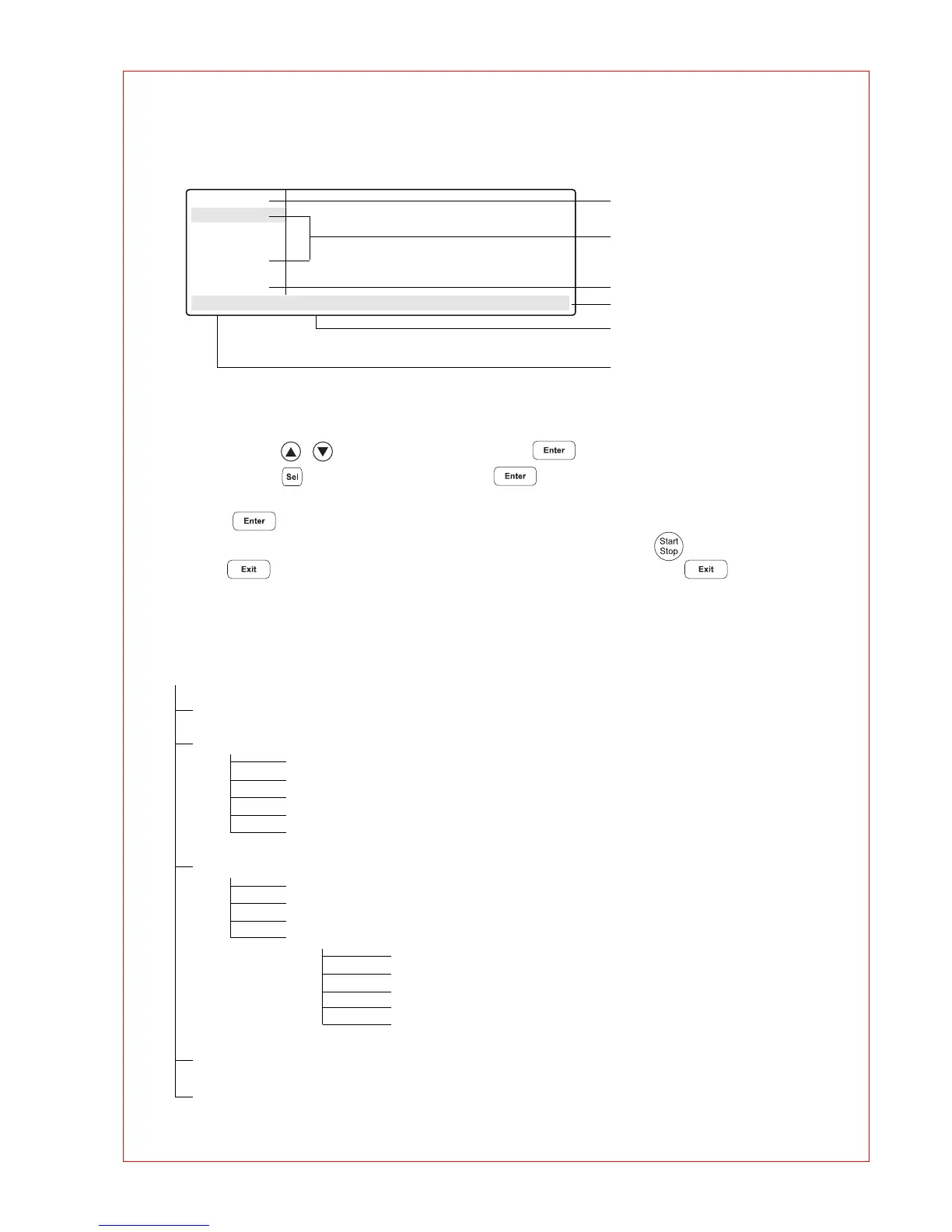
Overview of the entire menu structure:
Main-Menu
Start
FILES . .
OPTIONS . .
Lid
Incubate
STANDARD
– –/25.0° Lid:105° 10:22:06
Menu name
Sub-menus
Program in processing level
Time
Lid temperature
Nominal/actual block temperature
(only when lid is switched on)
Main-Menu
Start (1) To start programs
FILES . . (2) To program
Edit (1) To change a program in the processing level
Load (2) To load and change any program
Standard (3) Example program
New (4) To create new programs
Delete (5) To delete programs
OPTIONS . . (3) System settings
Editor (1) To display additional functions
Printer (2) To connect a printer
Gradient (3) To display the temperature distribution
GENERAL . . (4)
Clock (1) To set the clock
Remote (2) To connect a PC
Sound (3) Tone
Etc (4)
VALID . . (5) To test the device
Lid (4) To preheat the lid
Incubate (5) To preheat the thermoblock and the lid



 To Next Page