13
5 Description of menus
5.4.2 Printer
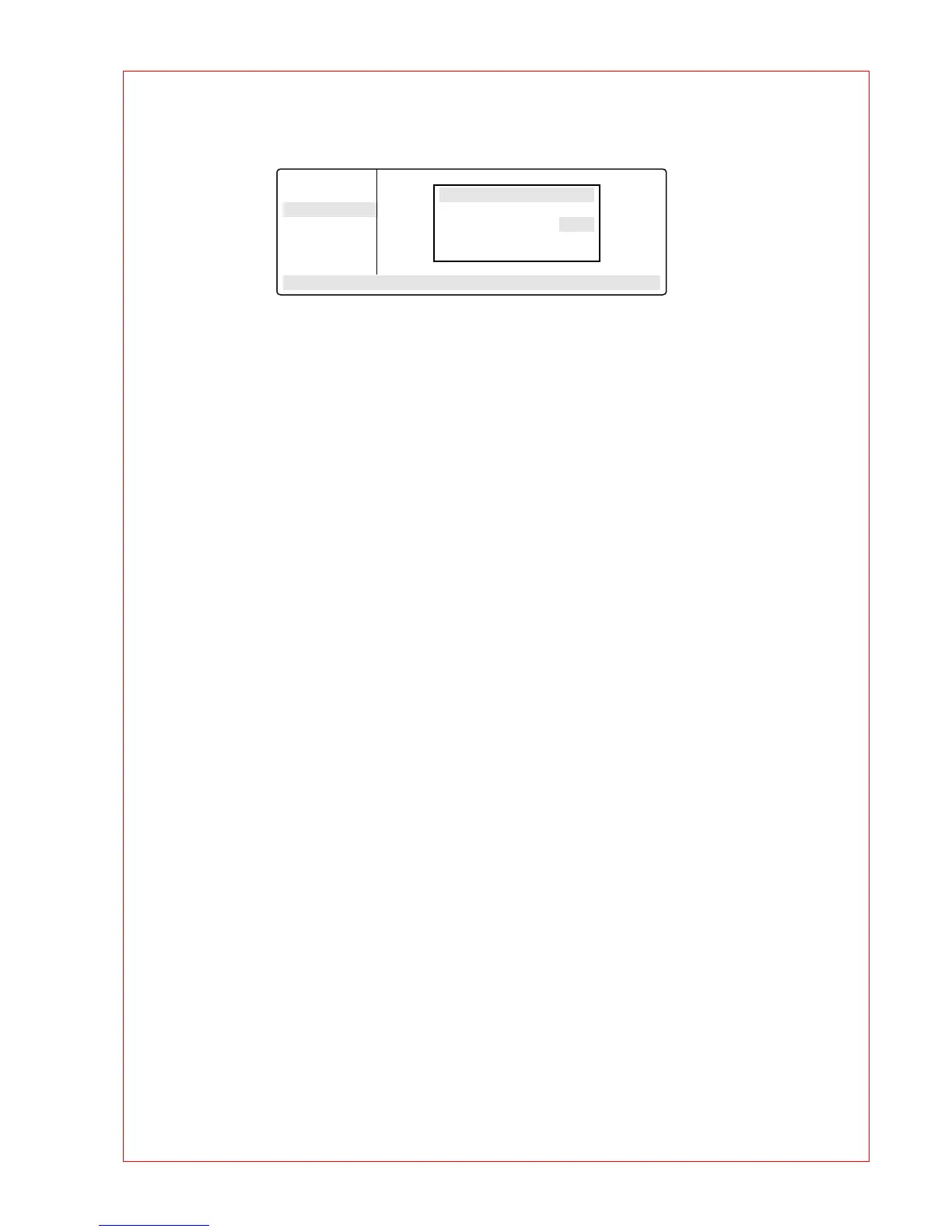
Entries are necessary only when a printer is connected.
Printout Editor
YES: The program in the "Edit" processing level is printed out.
If "YES" has been selected, but no printer is accessible, the error message
"Printer: No Response" appears in the display.
NO: Appears automatically when the program printout has finished.
Print Protocol
ON: When the program starts, the commands are printed out; during the run, every completed
command is printed out together with the time.
OFF: No printout is made.
OPTIONS . .
Editor
Printer
Gradient
GENERAL . .
STANDARD
– –/22.0°
Printer Mode
Printout Editor: NO
Print Protocol: OFF



 To Next Page