14
5 Description of menus
5.4.3 Gradient
The Gradient function can be selected with the Mastercycler
®
gradient only.
The Gradient function can be used to vary the temperature distribution across the block.
In every temperature step, the thermoblock can be programmed so that each of the 12 columns has a different
temperature. The lowest temperature is in the cavities on the left-hand side. It then rises gradually across the
block so that the highest temperature is on the right-hand side.
Show Gradient
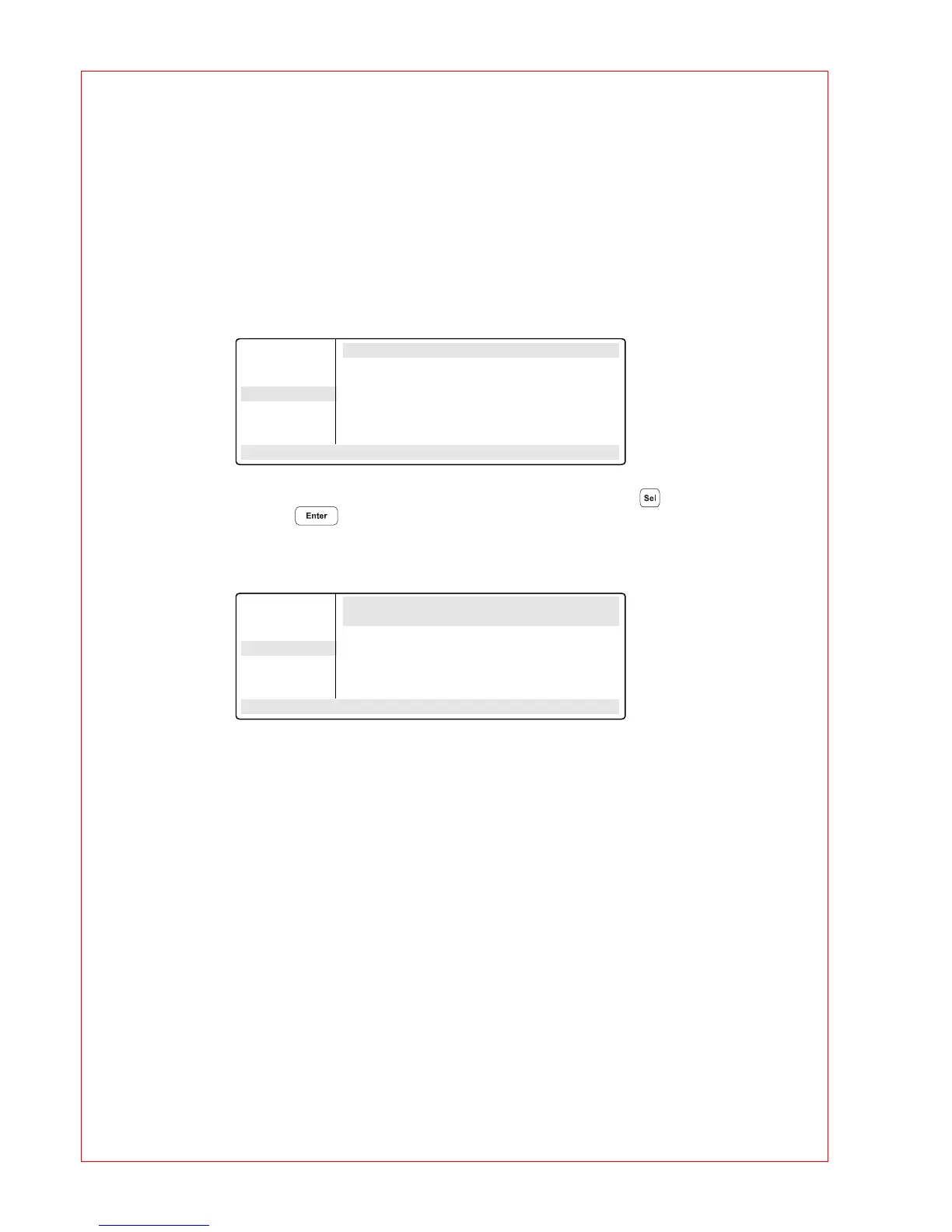
The "Show Gradient" menu can be used to show which temperature is in which column:
The tube type "0.2 ml, 0.5 ml, 0.5 ml thin, plate" is selected by and confirmed by
pressing .
After a temperature and a gradient have been entered, the temperature distribution
across the block appears in the display:
The gradient may be a maximum of
±
10
°
C with a resolution of 0.1
°
C. This means that the overall
temperature span is 20
°
C. The selected temperature is in the middle of the block.
The left-hand side is temperature-controlled to nominal temperature – gradient
The right-hand side is temperature-controlled to nominal temperature + gradient.
OPTIONS Show Gradient
Editor Tube: 0.2 ml T=60.0 G=7.0 °C
Printer
Gradient
GENERAL . .
STANDARD
– –/22.0° 10:22:06
OPTIONS Show Gradient
Editor Settings: Tube: 0.2 ml T=60.0C G= 7.0C
Printer Pos. 1: 52.9C Pos. 5: 56.9C Pos. 9: 64.3C
Gradient Pos. 2: 53.2C Pos. 6: 58.7C Pos:10: 65.8C
GENERAL . . Pos. 3: 54.0C Pos. 7: 60.6C Pos.11: 66.9C
Pos. 4: 55.2C Pos. 8: 62.5C Pos.12: 67.5C
STANDARD Print Results <OPT>
– –/22.0° 10:22:06



 To Next Page