18
5 Description of menus
5.6 Incubate
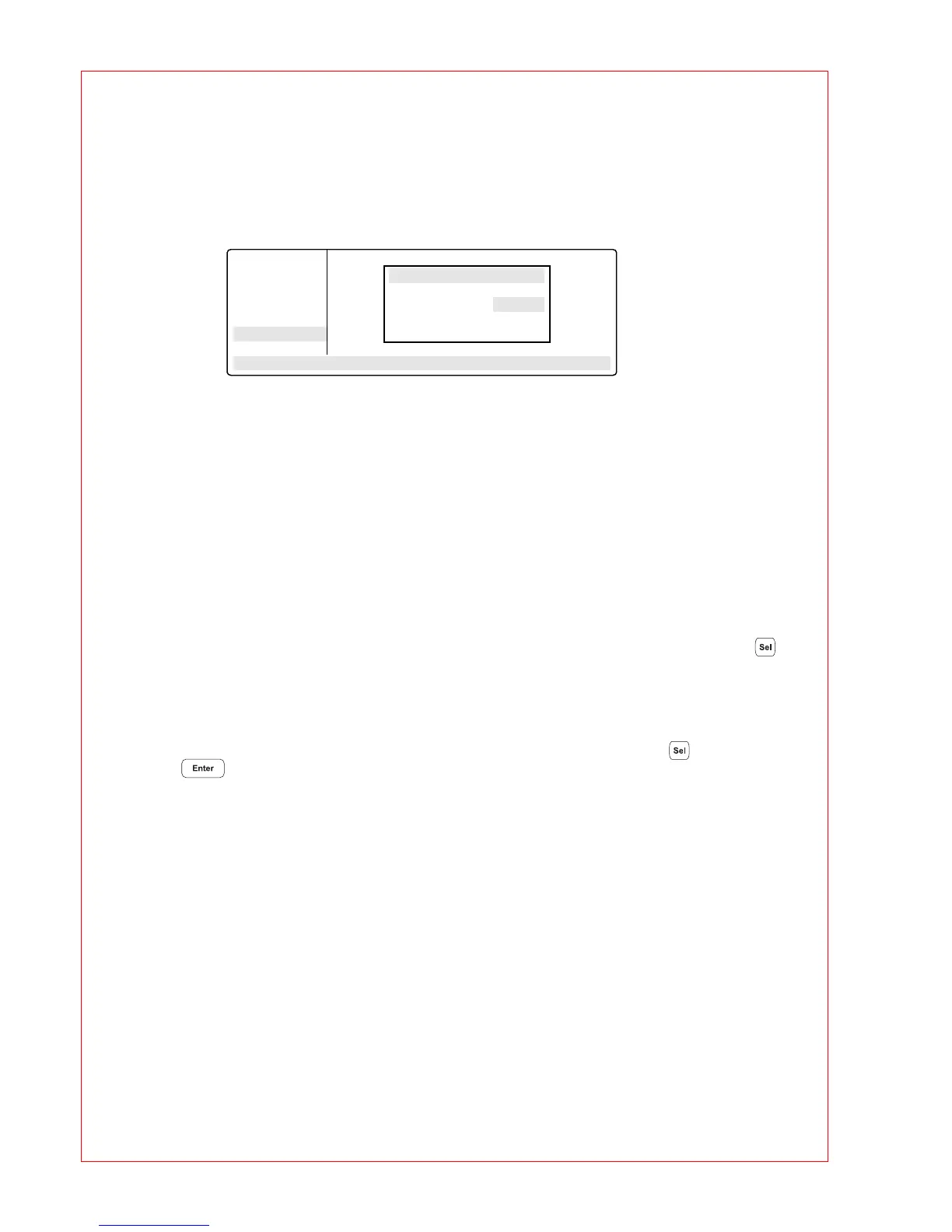
The "Incubate" menu in the main menu is used to determine the block temperature and to switch on/off the
temperature control of the block. (e.g. for incubation experiments or to preheat the block). The temperature of
the heated lid is aligned to that of the block.
BlockTemp: Nominal/actual temperature. To enter the temperature for the thermoblock.
It is possible to enter values from +4
°
C to 99
°
C. It is not possible to select a gradient.
Heater is On: Temperature control of the block is on.
Heater is Off: Temperature control of the block is off.
Another option is to reduce the program run time if the thermoblock and the heated lid have reached the
required temperature before the program starts.
To bring the thermoblock and the heated lid to the desired temperature, select the "Incubate" menu after the
device has been switched on, enter the desired block temperature and select "Heater is On" using the key.
If "Incubate" is running, the "Lid" menu cannot be selected.
When a program starts, it is the program settings which have priority.
When a program is running, the temperature control of the block cannot be switched on or off.
To interrupt: If "Heater is On" is in the display, set the device to "Heater is Off" using the key and confirm
by pressing .
Caution
:
If the "Incubate" menu has been selected, the thermoblock and the heated lid may be hot when the
tubes are inserted, which means that there is a high burns risk for the user.
Main-Menu
Start
FILES . .
OPTIONS . .
Lid
Incubate
STANDARD
– –/22.0°
Block Temp
BlockTemp: 37/22°C
Heater is Off



 To Next Page