23
6 Operation
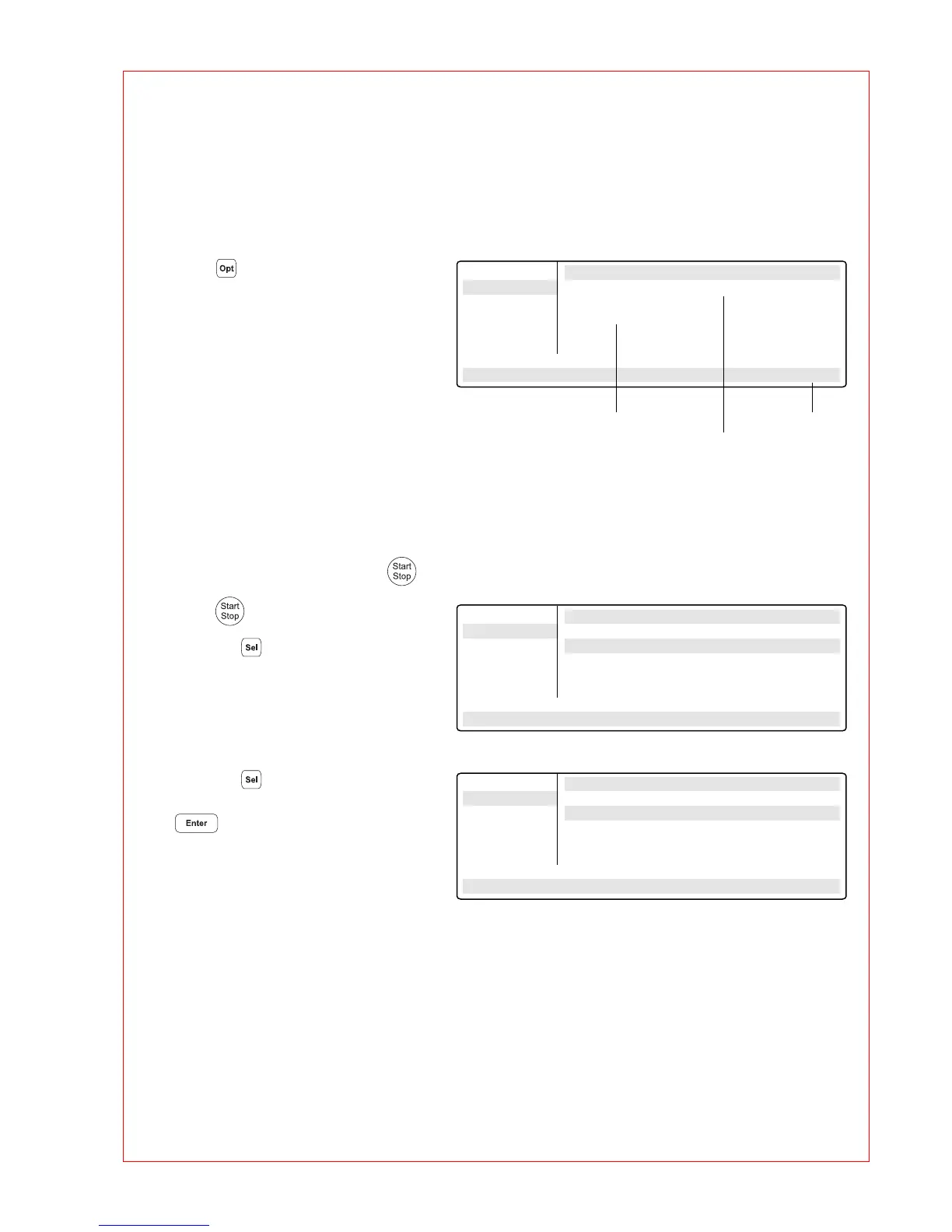
6.4 Displaying the running time of a program
6.5 Interrupting a program
While a program is running, the
approximate run time and the expected
end time of the program can be shown
in the display.
– Press .
The key is effective only when a
program run appears in the display,
not in the main menu, with other
menus or sub-menus.
A program can be aborted, paused
or continued at any point by pressing .
– Press .
Using the key, select between:
Stop To abort the program
Pause To interrupt the program
Run To return to the display of
the program sequence
– Using the key, move to "Pause".
– Confirm "Program:PAUSE" by pressing
.
The program is interrupted, time counting
stops and the last nominal temperature is
retained.
The name of the interrupted program
appears in the main menu in alternation
with "Paused" and the "Start" menu
changes to the display "Stop".
Main-Menu Run a Program:
Start Run Time: 1:03
FILES . . Finish Time:
OPTIONS . . 17/Jun/1997 15:06
Lid
Incubate
Running/STANDARD Cyc:4
22.0/25.0° Lid:105° 14:02:30
Main-Menu Run a Program:
Start STANDARD running...
FILES . . Program: STOP
OPTIONS . .
Lid
Incubate
Running/STANDARD
95.0/94.5° Lid:105° 10:22:06
Main-Menu Run a Program:
STOP ! STANDARD running...
FILES . . Program: PAUSE
OPTIONS . .
Lid
Incubate
Paused/STANDARD
95.0/94.5° Lid:105° 10:22:06
Current time
Program end
Run time in hours:minutes



 To Next Page