24
6 Operation
6.6 Continuing an interrupted program
6.7 Aborting a program
6.8 Switching off the device
To switch off the device, move the main
power switch on the rear of the device to .
The name of the program appears in
the display in alternation with "Paused"
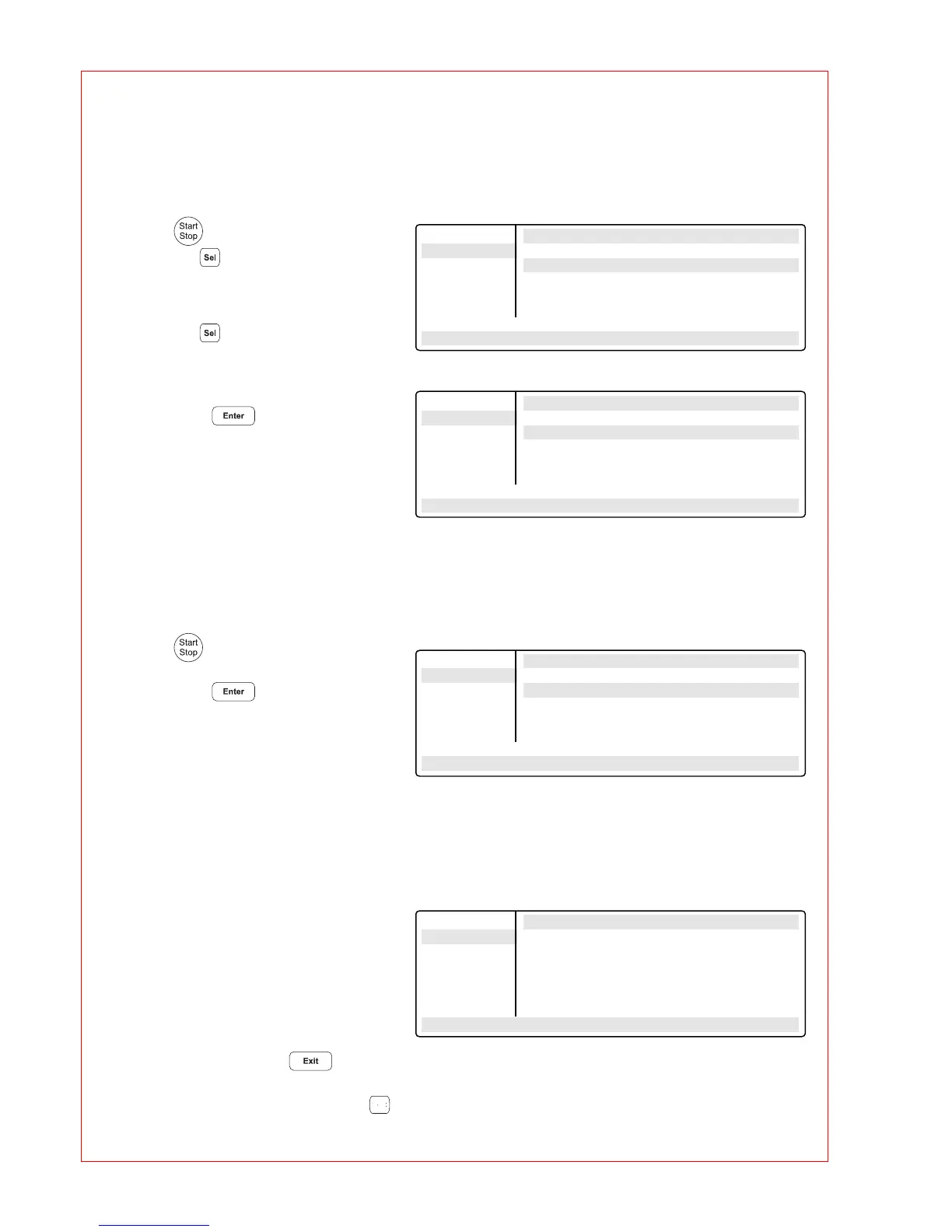
– Press .
Using the key, select between:
Stop To abort the program
Pause To interrupt the program
Resume To continue the program
– Using the key, move to "Resume".
– Confirm "Program:RESUME"
by pressing ;
the program is continued.
– Press .
– Confirm "Program:STOP"
by pressing .
After a program has been completed,
the following appears in the display:
If a new program has to be started, exit
the old program by pressing .
Main-Menu Run a Program:
STOP ! STANDARD PAUSED
FILES . . Program: PAUSE
OPTIONS . .
Lid
Incubate
Paused/STANDARD
95.0/94.5° Lid:105° 10:22:06
Main-Menu Run a Program:
STOP ! STANDARD PAUSED
FILES . . Program: RESUME
OPTIONS . .
Lid
Incubate
Paused/STANDARD
95.0/94.5° Lid:105° 10:22:06
Main-Menu Run a Program:
STOP ! STANDARD running...
FILES . . Program: STOP
OPTIONS . .
Lid
Incubate
Paused/STANDARD
95.0/94.5° Lid:105° 10:22:06
Main-Menu Run a Program:
Start End of program
FILES . .
OPTIONS . .
Lid
Incubate
STANDARD
22.0/25.0° Lid:105° 14:02:30
>0<



 To Next Page