30
7 Programming
7.2.1 Programming
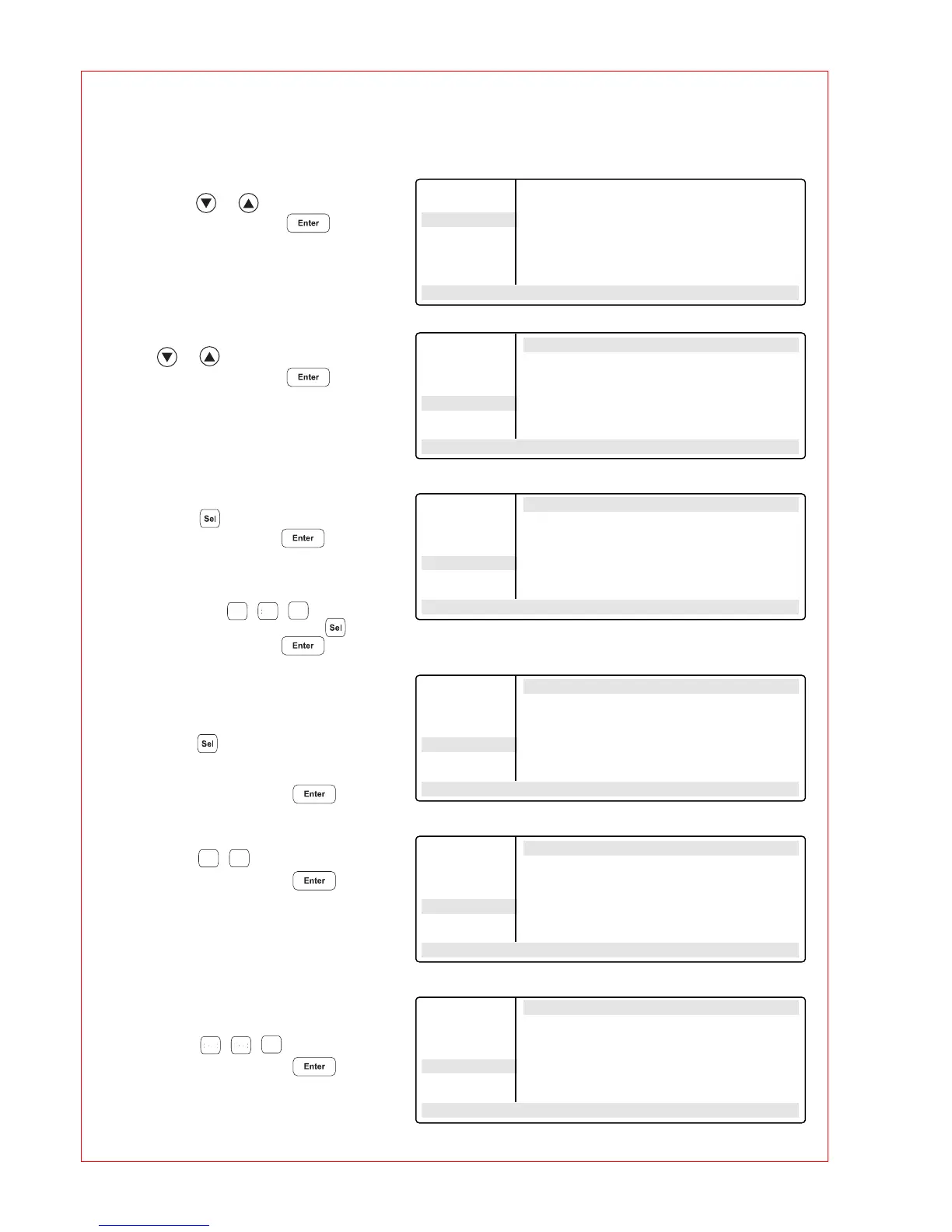
– Select the "FILES" menu
using the or key
and call up by pressing .
– Select the "New" menu using
the or key
and call up by pressing .
CNTRL BLOCK
– Using the key
or confirm by pressing .
LID=105
°
NOWAIT AUTO
– Enter the values
and press the , , keys.
Change "Nowait" and "Auto" ( key)
or confirm by pressing .
Initial denaturation
T=95.0
°
0:02:00
– Select command T (Temperature)
using the key (it may be
necessary to press the key
several times)
and confirm by pressing .
– Enter the temperature,
press the , keys
and confirm by pressing .
– Enter the time
(seconds:minutes:hours).
Press the , , keys
and confirm by pressing .
Main-Menu
Start
FILES . .
OPTIONS . .
Lid
Incubate
STANDARD
– –/22.0° 10:22:06
FILES . . Edit UNNAMED
Edit CNTRL BLOCK
Load LID=0°
Standard NOWAIT AUTO
New end
Delete
UNNAMED
– –/22.0° 10:22:06
1
>0<
5
FILES . . Edit UNNAMED
Edit CNTRL BLOCK
Load LID=105°
Standard NOWAIT AUTO
New end
Delete
UNNAMED
– –/22.0° 10:22:06
FILES . . Edit UNNAMED
Edit CNTRL BLOCK
Load LID=105°
Standard NOWAIT AUTO
New 1 T=❋❋❋❋° ❋❋:❋❋:❋❋
Delete end
UNNAMED
– –/22.0° 10:22:06
9
5
FILES . . Edit UNNAMED
Edit CNTRL BLOCK
Load LID=105°
Standard NOWAIT AUTO
New 1 T=95.0° ❋❋:❋❋:❋❋
Delete end
UNNAMED
– –/22.0° 10:22:06
>0< >0<
2
FILES . . Edit UNNAMED
Edit CNTRL BLOCK
Load LID=105°
Standard NOWAIT AUTO
New 1 T=95.0° 00:02:00
Delete end
UNNAMED
– –/22.0° 10:22:06



 To Next Page