32
7 Programming
7.2.2 Saving a program
Final elongation
T=72.0
°
0:02:00
Programming see page 30.
Cooling of samples
HOLD 22.0
°
ENTER
– Select the HOLD command using
the key (it may be necessary
to press the key several times)
and confirm by pressing .
– Enter the temperature.
Confirm by pressing .
– Exit the "New" menu using the
key.
– To save, press the key; the
device asks for the program name.
In the case of a new program, the device
suggests the name "UNNAMED".
– Confirm the name by pressing
or – if an other name is desired –
delete by pressing (if the key is held
down, the entire name is deleted; if the
keys is pressed briefly, individual letters
only are deleted).
– Enter the new program name.
Select letters using the key.
Press the key to move to the
next position etc.
and confirm by pressing .
If the program is to be saved under
an existing name, the question
appears:
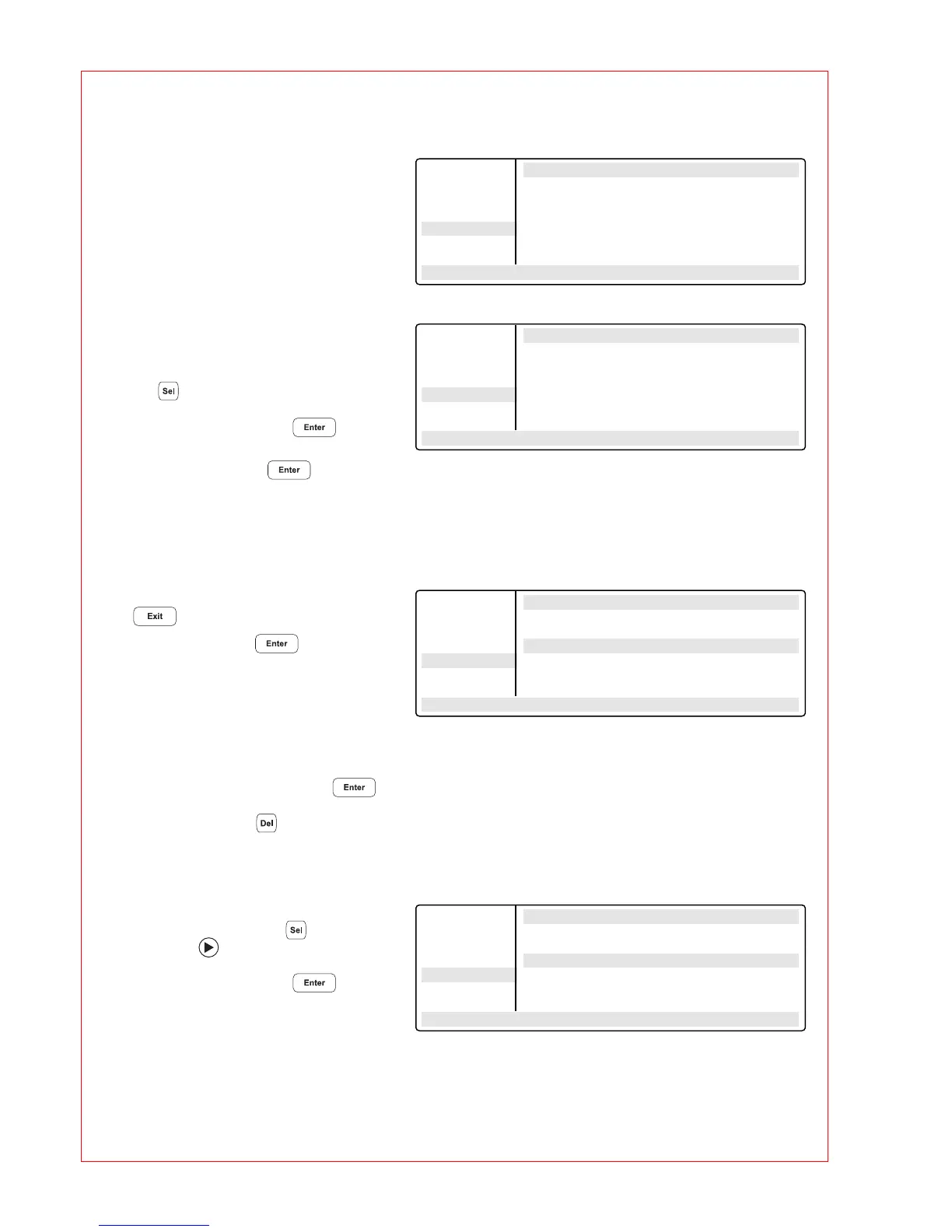
FILES . . Edit UNNAMED
Edit + 0.0 +0:00
Load R= 3.0°/s +0:0
Standard G= 10.0°
New 4 T= 72.0° 00:00:45
Delete 5 GOTO 2 REP 19
UNNAMED 6 T= 72.0° 00:02:00
– –/22.0° 10:22:06
FILES . . Edit UNNAMED
Edit R= 3.0°/s +0:0
Load G= 10.0°
Standard 4 T= 72.0° 00:00:45
New 5 GOTO 2 REP 19
Delete 6 T= 72.0° 00:02:00
UNNAMED 7 Hold 22.0° ENTER
– –/22.0° 10:22:06
FILES . . Edit UNNAMED
Edit UNNAMED not saved
Load SAVE: YES
Standard ProgName: UNNAMED
New
Delete
UNNAMED
– –/22.0° 10:22:06
FILES . . Edit UNNAMED
Edit UNNAMED not saved
Load SAVE: YES
Standard ProgName: Gradient
New
Delete
UNNAMED
– –/22.0° 10:22:06



 To Next Page